
This article is about
Ambio: Focus Timer & Sounds
Jaime Barreto · Multimedia
Ambio Audio Focus: What Happens When Another App Plays Sound?
GetApkFree Team
Learn how Ambio handles audio when another app, notification, call, or media session needs sound focus on Android.
- Version
- 2.0.0
- Requires
- Android 12.0+
- License
- MIT
- Source
- F-Droid
- Package
- com.jbgsoft.ambio
Ambio Audio Focus: What Happens When Another App Plays Sound?
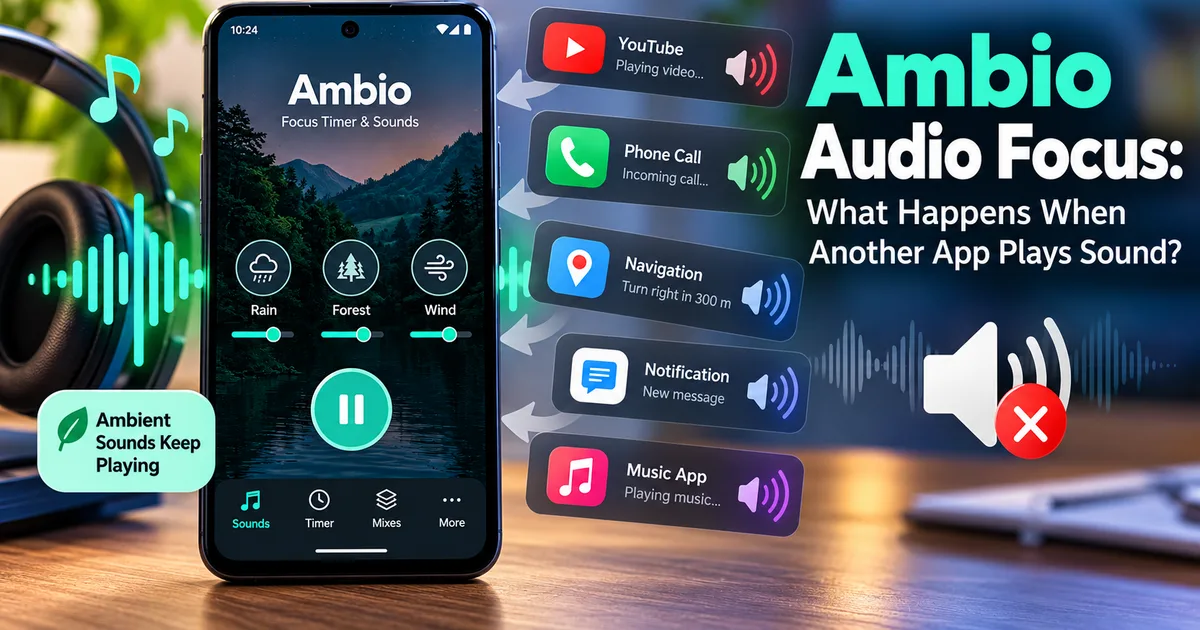
Ambio is designed to keep ambient sounds playing while you study, work, read, or relax. But Android phones often have several apps that can produce audio at the same time.
You might be listening to Ambio when:
- A YouTube video starts playing
- A music app starts playback
- A navigation app gives a voice instruction
- A notification makes a sound
- You receive a phone call
- Another application requests control of the device's audio output
This is where Android's audio-focus system becomes important.
Ambio has specifically received audio-focus fixes in its 2.0 release, according to the application's published release information. The current version also supports background playback and Android media controls.
This guide explains what audio focus means, why it matters for Ambio, and what you can do when another application interrupts your ambient sounds.
What Is Audio Focus on Android?
Audio focus is an Android mechanism that helps applications coordinate when multiple apps want to play audio.
For example, imagine that Ambio is playing rain and forest sounds in the background while you are studying.
Then another application starts playing audio.
Without some form of audio coordination, both applications could attempt to play at the same time and create an unpleasant or confusing result.
Android provides audio-focus mechanisms so applications can respond to situations where another audio source becomes active.
Depending on the type of audio event, an application may temporarily reduce its volume, pause playback, or otherwise respond to the competing audio session.
The exact behavior depends on the application, Android version, device manufacturer, and type of audio event.
Why Does Audio Focus Matter for Ambio?
Ambio is an audio application.
Its main purpose is to continuously play ambient sounds such as:
- Rain
- Fireplace
- Café
- Forest
- Birds
- Crickets
- Ocean
- Stream
- Cave
- Wind
- White Noise
- Brown Noise
The app can combine up to three sounds at the same time, with individual levels for each sound.
Because Ambio can continue playing audio in the background, it needs to coexist with other Android audio sources.
This makes audio focus an important part of the overall playback experience.
Did Ambio Receive Audio-Focus Fixes?
Yes.
Ambio's 2.0 release notes specifically mention:
"Audio focus and saved-mix fixes."
The release also introduced the current mixer system, tablet layout, and other playback-related improvements.
The current F-Droid listing includes Ambio 2.1.1, which contains additional playback-related fixes, including improvements involving stopping and exiting playback.
This means audio behavior has been an active part of Ambio's development rather than an unrelated technical detail.
What Happens When Another App Starts Playing Audio?
There isn't one universal behavior for every situation.
Android audio behavior can depend on what the other application is doing and how that application requests audio focus.
For example, a short notification sound is very different from starting a full music track.
A navigation instruction is also different from a phone call.
As a result, you shouldn't expect every interruption to produce exactly the same response.
Possible outcomes include:
- Ambio temporarily reducing or stopping its audio
- The other application taking priority
- Ambio continuing when the interruption ends
- Playback requiring manual resumption
- Both applications behaving differently depending on the Android device
The exact behavior can vary by Android version and manufacturer.
What Happens During a Phone Call?
Phone calls have special handling on Android.
When a call begins, Android and the phone application can take control of audio-related resources.
If Ambio was playing before the call, its playback behavior can therefore change during the call.
The important point is that this isn't necessarily an Ambio problem.
Android is coordinating several audio-related components at once.
After the call ends, the behavior can depend on the Android version, device, and how the application responds to the audio state change.
If Ambio doesn't resume as expected, you can manually start playback again.
What About YouTube or Music Apps?
Music and video applications can also request audio focus.
For example, suppose you are using Ambio with a Rain + Forest mix.
You then open a video application and start a video containing audio.
The video application may request audio focus.
Android then has to coordinate the two audio sources.
The resulting behavior depends on the audio-focus request and how each application responds.
This is one reason why two different apps can behave differently when used alongside Ambio.
What About Navigation Apps?
Navigation applications are another common example.
You may want Ambio's ambient sound to continue while driving or traveling, but a navigation application may need to play a spoken instruction.
A navigation instruction is normally short, so Android can coordinate the audio differently from a continuous music stream.
The exact result can vary depending on the navigation application and your Android device.
If you notice that Ambio changes its playback behavior when navigation instructions occur, this can be related to Android's audio management rather than a damaged sound file.
Does Audio Focus Affect Ambio's Sound Mixer?
Audio focus is separate from Ambio's sound mixer.
The mixer controls which ambient sounds Ambio is producing and how loud each selected sound is.
You can combine up to three of Ambio's twelve sounds and adjust their individual levels.
Audio focus, on the other hand, concerns how Ambio's playback interacts with other audio sources on Android.
For example:
Rain + Forest + Birds ↓ Ambio mixer
Another application starts audio ↓ Android audio-focus event
These are two different parts of the audio system.
Audio Focus vs Volume Control
It is also important not to confuse audio focus with volume.
Volume control determines how loud your audio is.
Audio focus determines how applications coordinate when multiple sources want to use audio.
For example, if Ambio sounds too quiet, increasing the individual sound level or device media volume may help.
But if Ambio becomes quiet because another application has started playing audio, changing the volume may not solve the underlying issue.
That can be an audio-focus or audio-interruption situation.
Can You Keep Ambio Playing in the Background?
Yes.
Ambio supports background playback.
Its current listing says that Ambio can continue playing with media controls available through:
- The notification shade
- The lock screen
- Quick Settings
This allows you to leave the main Ambio interface while keeping the sound mix available.
However, background playback does not mean that Ambio will always override every other application that wants to play audio.
Android still controls how competing audio sessions interact.
For more information, see our guide:
Ambio Background Playback: How to Keep Sounds Playing
Can Android Stop Ambio Automatically?
Android can affect background applications in several ways.
Audio focus is one part of the system.
Battery management and device-specific background restrictions can also affect applications.
Therefore, if Ambio stops unexpectedly, don't immediately assume that audio focus is responsible.
Check other possible causes as well.
For example:
- Check the media volume.
- Check whether another app is currently playing audio.
- Check Bluetooth or wired audio connections.
- Check Android battery-management settings.
- Check whether Ambio is still running.
- Try starting the mix again.
- Check whether the issue happens repeatedly with the same application.
What If Ambio Doesn't Resume After an Interruption?
If Ambio doesn't resume after another application finishes playing audio, try the following steps.
Step 1: Check the Media Volume
Press the volume buttons and make sure media volume is not muted or extremely low.
Step 2: Check the Active Audio Device
If Bluetooth headphones or another audio device are connected, make sure Android is sending audio to the device you expect.
Step 3: Check Another App
Close or pause the application that started playing audio.
Then return to Ambio and check whether playback resumes.
Step 4: Restart Ambio Playback
Use Ambio's playback controls to stop and start the sound mix again.
Step 5: Check Media Controls
Open Android's notification shade and check whether Ambio's media controls are still available.
Step 6: Restart the App
If playback remains stuck, close Ambio and start it again.
If you are experiencing a broader sound problem, see:
Ambio Not Playing Sound? How to Fix Audio Problems
What If Ambio Keeps Playing When You Don't Want It To?
The opposite situation can also happen.
You may want another application to take over audio, but Ambio continues playing.
Start by using Ambio's media controls to stop playback.
Depending on your Android version and device, you can access media controls from the notification shade or lock screen.
Ambio also provides a Quick Settings tile that can start the last mix.
If playback behavior seems unusual after stopping Ambio, make sure you are using a current version. Ambio 2.1.1 includes fixes related to stopping and exiting playback.
Does Bluetooth Change Audio Focus?
Bluetooth can change where audio is routed, but Bluetooth itself is not the same thing as audio focus.
For example, you might connect wireless headphones while Ambio is playing.
Android then has to determine which audio output device should receive the audio.
At the same time, other applications may still request audio focus.
If you experience problems after connecting Bluetooth headphones, first check:
- Bluetooth connection status
- Media volume
- Selected audio output
- Whether another application is playing audio
- Whether Ambio playback is active
This helps separate an audio-routing problem from an audio-focus problem.
Does Audio Focus Mean Ambio Is Sending Data?
No.
Audio focus is an Android audio-management concept.
It does not mean that Ambio is sending your audio activity to a remote server.
The current Google Play listing says that Ambio collects no data and shares no data with third parties, while the developer describes the application as working completely offline.
Audio coordination happens as part of Android's local media system.
For more information about Ambio's privacy model, see:
Ambio Privacy: Does It Collect Your Data?
Is Audio Focus the Same as Media Controls?
No.
They are related to playback but serve different purposes.
Audio focus
Audio focus helps applications coordinate competing audio playback.
Media controls
Media controls let you control playback.
Ambio provides media controls through Android's notification shade, lock screen, and Quick Settings.
For example, you can use media controls to:
- Pause playback
- Resume playback
- Stop playback
Audio focus determines how Ambio interacts with other audio sources.
Media controls determine how you interact with Ambio's playback.
Why Can Audio Behavior Differ Between Android Phones?
Android manufacturers can customize parts of the operating system.
Battery-management behavior, notification handling, Bluetooth implementation, and background-process restrictions can differ between devices.
Android versions can also introduce changes to media and audio behavior.
Therefore, an Ambio audio interruption may behave differently on two phones even when they are running similar versions of the app.
When troubleshooting, it is useful to record:
- Your Android version
- Your phone model
- Your Ambio version
- The other application involved
- What happened immediately before the interruption
This information can make a technical problem much easier to reproduce.
Frequently Asked Questions
What is audio focus on Android?
Audio focus is an Android mechanism that helps applications coordinate when multiple apps want to play audio.
Does Ambio support audio focus?
Ambio has received audio-focus fixes. Its 2.0 release notes specifically mention "Audio focus and saved-mix fixes."
Will Ambio always stop when another app plays audio?
Not necessarily. The result depends on the type of audio event, the other application's audio-focus behavior, Android version, and device.
Can a phone call interrupt Ambio?
Yes. Phone calls can affect active audio playback because Android gives the phone call audio special handling.
Can YouTube or music apps interrupt Ambio?
They can request audio focus and change how Ambio's playback behaves. The exact result depends on the applications and Android device.
Does audio focus affect Ambio's sound mix?
Audio focus and the sound mixer are separate systems. The mixer controls Ambio's sounds and levels, while audio focus concerns interaction with other audio sources.
Can I control Ambio after leaving the app?
Yes. Ambio supports background playback with Android media controls through the notification shade, lock screen, and Quick Settings.
What should I do if Ambio doesn't resume after another app stops playing?
Check media volume and audio output first, then try Ambio's media controls or restart playback. If the problem persists, restart Ambio and check for a broader sound or background-playback issue.
Final Thoughts
Audio focus is an important but mostly invisible part of using an ambient sound application on Android.
Ambio is designed for continuous audio playback, so it needs to coexist with other applications that may also need the device's audio system.
Ambio's 2.0 release included audio-focus fixes, and current versions provide background playback and Android media controls.
If another application starts playing sound, the exact result can vary. A notification, navigation instruction, music stream, video, and phone call can all be handled differently by Android.
If Ambio behaves unexpectedly after an interruption, start with simple checks such as media volume, audio output, the other active application, and Ambio's playback controls.
Understanding the difference between audio focus, volume, media controls, and background playback makes it much easier to diagnose audio problems without assuming that the Ambio sound system itself is broken.
Related Articles
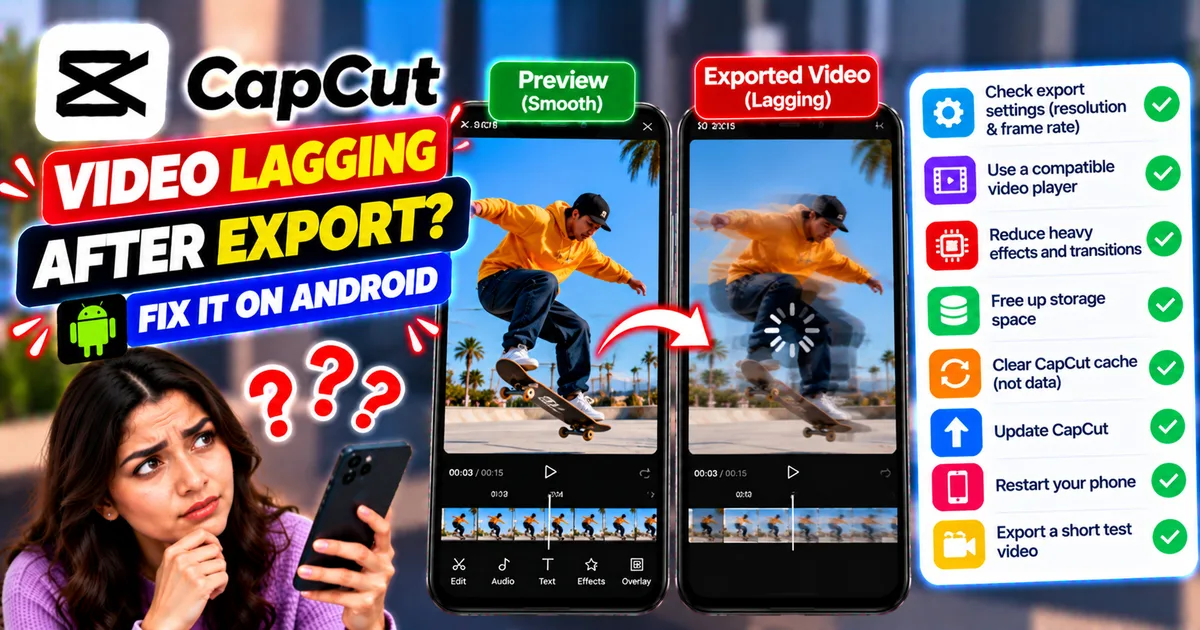
How to Fix CapCut Video Lagging After Export on Android
Fix CapCut video lagging after export on Android. Learn how to troubleshoot choppy playback, frame-rate mismatches, heavy effects, storage issues, and export settings.
GetApkFree Team
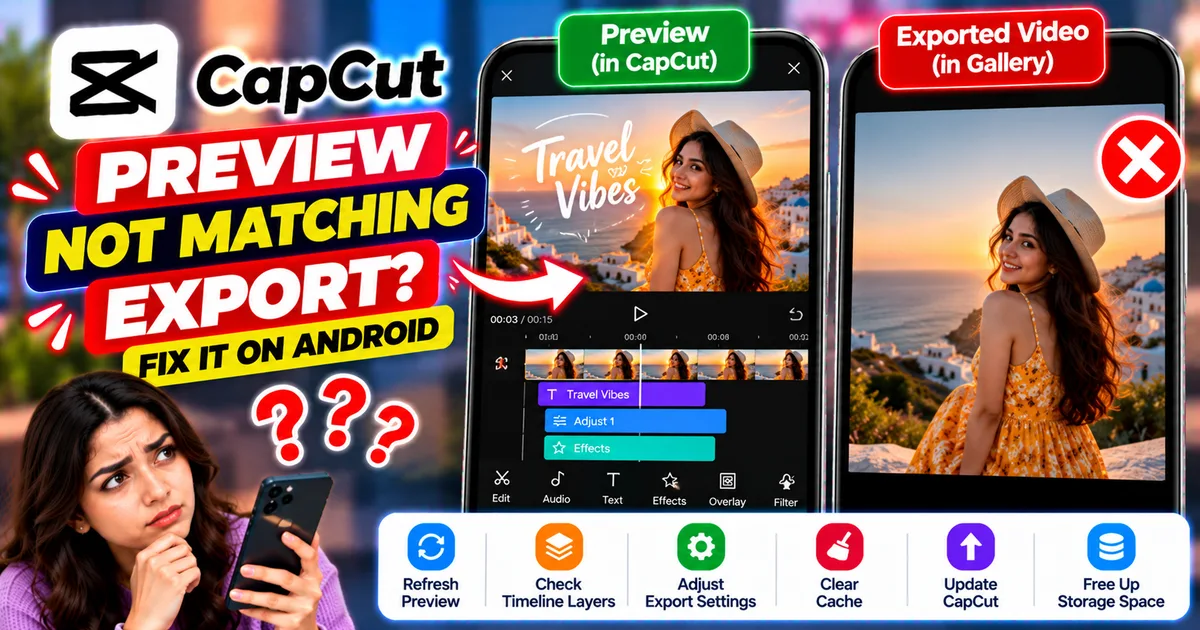
How to Fix CapCut Preview Not Matching Export on Android
Fix CapCut preview not matching the exported video on Android. Troubleshoot missing effects, text, transitions, timing, colors, and rendering differences.
GetApkFree Team
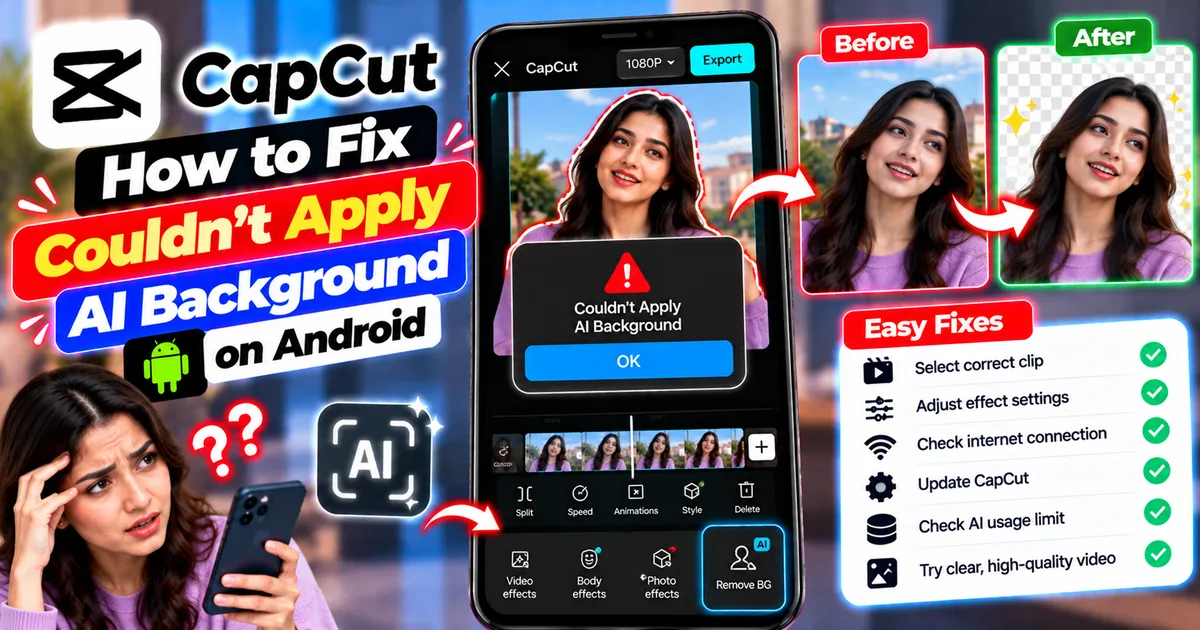
How to Fix Couldn't Apply AI Background in CapCut on Android
Getting "Couldn't Apply AI Background" in CapCut on Android? Check usage limits, clip selection, video quality, app updates, and practical troubleshooting steps.
GetApkFree Team
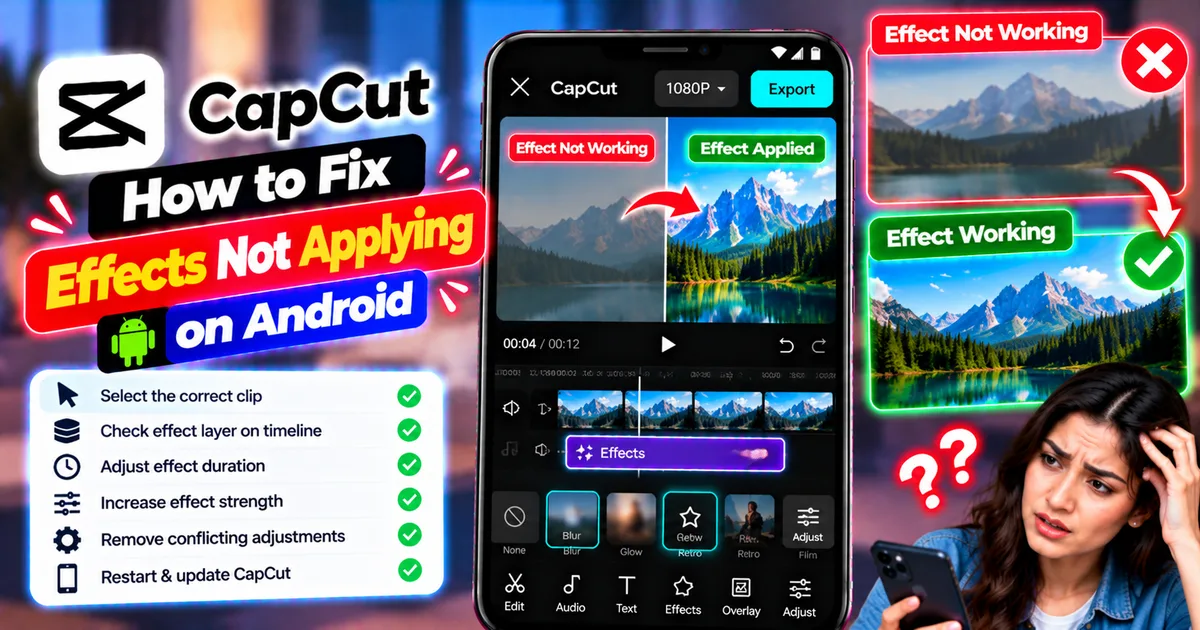
How to Fix CapCut Effects Not Applying on Android
CapCut effects not working on Android? Check clip selection, effect layers, timeline timing, conflicting adjustments, and app performance with these practical fixes.
GetApkFree Team