
This article is about
Ambio: Focus Timer & Sounds
Jaime Barreto · Multimedia
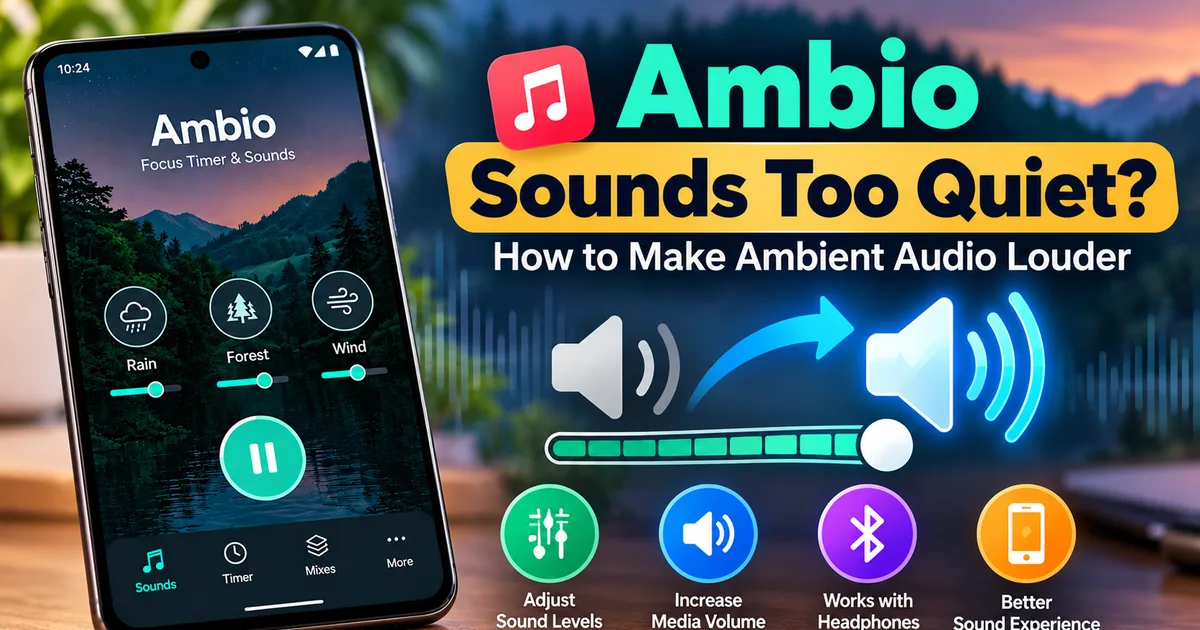
Ambio Sounds Too Quiet? How to Make Ambient Audio Louder
GetApkFree Team
Are Ambio sounds too quiet? Learn how to increase ambient audio volume, adjust individual sound levels, check Android media volume, and troubleshoot playback.
- Version
- 2.0.0
- Requires
- Android 12.0+
- License
- MIT
- Source
- F-Droid
- Package
- com.jbgsoft.ambio
Ambio Sounds Too Quiet? How to Make Ambient Audio Louder
Ambio is designed to create a comfortable background soundscape for studying, working, reading, meditation, and relaxation.
But sometimes you may start a sound mix and notice that the ambient audio seems too quiet.
The cause isn't always the Ambio app itself.
Android media volume, the individual level of a sound in the Ambio mixer, Bluetooth audio output, another active audio application, or the connected audio device can all affect what you hear.
Ambio 2.1 also included an audio-related improvement: the developer states that every sound was remastered for normal phone volume.
This guide explains how to make Ambio sounds louder and how to troubleshoot situations where the audio still seems too quiet.
Why Are Ambio Sounds Too Quiet?
There are several possible reasons.
The most common include:
- Android media volume is too low
- An individual Ambio sound level is low
- The selected sound is naturally softer than another sound
- Bluetooth headphones have low volume
- Android is routing audio to another output
- Another application is affecting audio focus
- Your phone has device-specific audio settings
- The Ambio mix contains several sounds with low individual levels
The first thing to determine is whether Ambio is producing audio normally but at a low level, or whether there is no usable audio at all.
Check Android Media Volume First
Start with your phone's media volume.
Press the volume-up button while Ambio is playing.
Make sure you are adjusting the media volume rather than ringtone or notification volume.
Android separates several types of audio volume, and the exact interface varies by device.
If the media volume is low, increasing an Ambio sound's individual level will not necessarily make the overall output loud enough.
Check the Ambio Sound Level
Ambio's mixer allows each selected sound to have its own level.
For example, you might create a mix like:
Rain — high
Forest — medium
Birds — low
If Birds sounds too quiet, check its individual level in the mixer.
The mixer supports up to three sounds simultaneously, and each selected sound has its own level control.
For a detailed explanation of the mixer, see:
Ambio Sound Mixer: How to Mix Ambient Sounds on Android
Don't Assume Every Sound Has the Same Character
Ambio contains twelve ambient sounds:
- Rain
- Fireplace
- Café
- Forest
- Birds
- Crickets
- Ocean
- Stream
- Cave
- Wind
- White Noise
- Brown Noise
Different sound types can feel louder or softer even when their mixer levels appear similar.
For example, a continuous noise such as white noise can feel more prominent than a subtle environmental sound.
Instead of trying to make every sound equally loud, adjust the mix based on how you want the overall soundscape to feel.
Try a Single Sound
If your mix sounds unusually quiet, temporarily remove the other sounds.
Start Ambio with only one sound.
For example:
Rain only
Listen for a few seconds.
Then add a second sound.
Finally, add a third sound if you want one.
This makes it easier to determine whether one particular layer is responsible for the perceived low volume.
Why Three Sounds May Feel Quieter
Ambio lets you combine up to three sounds.
However, adding more sounds does not automatically make the overall experience louder.
Instead, you are combining different audio layers.
If several sounds are set relatively low, the complete mix may feel quieter than a single sound played at a higher level.
Try using:
Main sound — higher level
Secondary sound — lower level
Background sound — subtle level
This can produce a clearer mix without making every component equally prominent.
Ambio 2.1 Remastered Its Sounds
Ambio 2.1 included an important audio improvement.
The release notes state:
- Every sound was remastered for normal phone volume.
This means the developer specifically adjusted the sound library to work better at ordinary phone listening levels.
If you are using an older Ambio release and notice a difference in loudness compared with the current version, updating the application may be useful.
The current F-Droid listing shows Ambio 2.1.1 as the latest available version and records the 2.1 sound remastering among the changes in that release series.
Check Whether Another App Is Playing Audio
Another application can affect Ambio's playback.
For example, you might have:
- Ambio playing rain
- A video application playing a clip
- Music playing in another app
- Navigation instructions running
- A notification producing audio
Android uses an audio-focus system to coordinate applications that want to play sound.
If another application has taken audio focus, Ambio's playback behavior may change.
If the sound suddenly becomes quieter after another application starts playing audio, check the other application first.
For more information, see:
Ambio Audio Focus: What Happens When Another App Plays Sound?
Check Your Bluetooth Headphones
If you're using Bluetooth headphones or earbuds, the issue may be related to the wireless audio connection rather than Ambio.
Check:
- Bluetooth is connected.
- The correct device is selected as the media output.
- Media volume is high enough.
- The headphones are not in a low-volume state.
- Another Bluetooth device isn't receiving the audio.
Try playing another application through the same headphones.
If all applications sound quiet, the problem is probably not specific to Ambio.
If other applications sound normal but Ambio is quiet, continue checking Ambio's mixer and Android audio settings.
For more information, see:
Ambio Bluetooth Headphones: How to Use Ambio With Wireless Audio
Check the Active Audio Output
Your phone may have multiple possible audio outputs.
For example:
- Phone speaker
- Bluetooth earbuds
- Bluetooth headphones
- Wired headphones
- USB audio device
If Ambio is connected to a different output than you expect, the perceived volume can change significantly.
Open Android's media output selector and check the active device.
The exact menu name and location depend on your phone.
Test Ambio Through the Phone Speaker
If you normally use Bluetooth headphones, temporarily disconnect them.
Then play Ambio through the phone's built-in speaker.
This is a useful troubleshooting test.
If Ambio is loud enough through the speaker
The issue may involve:
- Bluetooth volume
- Bluetooth audio output
- Headphone settings
- Wireless connection
- The headphones themselves
If Ambio is still quiet through the speaker
Check:
- Android media volume
- Ambio individual sound level
- Current Ambio version
- Other audio settings
This simple test can narrow down the problem quickly.
What If Ambio Has No Sound at All?
There is a difference between:
"Ambio is too quiet"
and
"Ambio isn't playing."
If you cannot hear anything at all, first check:
- Media volume
- Active audio output
- Bluetooth connection
- Whether playback is actually running
- Whether another application is using audio
- Whether Ambio has been paused
- Whether restarting playback helps
For a complete troubleshooting guide, see:
Ambio Not Playing Sound? How to Fix Audio Problems
What If Only One Ambio Sound Is Quiet?
If one sound seems quieter than the others, check its individual level.
Ambio gives each selected sound its own level control.
For example:
Rain — 80%
Forest — 40%
Birds — 20%
The Birds layer will naturally be much less prominent.
Increase that sound's level and listen again.
If the problem persists, test that sound by itself.
This helps determine whether the issue is the mix balance or the playback environment.
Should All Ambio Sounds Have the Same Volume?
Not necessarily.
A balanced soundscape often works better when one sound acts as the primary layer and the others provide background texture.
For example:
Study mix
Rain — primary
Café — secondary
White Noise — subtle
Nature mix
Forest — primary
Birds — secondary
Stream — subtle
Relaxation mix
Ocean — primary
Wind — secondary
Crickets — subtle
These are examples rather than required settings.
The best levels depend on your listening environment and personal preference.
How to Make Ambio Sound Louder Without Making Everything Loud
If only one part of the mix is too quiet, don't immediately increase your phone's entire media volume.
Instead:
- Open the Ambio mixer.
- Identify the quiet sound.
- Increase that sound's individual level.
- Keep the other sounds lower.
- Listen to the complete mix.
- Adjust again if necessary.
This lets you increase the prominence of one sound without making the entire mix unnecessarily loud.
What About Headphone Volume Limits?
Some Android phones and headphones may apply their own volume controls or safety limits.
If Ambio sounds quiet through headphones, check both:
- Android media volume
- Headphone volume
Some wireless headphones also have their own companion applications with audio settings.
Those settings can affect the final listening level.
Does Ambio Need Internet to Play Louder?
No.
Changing the volume of Ambio's local audio does not require an internet connection.
Ambio's current listing describes the application as working completely offline.
The audio playback and mixer operate locally.
Does Ambio's Battery Usage Affect Volume?
Normally, battery usage and audio volume are separate issues.
However, Android's battery-management system can affect background applications.
If Ambio becomes quiet or stops after the screen is turned off, the problem may be related to background playback rather than volume.
Check whether playback works correctly while the Ambio screen is open.
Then lock the phone and test again.
If the behavior changes only after leaving the app, investigate background playback and battery restrictions.
What If Ambio Becomes Quiet After Locking the Phone?
If the sound is normal while Ambio is open but changes after the screen is locked, check background playback.
Ambio supports background playback and Android media controls.
However, device manufacturers can apply their own battery-management behavior to background applications.
Check your phone's battery settings if the problem occurs only after the screen turns off.
You can also check the notification shade to see whether Ambio's media controls are still active.
What If Ambio Becomes Quiet After a Notification?
A notification can temporarily interact with the phone's audio system.
The exact behavior depends on Android and the type of notification.
If Ambio becomes quieter briefly and then returns to normal, it may simply be an audio interruption.
If the volume remains low, check Android's media volume and the Ambio mixer.
What If Ambio Is Quiet After a Phone Call?
A phone call can affect active audio playback.
After the call ends, check:
- Media volume
- Bluetooth output
- Ambio playback status
- Android media controls
If necessary, stop and restart the Ambio mix.
If this happens frequently, check whether the issue is related to audio focus.
Quick Checklist for Quiet Ambio Sounds
Before changing advanced settings, try this checklist:
Android
- Increase media volume
- Check the active audio output
- Check Bluetooth if connected
- Test another audio app
Ambio
- Check the individual sound level
- Test one sound by itself
- Add sounds one at a time
- Check that playback is active
- Update to the latest version
Bluetooth
- Reconnect headphones
- Check headphone volume
- Test another app
- Confirm the correct output device
Background playback
- Check the notification media controls
- Test with the screen on
- Test again with the screen off
- Review battery-management settings if necessary
Frequently Asked Questions
Why are my Ambio sounds so quiet?
Start by checking Android media volume and the individual level of the selected Ambio sound. Also check whether Bluetooth or another audio output is being used.
Did Ambio improve its sound volume?
Ambio 2.1 included remastered sounds intended for normal phone volume.
Can I increase the volume of one Ambio sound?
Yes. Each selected sound in the mixer has its own level control.
Can I make one sound louder than another?
Yes. This is one of the main purposes of Ambio's mixer.
Why is Ambio quiet through Bluetooth headphones?
Check Bluetooth connection status, the selected media output, headphone volume, and Android media volume. Test another audio application to determine whether the issue is specific to Ambio.
Why does Ambio sound quieter after another app starts playing?
Another application may have requested audio focus. Android can change how competing audio sources interact.
Why is Ambio quiet after I lock my phone?
Check background playback and Android battery-management settings. Ambio supports background playback, but device-specific power management can affect background applications.
Should I use three sounds at once?
You don't have to. One or two sounds may be better if you want a simpler soundscape.
Does Ambio require internet for audio playback?
No. The current app listing describes Ambio as working completely offline.
Final Thoughts
If Ambio sounds too quiet, start with the simplest checks rather than assuming the app has a problem.
First check Android's media volume and the active audio output.
Then check the individual level of the selected Ambio sound.
If you're using Bluetooth headphones, test another audio application and verify the wireless output.
If the issue occurs only when another application starts playing audio, audio focus may be involved.
And if you're using an older Ambio release, updating may be worthwhile because Ambio 2.1 included remastered sounds intended for normal phone volume.
With the correct output selected and the mixer levels balanced, Ambio can provide a consistent ambient soundscape for studying, working, reading, meditation, or relaxation.
Related Articles
How to Fix CapCut Video Lagging After Export on Android
Fix CapCut video lagging after export on Android. Learn how to troubleshoot choppy playback, frame-rate mismatches, heavy effects, storage issues, and export settings.
GetApkFree Team
How to Fix CapCut Preview Not Matching Export on Android
Fix CapCut preview not matching the exported video on Android. Troubleshoot missing effects, text, transitions, timing, colors, and rendering differences.
GetApkFree Team
How to Fix Couldn't Apply AI Background in CapCut on Android
Getting "Couldn't Apply AI Background" in CapCut on Android? Check usage limits, clip selection, video quality, app updates, and practical troubleshooting steps.
GetApkFree Team
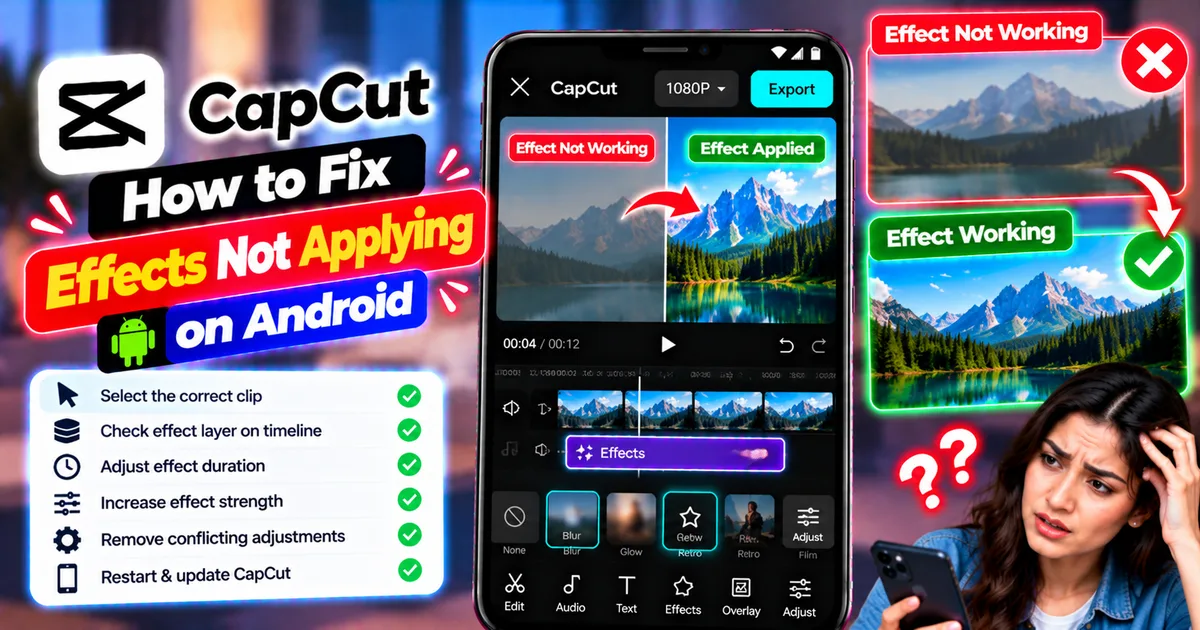
How to Fix CapCut Effects Not Applying on Android
CapCut effects not working on Android? Check clip selection, effect layers, timeline timing, conflicting adjustments, and app performance with these practical fixes.
GetApkFree Team