This article is about
CapCut Premium
capcutdownload.com.pk · Tools
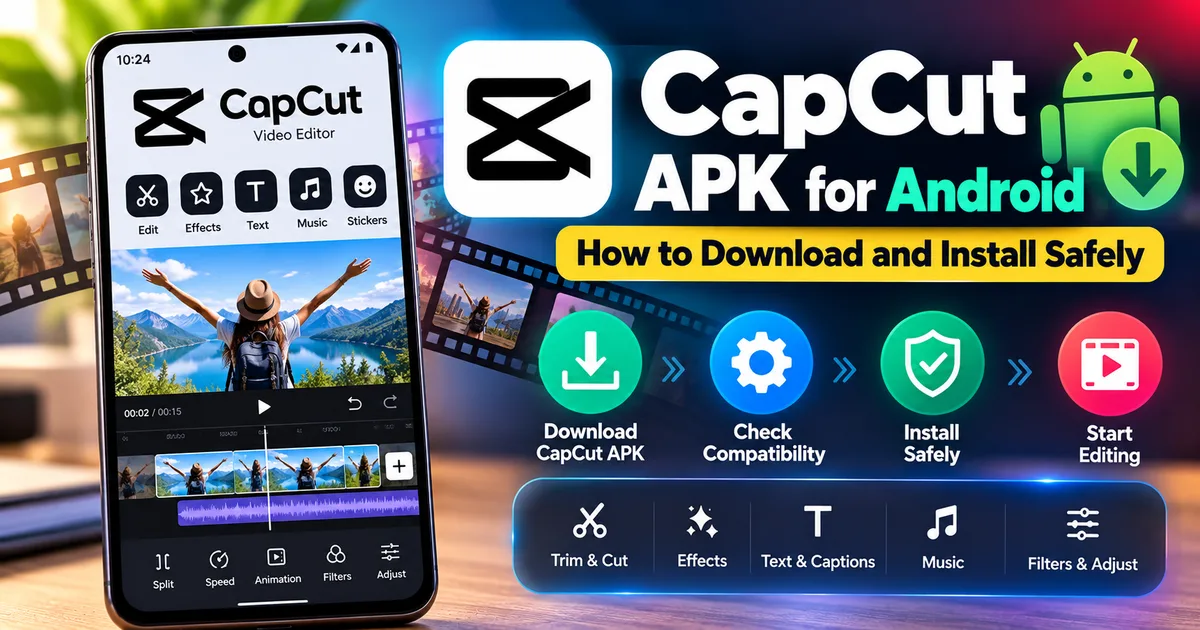
CapCut APK for Android: How to Download and Install Safely
GetApkFree Team
Learn how to download and install CapCut APK on Android safely, check compatibility, verify the source, and troubleshoot common installation problems.
- Source
- Developer
- Package
- CapCut Premium
CapCut APK for Android: How to Download and Install Safely
CapCut is a popular video editing app for Android that combines basic editing tools with more advanced features such as keyframe animation, chroma key, stabilization, auto captions, text-to-speech, motion tracking, and background removal.
If you want to install CapCut manually instead of using Google Play, you may come across an APK file.
Installing an APK is straightforward, but the source of the file matters. CapCut itself provides an official Android APK download option through its website, while Google Play remains another official installation route.
This guide explains what a CapCut APK is, how to download and install it on Android, what to check before installation, and how to troubleshoot common problems.
What Is a CapCut APK?
An APK is the Android application package used to install an Android app.
A CapCut APK is therefore the Android installation package for CapCut.
Instead of downloading the application through Google Play, you can install an APK manually when you have a trusted installation file.
CapCut provides an official Android APK download option through its website. Its official download instructions explain that users can choose the Android APK option for manual installation.
For users who prefer Google Play, CapCut is also available through the official Google Play listing.
Is CapCut Available for Android?
Yes.
CapCut has an official Android application.
The current Google Play listing identifies the application as:
CapCut - Video Editor
The publisher shown on Google Play is ByteDance Pte. Ltd.
The listing currently describes features including basic video editing, keyframe animation, smooth slow motion, chroma key, stabilization, auto captions, text-to-speech, motion tracking, and background removal.
What Can You Do With CapCut?
CapCut is more than a basic video cutter.
Depending on the version and account or subscription features available to you, CapCut provides a range of editing tools.
Common capabilities include:
- Trimming videos
- Splitting clips
- Merging clips
- Adjusting video speed
- Speed curves
- Keyframe animation
- Slow motion
- Chroma key
- Video stabilization
- Auto captions
- Text-to-speech
- Motion tracking
- Background removal
- Filters
- Effects
- Text and stickers
- Transitions
- Audio editing
Feature availability can change between versions, platforms, regions, and free or paid plans.
How to Download CapCut APK on Android
If you want to install CapCut using an APK, use a trusted source.
CapCut's official website provides an Android APK download option for manual installation.
The general process is:
- Open a trusted source for the CapCut APK.
- Download the Android APK file.
- Wait for the download to finish.
- Open the downloaded APK.
- Android may ask you to allow the browser or file manager to install apps.
- Allow the installation if you trust the source.
- Follow the Android installation prompts.
- Open CapCut after installation.
CapCut's own APK guide recommends downloading the Android APK directly from its official website when using manual installation.
Why Does Android Warn About an APK?
When you install an APK outside Google Play, Android may display a security warning.
This is normal behavior for applications installed from outside the Play Store.
The warning does not automatically mean that the APK is malicious.
It means Android is treating the file as an installation package obtained outside the normal Google Play installation process.
The important question is where the APK came from.
If you downloaded an APK from an unknown website, stop and verify the source before continuing.
Should You Download a Modded CapCut APK?
It is better to avoid modified, cracked, or "premium unlocked" CapCut APKs.
A modified APK may have been changed by someone other than the original developer.
That can introduce risks such as:
- Unknown code changes
- Unwanted permissions
- Malware
- Credential theft
- Advertising components
- Unreliable updates
- Installation problems
- Account or content risks
CapCut's own safety guidance recommends using official sources and specifically warns users against modified or unofficial versions.
For an APK download, the source is therefore one of the most important things to check.
What Android Version Does CapCut Require?
CapCut's current support documentation states that its Android mobile application requires Android 8.0 (Oreo) or later.
If your phone runs an older Android version, the application may not install or may not be supported.
However, meeting the minimum Android version does not guarantee that every advanced CapCut feature will perform well.
Video editing can be demanding, especially when using high-resolution footage, AI tools, effects, or other intensive features.
How to Check Your Android Version
Before installing CapCut, check the Android version on your phone.
The exact menu names vary between manufacturers, but the general process is:
- Open Settings.
- Find About phone or About device.
- Look for Android version.
- Check the installed Android version.
If your phone runs Android 8.0 or newer, it meets the currently documented minimum Android version for the CapCut mobile application.
How to Install CapCut APK
Once the APK is downloaded, follow these general steps.
Step 1: Open the Downloaded APK
Open your file manager or browser's download list.
Find the CapCut APK file and tap it.
Step 2: Allow Installation When Android Requests It
Android may display a message explaining that your current app is not allowed to install unknown applications.
For example, if you downloaded the APK using Chrome, Android may ask whether Chrome is allowed to install apps.
If you trust the source, open the relevant setting and allow the installation.
Step 3: Confirm Installation
Return to the APK and tap Install.
Android will process the package.
If everything is compatible, the installation should complete.
Step 4: Open CapCut
Tap Open after installation.
You can then follow CapCut's setup and sign-in instructions if required for the features you want to use.
Does CapCut Need an Account?
Some CapCut features and services can require an account.
CapCut's official APK installation guide says users can launch the app and log in using supported options such as TikTok, Google, Facebook, or email.
The exact sign-in options and account requirements can change over time.
You can therefore install the application without assuming that every editing function works identically without an account.
Why Can't I Install CapCut APK?
There are several possible reasons.
Common causes include:
- Unsupported Android version
- Corrupted APK
- Incomplete download
- Insufficient storage
- Existing package conflict
- Incompatible device
- Installation permission disabled
- APK from an unreliable source
- Incorrect APK variant
- Android security restrictions
CapCut's official help documentation also identifies compatibility, network problems, and system restrictions among common causes of installation problems.
What If Android Says "App Not Installed"?
If Android displays an "App not installed" message, don't immediately download another APK.
First check:
1. Android Version
Make sure your device meets the application's requirements.
2. Available Storage
Make sure there is enough free storage for the installation and application data.
3. Existing CapCut Installation
If CapCut is already installed, a manually downloaded APK may conflict with the existing installation if the package or signing information does not match.
4. APK Integrity
The downloaded file may be incomplete or corrupted.
Try downloading the file again from a trusted source.
5. APK Variant
Some Android applications are distributed in different builds or packages.
Make sure the APK is intended for your device.
For a broader explanation of Android installation errors, see:
How to Fix "App Not Installed" on Android
Can You Install CapCut Without Google Play?
Yes.
CapCut provides an official Android APK download option through its website.
This can be useful if Google Play is unavailable or if you specifically need to install the application manually.
However, manual installation means you are responsible for checking the source of the APK.
If Google Play is available and suitable for your device, it is another official installation option.
Is the Official CapCut APK Safe?
The safest approach is to obtain the APK from CapCut's official website or install CapCut through a trusted official app store.
CapCut's own safety guidance recommends official sources and warns against unofficial or modified versions.
No third-party APK website should be treated as automatically equivalent to the developer's own distribution channel.
If you download an APK from elsewhere, check:
- Publisher identity
- Package name
- Version
- File integrity
- Permissions
- Source reputation
You can also use GetAPKFree's APK safety guides to understand what to check before installing an APK.
What Is the CapCut Package Name?
The current Google Play listing identifies the Android application with the package ID:
com.lemon.lvoverseas
The package name is useful when checking whether an APK corresponds to the application you intended to install.
It is more reliable than judging an APK only by its filename or icon.
How Much Storage Does CapCut Need?
The exact storage requirement can vary depending on the application version, downloaded resources, cache, projects, templates, and media files.
The APK file itself is not the same thing as the total storage CapCut may eventually use.
Video projects can require considerably more storage because they contain source media, rendered files, temporary files, and other project data.
Before installing CapCut, make sure your device has reasonable free storage available.
If you plan to edit many videos, additional storage will be useful even after the application itself is installed.
Can CapCut Edit 4K Video?
CapCut supports advanced video editing and its current official materials describe 4K export as one of the advanced capabilities available in its ecosystem.
However, 4K editing and export can place significantly greater demands on a phone than ordinary 1080p editing.
Performance can depend on:
- Processor
- RAM
- Available storage
- Video codec
- Project complexity
- Effects
- AI tools
- Export settings
Therefore, having a supported Android version does not automatically mean every device will provide the same editing experience.
CapCut Free vs Pro
CapCut offers both free and paid functionality.
The free version provides a range of editing tools, while CapCut Pro provides access to additional premium tools, effects, assets, and other features depending on the current plan.
Do not assume that an APK labeled "CapCut Pro unlocked" is an official CapCut release.
Modified versions claiming to unlock paid features can be altered APKs.
If you want Pro features, use CapCut's official subscription or upgrade options rather than relying on an unofficial modified APK.
Can You Update CapCut From an APK?
Yes, but the update must be compatible with the existing installation.
Android uses the application's package identity and signing information when determining whether an APK can update an existing application.
If the downloaded APK is signed differently from the installed application, Android may reject it as an update.
This is one reason why installing modified APKs can cause problems later.
For official updates, CapCut recommends using the appropriate app store update process or its official download channels.
What If CapCut Is Already Installed?
If CapCut is already installed through Google Play, you normally don't need to manually install an APK just to keep it updated.
Google Play can provide updates when they become available for your device and region.
If you are manually installing an APK, check the version and source carefully before replacing an existing installation.
Do not uninstall a working version unnecessarily unless you understand what will happen to your locally stored projects and application data.
Should You Back Up Your Projects?
If you have important video projects, consider keeping copies of important source media and finished exports.
An APK installation or update should not be treated as a backup strategy.
Your project data may depend on the application's storage model, account synchronization, cloud features, and local files.
Before making a major app change, make sure important videos and source footage exist somewhere you can recover them from.
What Should You Check Before Installing a CapCut APK?
Use this checklist:
Source
Download from a trusted source.
Application identity
Check that the package corresponds to CapCut.
Android version
Make sure your device meets the current Android requirement.
Storage
Make sure you have enough free space.
APK integrity
Use a trusted checksum or signature when available.
Permissions
Review the permissions requested by the APK.
Version
Check whether you are installing the version you actually intended to use.
Modified APK warning
Avoid files described as cracked, modded, unlocked, or premium-for-free.
Frequently Asked Questions
What is a CapCut APK?
A CapCut APK is the Android installation package for the CapCut video editor.
Can I install CapCut using an APK?
Yes. CapCut provides an official Android APK download option through its website.
What Android version does CapCut require?
CapCut's current support documentation states that the Android mobile application requires Android 8.0 or later.
Is CapCut available on Google Play?
Yes. CapCut has an official Google Play listing.
What is CapCut's Android package name?
The current Google Play listing identifies the package as com.lemon.lvoverseas.
Is a CapCut Mod APK safe?
A modified APK cannot be assumed to be safe or official. CapCut recommends using official sources and avoiding modified or unofficial versions.
Can I use CapCut without Google Play?
Yes. CapCut provides an official Android APK installation option.
Does CapCut require an account?
Some CapCut features and services can require an account. The available sign-in options can change over time.
Why won't my CapCut APK install?
Possible causes include incompatible Android versions, insufficient storage, a corrupted APK, package conflicts, installation restrictions, or an incompatible device.
Can I install a CapCut APK over an existing CapCut installation?
It may be possible when the APK is compatible and signed appropriately. An APK with a different signing identity may not be accepted as an update.
Final Thoughts
CapCut is a full-featured Android video editor with tools ranging from basic trimming and splitting to keyframe animation, chroma key, stabilization, auto captions, text-to-speech, motion tracking, and background removal.
If you want to install it using an APK, the most important part is not simply finding a file with "CapCut" in its name.
Check the source, Android compatibility, package identity, version, permissions, and file integrity before installing.
CapCut itself provides an official Android APK download route, and Google Play provides another official installation option.
If you choose manual APK installation, avoid modified or cracked versions and use a source you trust.
For more general information about installing APK files, see GetAPKFree's complete guide to installing APKs safely on Android.
Related Articles
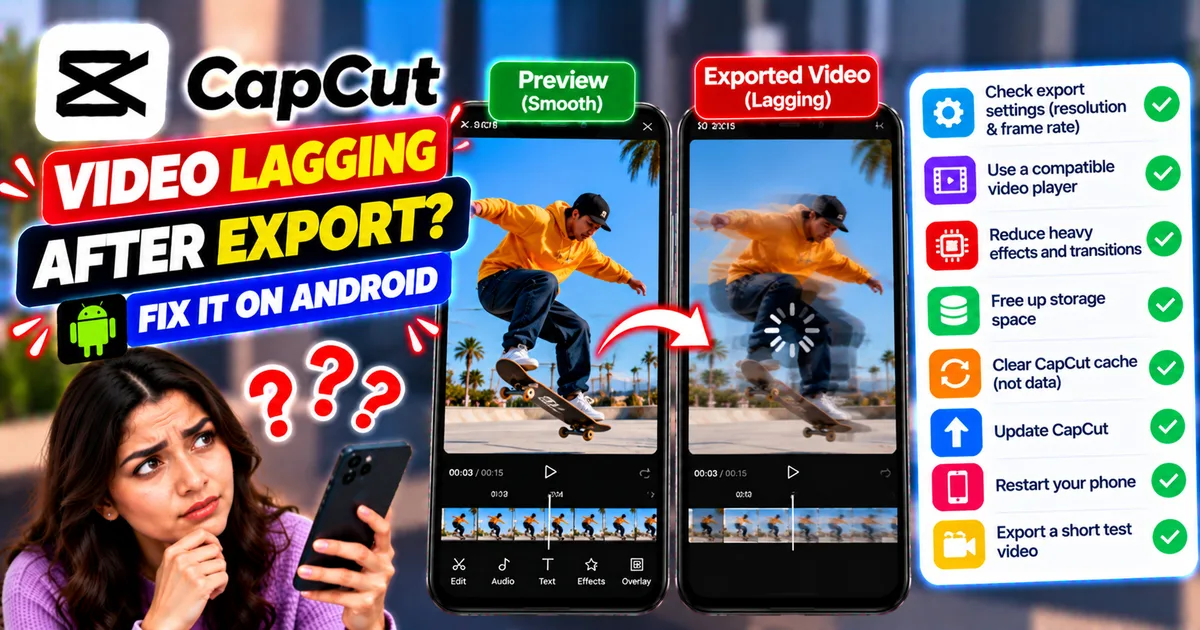
How to Fix CapCut Video Lagging After Export on Android
Fix CapCut video lagging after export on Android. Learn how to troubleshoot choppy playback, frame-rate mismatches, heavy effects, storage issues, and export settings.
GetApkFree Team
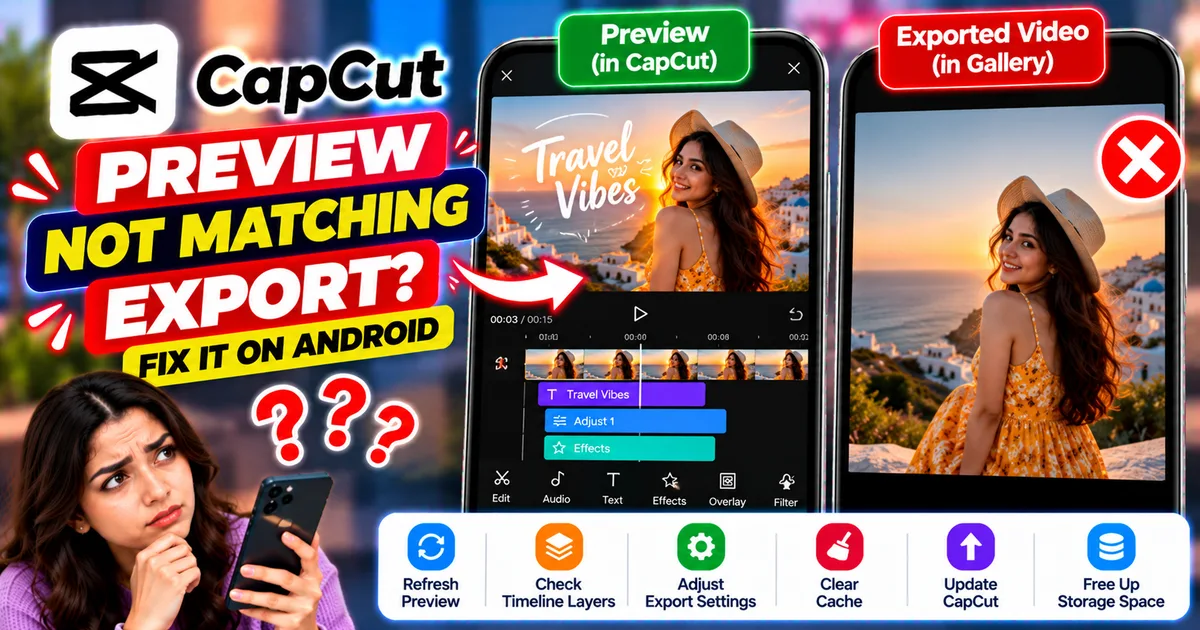
How to Fix CapCut Preview Not Matching Export on Android
Fix CapCut preview not matching the exported video on Android. Troubleshoot missing effects, text, transitions, timing, colors, and rendering differences.
GetApkFree Team
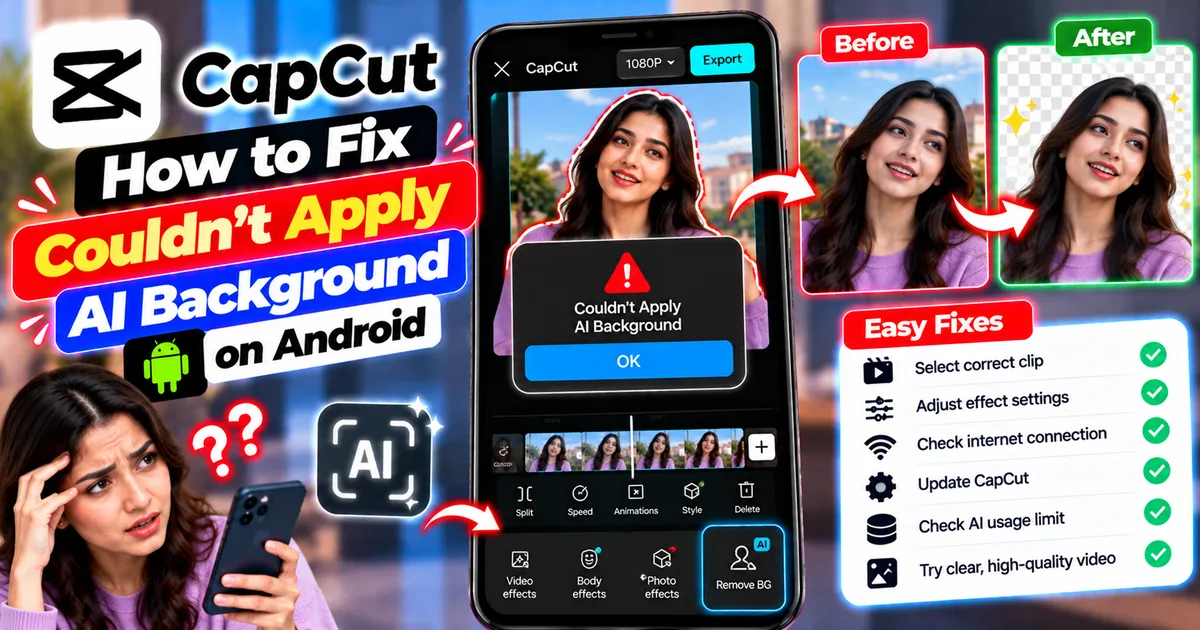
How to Fix Couldn't Apply AI Background in CapCut on Android
Getting "Couldn't Apply AI Background" in CapCut on Android? Check usage limits, clip selection, video quality, app updates, and practical troubleshooting steps.
GetApkFree Team
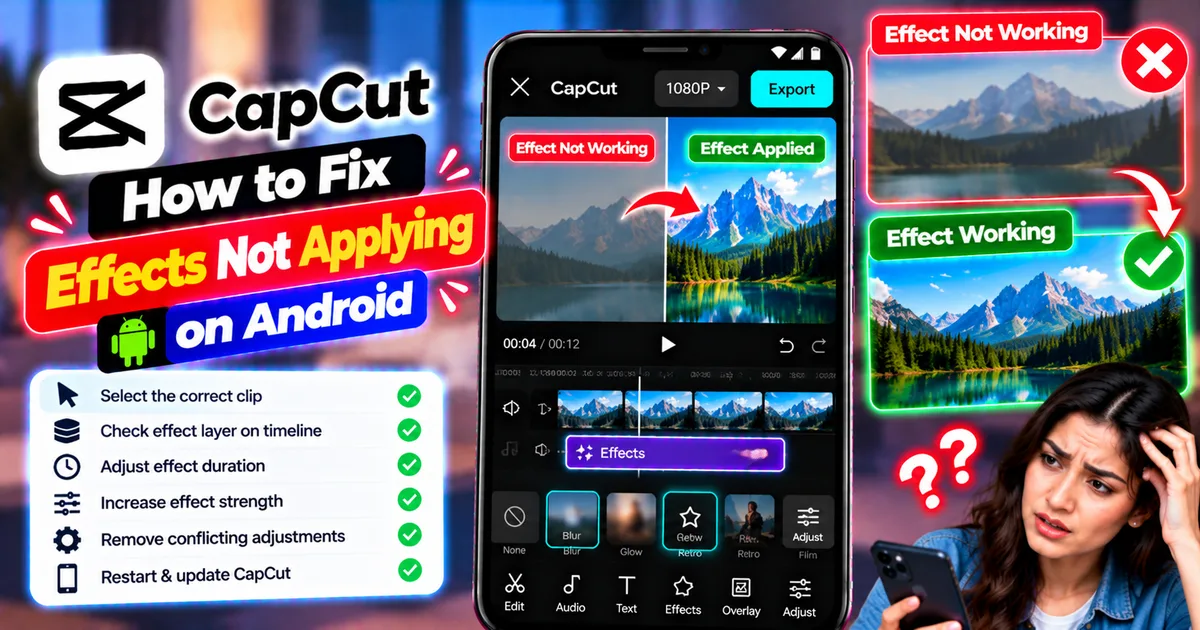
How to Fix CapCut Effects Not Applying on Android
CapCut effects not working on Android? Check clip selection, effect layers, timeline timing, conflicting adjustments, and app performance with these practical fixes.
GetApkFree Team