Guides10 min read
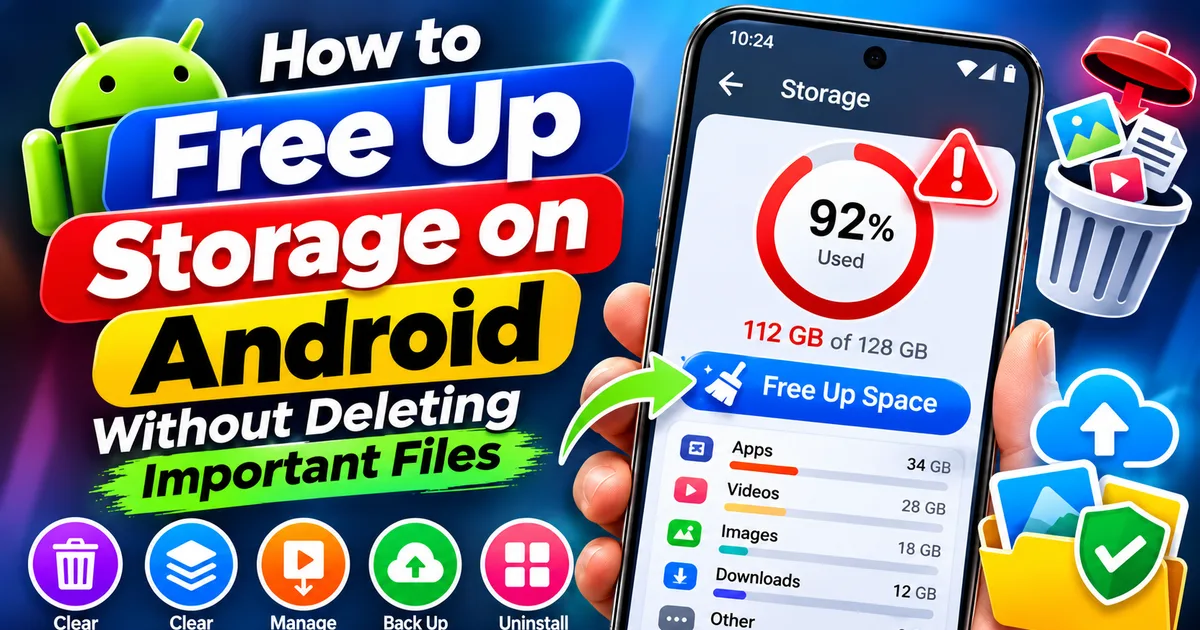
How to Free Up Storage on Android Without Deleting Important Files
Running out of space on your Android phone? Learn how to safely free up storage by removing junk files, clearing app cache, managing downloads,
GetApkFree Team
GetApkFree Blog
What to install, what to avoid, and how to get the most out of open-source Android apps.
Showing 1–10 of 54 posts
Running out of space on your Android phone? Learn how to safely free up storage by removing junk files, clearing app cache, managing downloads,
GetApkFree Team
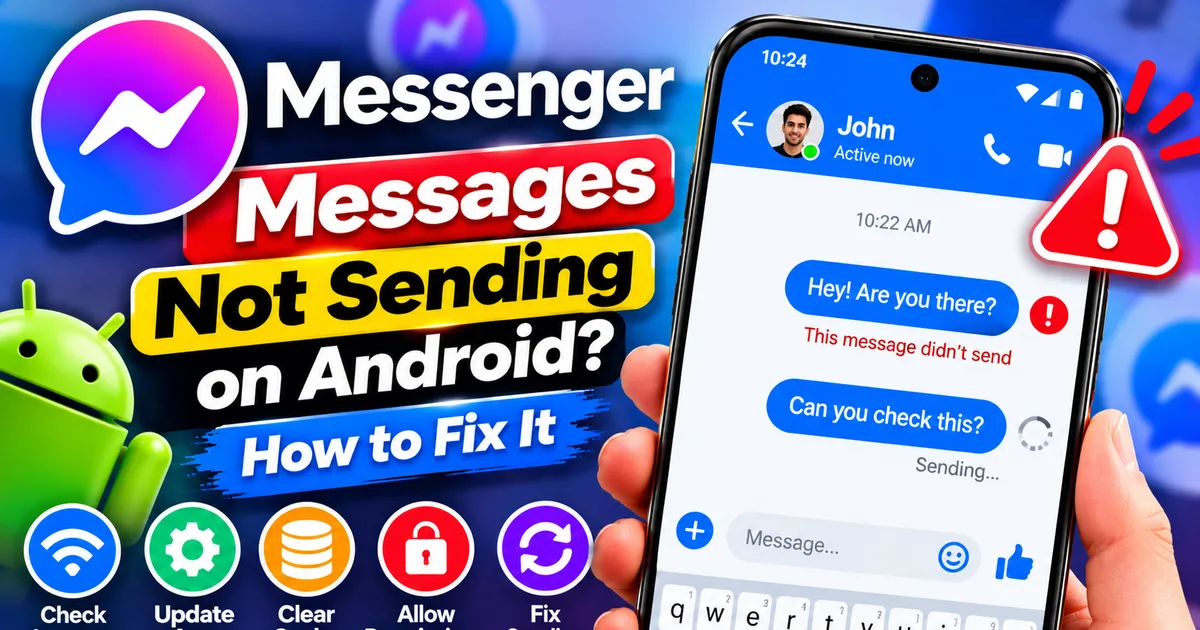
Messenger messages not sending on Android? Fix messages stuck on Sending, failed delivery, connection errors, and attachment problems by checking your network
GetApkFree Team
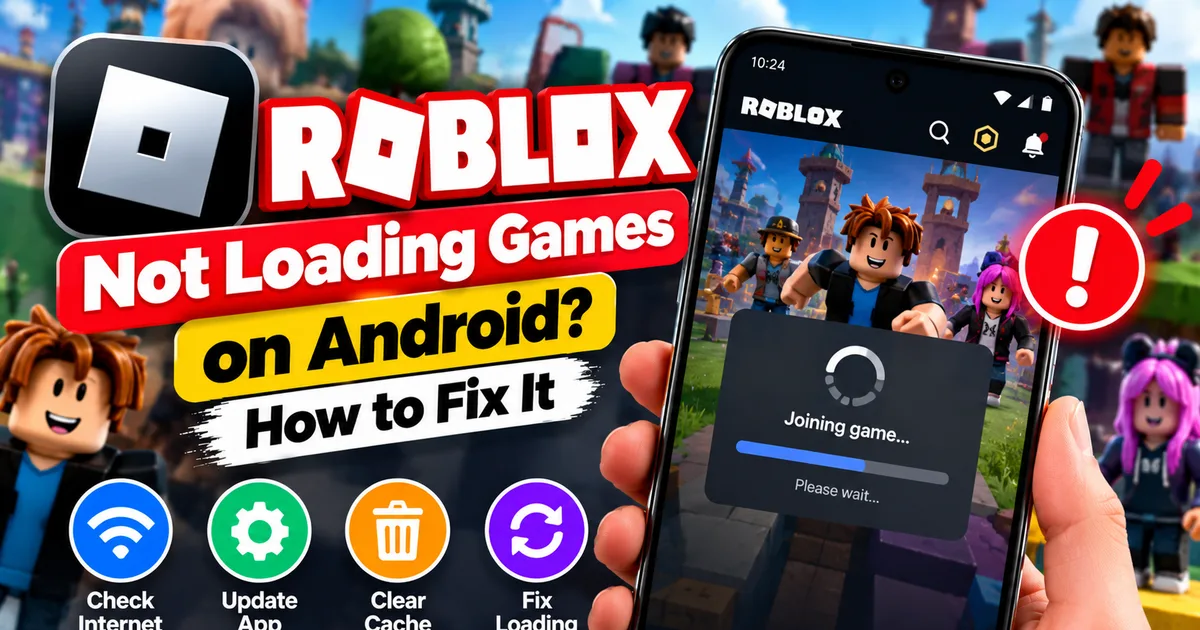
Roblox games not loading on Android? Fix endless loading screens, failed connections, and games that close unexpectedly with practical checks for your network.
GetApkFree Team
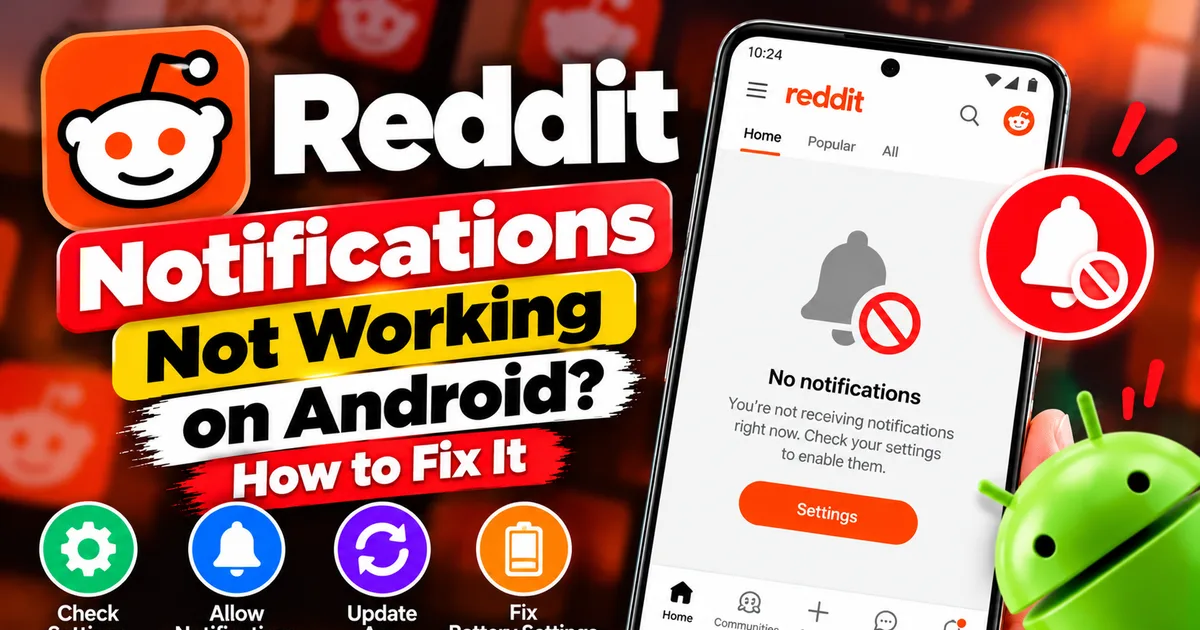
Reddit notifications not working on Android? Fix missing replies, comment alerts, chat notifications, and delayed updates by checking Reddit settings,
GetApkFree Team
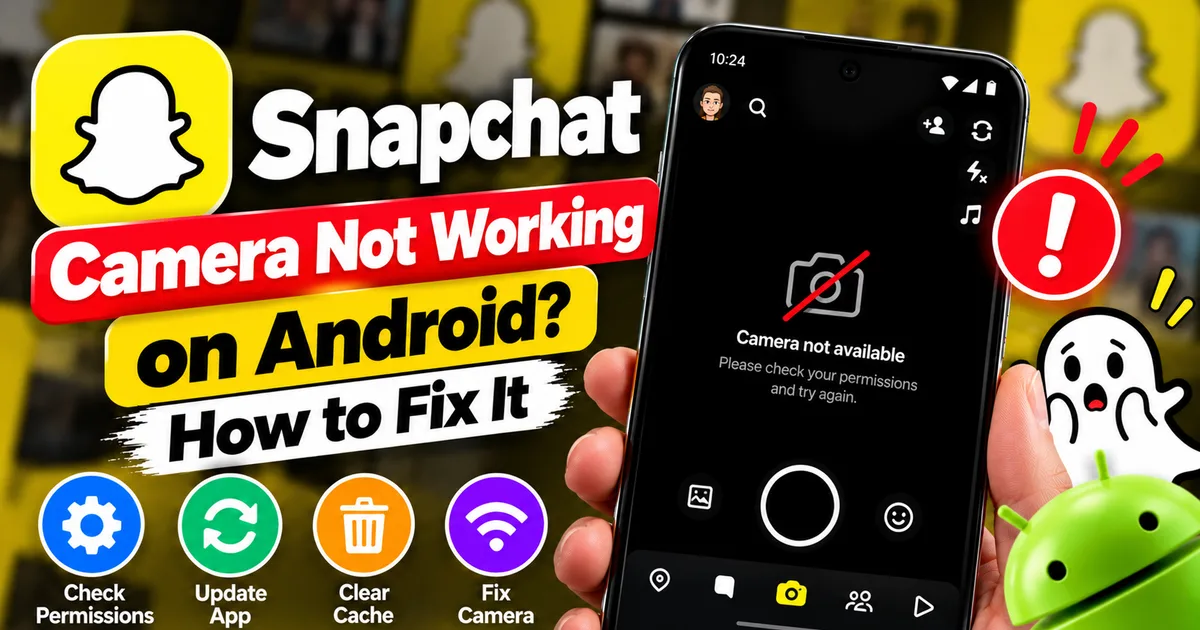
Is Snapchat’s camera showing a black screen or refusing to take photos on Android? Check camera permissions, update the app, clear its cache, and follow these practical troubleshooting steps.
GetApkFree Team

Pinterest images not loading on Android? Fix blank Pins, missing pictures, endless loading, and feed problems with these practical troubleshooting steps.
GetApkFree Team

Netflix not playing videos on Android? Troubleshoot loading screens, playback errors, black screens, buffering, and app problems with these practical fixes.
GetApkFree Team

Spotify not playing songs on Android? Fix playback errors, songs that won't start, greyed-out tracks, and buffering with these practical troubleshooting steps.
GetApkFree Team

Is Telegram stuck on Connecting or failing to send messages on Android? Check your internet connection, app settings, updates, and other practical troubleshooting steps.
GetApkFree Team
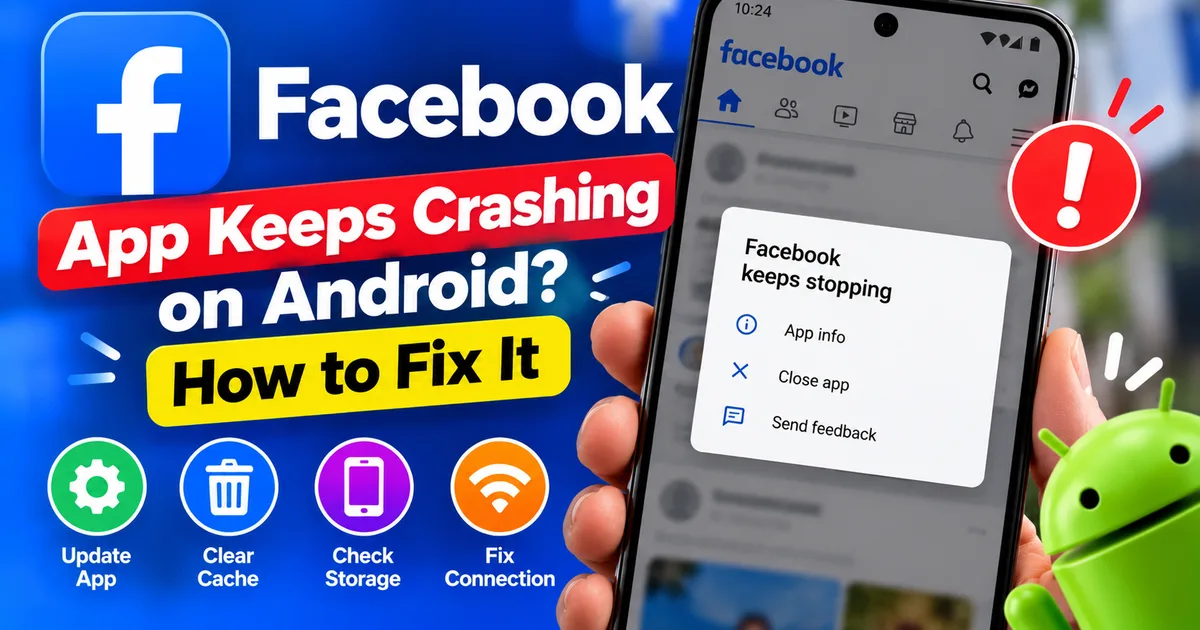
Is Facebook crashing, freezing, or refusing to open on Android? Follow these troubleshooting steps to fix app crashes, clear cache safely, and restore normal use.
GetApkFree Team