
This article is about
Ambio: Focus Timer & Sounds
Jaime Barreto · Multimedia
Ambio Focus Timer: How to Use It for Study and Productivity
GetApkFree Team
Learn how to use the Ambio focus timer on Android, including Pomodoro presets, custom focus sessions, break settings, ambient sounds, and session history.
- Version
- 2.0.0
- Requires
- Android 12.0+
- License
- MIT
- Source
- F-Droid
- Package
- com.jbgsoft.ambio
Ambio Focus Timer: How to Use It for Study and Productivity
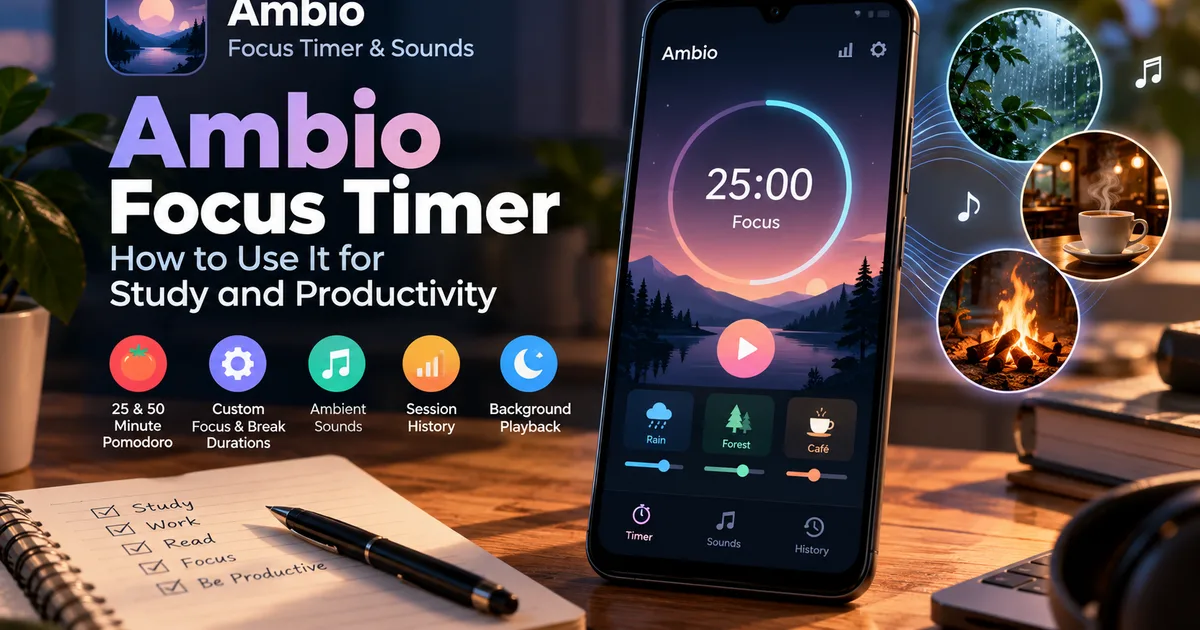
If you want a simple way to organize focused work or study sessions on Android, the Ambio focus timer combines timed work sessions with customizable ambient sounds.
Ambio: Focus Timer & Sounds is designed around the idea that a timer does not have to work alone. You can choose an ambient sound mix and use it while the focus timer runs, creating a consistent environment for studying, writing, coding, reading, or other tasks that require sustained attention. The current app listing includes 25-minute and 50-minute Pomodoro presets as well as custom focus and break durations.
This guide explains how the Ambio focus timer works, what its timer options do, and how you can use it to structure a study or work session.
What Is the Ambio Focus Timer?
The Ambio focus timer is a built-in timer designed for structured periods of concentration.
Instead of opening a separate timer and sound application, Ambio combines the timer with its ambient audio system. You can select sounds, adjust their levels, and then run your focus session while the selected soundscape plays in the background.
The app includes:
- 25-minute Pomodoro preset
- 50-minute Pomodoro preset
- Custom focus duration
- Custom break duration
- Focus and break sound mixes
- Session history
- Background playback
- Ambient Mode
- Sleep timer in current releases
This makes the timer useful for both short study sessions and longer periods of focused work.
How Does the Ambio Timer Work?
The basic idea is straightforward.
You choose how long you want to focus, select your sound environment if you want one, and start the session.
While the timer runs, Ambio can continue playing your selected ambient mix. When the focus period ends, the app provides a gentle chime to indicate that the session has finished.
A simple session could look like this:
25 minutes → focused work → break
You can repeat the process for another session or create a longer custom routine.
Ambio 25-Minute Pomodoro Timer
One of the built-in presets is a 25-minute focus session.
This follows the familiar Pomodoro-style approach of working for a defined period before taking a break.
A 25-minute session can be useful when:
- You are starting a study session.
- You have a short task to complete.
- You want to avoid working continuously for too long.
- You are trying to build a consistent concentration routine.
- You want a simple alternative to an open-ended timer.
The advantage of using a preset is that you don't need to configure the duration every time.
Select the 25-minute option, start the session, and concentrate on the task until the timer ends.
Ambio 50-Minute Focus Timer
Ambio also provides a 50-minute preset.
This is more suitable when you want a longer uninterrupted period for a task such as:
- Reading a chapter
- Writing
- Programming
- Studying a difficult subject
- Completing office work
- Working on a creative project
The longer preset gives you more time before the next break while still keeping the session clearly defined.
Can You Set a Custom Ambio Timer?
Yes.
In addition to the preset durations, Ambio allows you to define your own focus and break lengths.
This is useful because not every task works well with a fixed 25-minute session.
For example, you might prefer:
40 minutes focus → 10 minutes break
or:
60 minutes focus → 15 minutes break
The appropriate duration depends on your task and personal routine.
The important part is that the timer gives you a defined stopping point rather than leaving the work session completely open-ended.
How to Start a Focus Session in Ambio
The exact interface can change between app versions, but the basic process is:
- Open Ambio on your Android device.
- Select the focus timer.
- Choose a preset or configure your own duration.
- Select your preferred ambient sound mix if you want background audio.
- Check the focus and break settings.
- Start the session.
- Keep your attention on the task until the timer ends.
Ambio is designed so that the audio can continue while you move away from the application's main screen. Its current listing describes background playback with media controls available through Android's notification shade, lock screen, and Quick Settings.
Using Ambient Sounds During a Focus Session
One of the features that distinguishes Ambio from a basic timer is its sound system.
The application currently provides twelve ambient sounds, including rain, fireplace, café, forest, birds, crickets, ocean, stream, cave, wind, white noise, and brown noise. You can blend up to three sounds and control their individual levels.
For example, you could create a study mix using:
Rain + Café
Or a quieter background:
Forest + Stream
The sound is optional. You can use the timer without relying on ambient audio.
How to Use Ambio for Studying
Ambio can be used to divide a study period into manageable sessions.
For example:
Session 1: 25 minutes — Biology Break: 5–10 minutes Session 2: 25 minutes — Chemistry Break: 5–10 minutes Session 3: 50 minutes — Physics
You can choose the session duration that fits your study plan.
A consistent sound environment can also help create a recognizable starting routine. For example, you might use rain sounds every time you begin a focused study session.
The goal isn't to make the sound itself do the studying. The timer simply provides a structure that makes it easier to define when focused work begins and ends.
Using Ambio for Writing
Writers can also use the focus timer to create a defined writing block.
Instead of deciding to "write for a while," set a specific session.
For example:
50 minutes of writing → break → review
During the session, the ambient sound can continue in the background while you work.
This can be useful for:
- Articles
- Essays
- Notes
- Journaling
- Creative writing
- Research writing
Using Ambio for Coding
A developer can use the same approach for programming tasks.
For example:
25 minutes: implement a small feature Break: step away 25 minutes: test and debug
For larger tasks, a longer session can be used.
Because Ambio supports background playback, you can minimize the application while continuing to hear the selected sound mix.
Ambio Focus and Break Sessions
The focus period is only part of the routine.
A properly structured session can include both:
Focus → Break → Focus → Break
Current Ambio releases also support a separate sound mix for breaks, allowing a different audio environment to play while you rest. F-Droid's current listing describes this feature as a mix specifically for breaks.
For example:
Focus: Rain + Café
Break: Ocean + Birds
This gives the work and rest portions of the session different sound environments.
Does Ambio Track Your Focus Sessions?
Yes.
Ambio includes a session history that records the amount of focused time you have completed. The current Google Play description says the history lets users see where their focus time went.
This can be useful if you want to see whether your planned study or work routine is actually happening.
Instead of judging your productivity only by how busy you felt, you can look back at completed sessions.
Can Ambio Run With the Screen Off?
Ambio supports background playback.
The current app listing states that a session can continue playing with media controls available from the notification shade, lock screen, and Quick Settings.
This means you don't need to keep the Ambio interface visible throughout your entire focus session.
You can start the timer, put the phone aside, and concentrate on your work.
The exact behavior can still depend on Android's battery-management and background-service behavior on your particular device.
Ambio Timer vs a Normal Countdown Timer
A normal countdown timer primarily answers one question:
How much time is left?
Ambio adds an audio environment around that countdown.
| Feature | Normal countdown timer | Ambio |
|---|---|---|
| Focus timer | Yes | Yes |
| Preset focus sessions | Depends on app | Yes |
| Custom focus duration | Depends on app | Yes |
| Ambient sounds | Usually no | Yes |
| Sound mixing | Usually no | Up to 3 sounds |
| Break sound mix | Usually no | Yes in current releases |
| Session history | Depends on app | Yes |
| Background playback | Depends on app | Yes |
The exact capabilities of other timer applications vary, but Ambio's combination of timer and ambient audio is its central concept.
Is Ambio Suitable for Pomodoro?
Yes.
Ambio explicitly provides Pomodoro presets at 25 and 50 minutes, alongside custom focus and break durations.
However, the Pomodoro Technique is a productivity method rather than a requirement for using Ambio.
You can also use the application with your own preferred timing system.
For example:
- Short study blocks
- Long deep-work sessions
- Custom work/break cycles
- Reading sessions
- Writing sessions
- Coding sessions
Ambio Focus Timer for Students
Students can use the timer to divide large study periods into smaller blocks.
For example, instead of studying continuously for three hours, you could organize the period into several focus sessions with breaks between them.
A simple routine might be:
25 min — Study
5–10 min — Break
25 min — Study
5–10 min — Break
50 min — Study
The best timing depends on the student and the subject.
The important advantage is that the session has a clear beginning and end.
Ambio Focus Timer for Work
The same concept works for office work and remote work.
You can use a longer focus period for tasks that require uninterrupted attention and shorter sessions for smaller tasks.
Because Ambio can continue playback in the background, you can keep the timer and sound environment running without leaving the app open on screen.
What If You Don't Want a Timer?
You don't have to use the focus timer.
Ambio also includes Ambient Mode, which allows the sound mix to run without a focus countdown.
That mode may be more appropriate when you simply want background audio while:
- Reading
- Relaxing
- Meditating
- Winding down
- Preparing for sleep
This is different from the focus-timer use case and can be covered in a separate Ambio article.
Tips for Getting More From the Ambio Focus Timer
Choose One Task Per Session
Rather than starting a timer without a clear objective, decide what you want to accomplish first.
For example:
"Complete 10 pages of notes."
This makes the end of the session easier to evaluate.
Keep Your Sound Mix Simple
You can combine up to three sounds, but you don't have to use three.
A single rain sound may be enough for your session.
Use the Same Routine
If you study at approximately the same time every day, using a familiar timer and sound mix can make the start of the session more consistent.
Don't Make the Timer the Goal
The timer is a structure, not the achievement.
Completing a 50-minute timer is useful only if the time was actually spent on the task you intended to complete.
Frequently Asked Questions
What is the Ambio focus timer?
It is Ambio's built-in focus system for running timed work or study sessions together with optional ambient sound.
Does Ambio have a Pomodoro timer?
Yes. The current app provides 25-minute and 50-minute Pomodoro presets, along with custom focus and break durations.
Can I customize the Ambio focus timer?
Yes. Ambio supports custom focus and break lengths.
Can I use sounds while the Ambio timer runs?
Yes. Ambio allows users to create an ambient mix and use it during focus sessions. Up to three of its twelve listed sounds can be combined.
Does Ambio keep playing when I leave the app?
Ambio supports background playback and Android media controls, including notification and lock-screen controls.
Can I use Ambio without the focus timer?
Yes. Ambient Mode allows the sound mix to play without a focus countdown.
Does Ambio record focus history?
Yes. The app includes session history for reviewing completed focus time.
Final Thoughts
The Ambio focus timer is designed for people who want more than a basic countdown.
Its main difference is the combination of timed focus sessions and customizable ambient audio. With 25- and 50-minute Pomodoro presets, custom durations, background playback, session history, and sound mixing, it can be adapted to different study and work routines.
If you prefer structured work periods, the built-in presets provide a quick starting point. If you have your own routine, custom focus and break durations provide more flexibility.
And if you don't need a timer at all, Ambio's Ambient Mode provides a separate way to use its sound system.
The important thing is to choose a session length that fits the task rather than assuming one timer setting works for everyone.
Related Articles

How to Fix CapCut Video Lagging After Export on Android
Fix CapCut video lagging after export on Android. Learn how to troubleshoot choppy playback, frame-rate mismatches, heavy effects, storage issues, and export settings.
GetApkFree Team

How to Fix CapCut Preview Not Matching Export on Android
Fix CapCut preview not matching the exported video on Android. Troubleshoot missing effects, text, transitions, timing, colors, and rendering differences.
GetApkFree Team
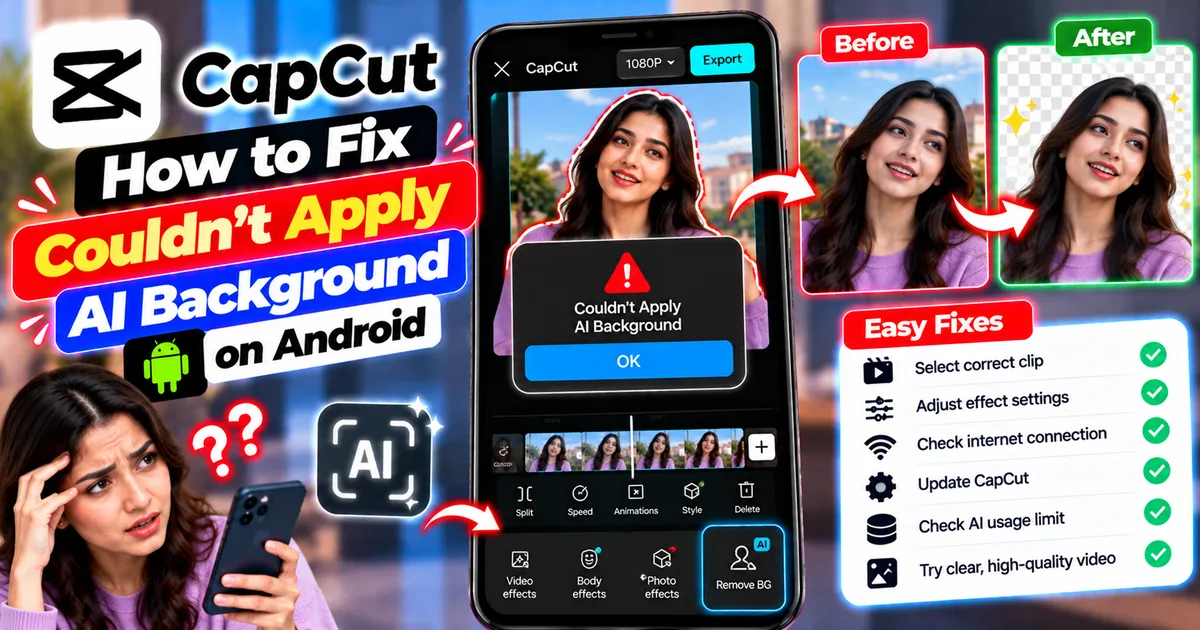
How to Fix Couldn't Apply AI Background in CapCut on Android
Getting "Couldn't Apply AI Background" in CapCut on Android? Check usage limits, clip selection, video quality, app updates, and practical troubleshooting steps.
GetApkFree Team
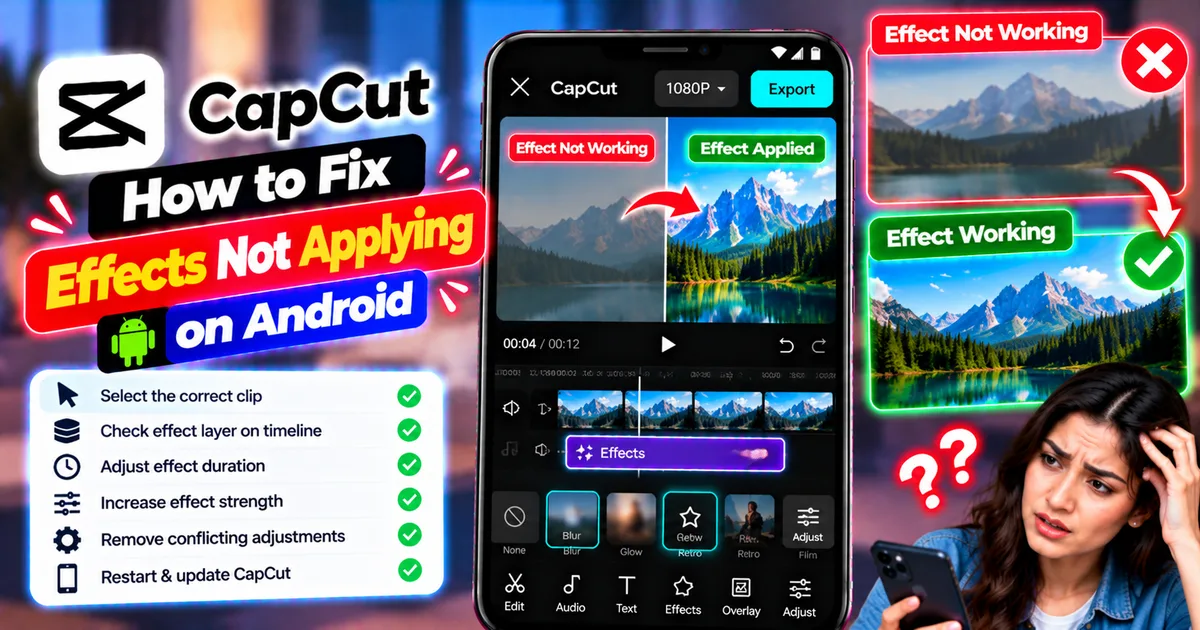
How to Fix CapCut Effects Not Applying on Android
CapCut effects not working on Android? Check clip selection, effect layers, timeline timing, conflicting adjustments, and app performance with these practical fixes.
GetApkFree Team