
This article is about
Ambio: Focus Timer & Sounds
Jaime Barreto · Multimedia
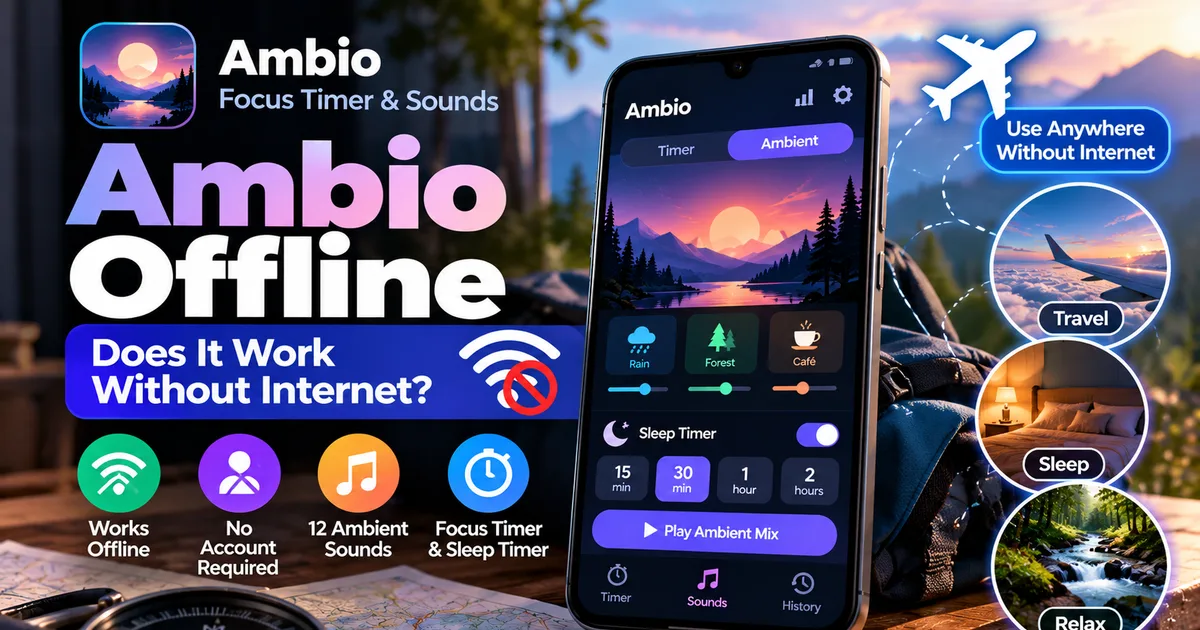
Ambio Offline: Does It Work Without Internet?
GetApkFree Team
Does Ambio work offline? Learn how to use Ambio without internet, what works offline, whether an account is required, and what to know before installing it.
- Version
- 2.0.0
- Requires
- Android 12.0+
- License
- MIT
- Source
- F-Droid
- Package
- com.jbgsoft.ambio
Ambio Offline: Does It Work Without Internet?
If you're looking for an ambient sound or focus timer that doesn't depend on an internet connection, you may be wondering whether Ambio works offline.
The short answer is yes. Ambio's current Google Play listing states that the app works completely offline and does not require an account. Its built-in ambient sounds, focus timer, and other core features are designed to work on the device rather than requiring an online service.
That makes Ambio particularly useful when you're studying somewhere without Wi-Fi, traveling, trying to reduce distractions, or simply don't want an app to depend on a network connection.
In this guide, we'll explain what using Ambio offline actually means, which features you can use without an internet connection, and what you should know before installing an Ambio APK.
Does Ambio Work Offline?
Yes. The current Ambio listing says the app works completely offline.
Unlike apps that stream their sound libraries from the internet, Ambio includes its ambient sounds as part of the application experience.
You can select sounds such as:
- Rain
- Fireplace
- Café
- Forest
- Birds
- Crickets
- Ocean
- Stream
- Cave
- Wind
- White Noise
- Brown Noise
Ambio allows you to combine up to three sounds at once and adjust the level of each sound individually.
Because the sounds are available within the app, you don't need to maintain an internet connection simply to create and play an ambient mix.
Can You Use Ambio Without Wi-Fi?
Yes.
Ambio can be used without Wi-Fi or mobile data for its core functionality.
For example, you can use the app while:
- Studying at home with Wi-Fi turned off
- Traveling on a flight
- Working somewhere with poor connectivity
- Reading offline
- Relaxing before bed
- Using your phone in airplane mode
- Trying to reduce online distractions
If your goal is simply to start a focus timer or play Ambio's built-in ambient sounds, an internet connection isn't required according to the current app listing.
What Works Offline in Ambio?
Ambio combines several features that can be useful without a network connection.
Ambient Sounds
The built-in sound library is one of the main reasons to use Ambio offline.
You can select sounds and build your own mix without relying on an online streaming service.
For example, you could combine:
Rain + Forest
for a natural background atmosphere.
Or:
Fireplace + Wind
for a warmer indoor ambience.
Or simply use:
Brown Noise
on its own.
The mixer allows up to three sounds at the same time, with individual volume levels.
Focus Timer
Ambio also includes a focus timer.
There are 25-minute and 50-minute Pomodoro presets, along with options for custom focus and break durations.
That means you can use Ambio as a basic focus timer even when you aren't connected to the internet.
If you're preparing for an exam, studying from downloaded material, writing, coding, or working on another offline task, you can start the timer without needing an online service.
For a detailed explanation of the timer, see our guide:
Ambio Focus Timer: How to Use It for Study and Productivity
Ambient Mode
Ambio's Ambient Mode is designed for situations where you don't need a productivity countdown.
You can use it for:
- Reading
- Meditation
- Relaxation
- Winding down
- Sleep
- Background ambience
Because Ambio's current listing says the app works completely offline, Ambient Mode can be used without Wi-Fi or mobile data.
Background Playback
Ambio supports background playback with Android media controls.
You can start a sound mix and then put the phone down while the audio continues playing.
Depending on your Android device, playback controls can appear in places such as the notification shade, lock screen, or Quick Settings.
This is useful when you're listening to an ambient mix while studying, reading, or relaxing.
Does Ambio Need an Account?
No.
The current Google Play listing states that Ambio does not require an account.
You don't need to create a profile simply to use the core app.
This makes the initial setup relatively straightforward: install the application, open it, choose your sounds, adjust the levels, and start playback.
Does Ambio Use Mobile Data?
Ambio's current listing says that it works completely offline and that no data leaves your device.
For the app's core ambient playback and focus functionality, you therefore don't need to keep mobile data enabled.
However, Android itself may still use network connectivity for unrelated system functions, app-store updates, backups, or other applications running on your phone.
So "Ambio works offline" should be understood as a statement about the application's own operation, not a guarantee that your entire Android device will never use network data.
Can You Use Ambio in Airplane Mode?
For core offline functionality, Ambio is designed to work without an internet connection.
That makes it potentially useful in airplane mode or other situations where connectivity is unavailable.
Before relying on any particular APK version while traveling, it's still sensible to open the installed version beforehand and confirm that the features you intend to use are available.
This is especially important if you're using an older APK rather than the current release.
Ambio Offline vs Online Sound Apps
One of the useful differences between Ambio and streaming-based sound services is that Ambio's ambient sounds are part of the app itself.
With an internet-dependent service, losing connectivity can interrupt playback or prevent you from accessing certain sounds.
With Ambio, the core sound experience is designed to operate locally.
That can make the app convenient for situations where internet access isn't guaranteed.
It can also help reduce distractions because you aren't required to browse an online catalog every time you want background sound.
Is Ambio Good for Studying Offline?
Ambio can be useful for offline study sessions because its focus timer and ambient sounds don't depend on an internet connection.
Imagine downloading your study materials before leaving home, switching off Wi-Fi and mobile data, and then using Ambio alongside your notes or downloaded PDFs.
You can:
- Start a 25-minute focus session.
- Choose an ambient sound.
- Adjust the sound level.
- Study without online notifications.
- Take a break.
- Start another session.
This can be a simple way to separate focused study time from online activity.
If you're preparing for an exam and frequently study from downloaded material, an offline timer can be particularly convenient.
Can Ambio Be Used While Traveling?
Yes, its offline design can be useful while traveling.
You may encounter situations where:
- Wi-Fi isn't available.
- Mobile data is expensive.
- Your connection is unreliable.
- You're on a flight.
- You want to conserve mobile data.
- You simply don't want to stay connected.
Because Ambio doesn't require an account or an active internet connection for its core experience, you can use it as a portable ambient sound and focus tool.
Does Ambio Send Your Data Online?
The current Google Play listing says:
- No data is shared with third parties.
- No data is collected.
- No data leaves your device.
- There is no tracking or analytics.
- The app works completely offline.
These are developer-provided privacy and data-safety claims shown in the app listing.
They should be understood as information supplied by the developer rather than an independent security certification.
Ambio is also open source under the MIT License, which allows its source code to be publicly inspected.
If privacy is important to you, you should still check the permissions and source of the specific APK you install.
Is Ambio Open Source?
Yes.
Ambio is open source and uses the MIT License.
The application is also available through F-Droid.
F-Droid currently lists Ambio version 2.1.1 and states that the build is signed by the original developer and corresponds to the published source. The listed build requires Android 12 or newer.
If you prefer obtaining open-source Android applications through F-Droid, this gives you another distribution option.
Can You Install an Ambio APK and Use It Offline?
Yes, provided the APK is compatible with your Android device and has been installed successfully.
The important distinction is between downloading/installing the APK and using the application afterward.
You may need an internet connection to download the APK in the first place.
Once installed, however, Ambio's current listing says the application works completely offline.
Before installing an APK, it's a good idea to check:
- App name
- Package name
- Version
- Android requirement
- Developer information
- APK source
- File integrity
- Requested permissions
Don't assume that every file carrying the name "Ambio" is genuine simply because the filename looks correct.
What Android Version Does Ambio Require?
The current GetApkFree listing and F-Droid's current version information indicate Android 12 or newer.
F-Droid currently lists version 2.1.1 as requiring Android 12 or newer.
If you're using an older Android phone, check compatibility before downloading an APK.
You can also check the Android version on your phone under the system settings before attempting installation.
Ambio Offline: What You Should Know
There are several important points to remember:
You don't need Wi-Fi for core use.
Ambio is designed to operate offline.
You don't need an account.
The current listing says no account is required.
The ambient sounds are built into the app experience.
You don't need to stream every sound from an online service.
The focus timer works offline.
You can use Ambio for timed study or work sessions without an active internet connection.
Background playback is supported.
You can continue listening while the app isn't actively displayed.
Check your Android version.
Current Ambio releases require Android 12 or newer.
Use a trustworthy APK source.
Offline functionality doesn't make an APK automatically safe. Always pay attention to where the file came from.
Frequently Asked Questions
Does Ambio work without internet?
Yes. Ambio's current Google Play listing states that it works completely offline.
Does Ambio need Wi-Fi?
No. Wi-Fi isn't required for Ambio's core offline functionality.
Can I use Ambio without an account?
Yes. The current listing says no account is required.
Can I use Ambio in airplane mode?
The app is designed for offline use, so its core timer and built-in ambient sound functionality can be used without an internet connection.
Does Ambio stream its sounds?
Ambio provides a built-in collection of ambient sounds rather than requiring an online streaming service for its core sound-mixing experience.
Can Ambio work with mobile data turned off?
Yes. Its core functionality is designed to work offline.
Is Ambio open source?
Yes. Ambio is open source under the MIT License.
Is Ambio available on F-Droid?
Yes. F-Droid currently lists Ambio and provides builds for supported Android devices.
What Android version does Ambio require?
The current F-Droid version listed is for Android 12 or newer.
Is Ambio completely private?
The developer's current Google Play listing says that no data is collected, no data is shared with third parties, no tracking or analytics are used, and no data leaves the device. These are developer-provided claims, so users should still review the permissions and source of the particular build they install.
Final Thoughts
Ambio is particularly interesting for users who want an ambient sound and focus application without depending on an internet connection.
You can create a custom mix from its built-in sounds, adjust individual sound levels, run a focus timer, or use Ambient Mode for reading, relaxation, and sleep.
The current listing also states that Ambio requires no account and works completely offline.
If you are downloading an Ambio APK, remember that offline functionality and APK safety are separate issues. Check the source, version, compatibility, package information, and permissions before installing.
For users who want a simple Android focus and ambient sound tool that can work without Wi-Fi, Ambio's offline design is one of its most practical features.
Related Articles
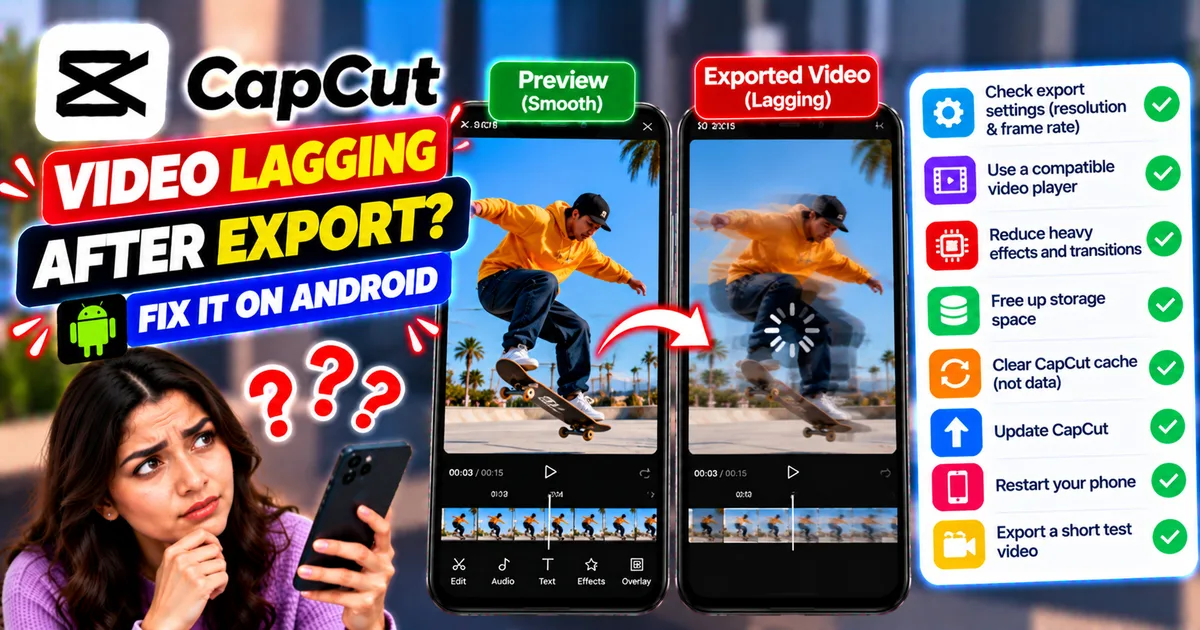
How to Fix CapCut Video Lagging After Export on Android
Fix CapCut video lagging after export on Android. Learn how to troubleshoot choppy playback, frame-rate mismatches, heavy effects, storage issues, and export settings.
GetApkFree Team
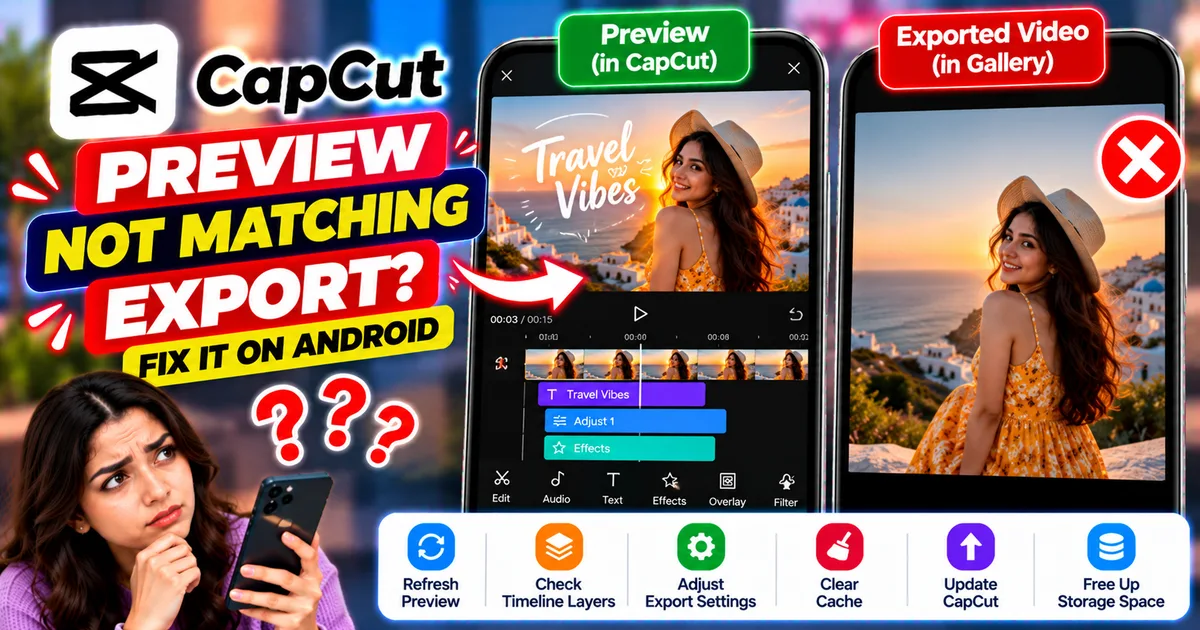
How to Fix CapCut Preview Not Matching Export on Android
Fix CapCut preview not matching the exported video on Android. Troubleshoot missing effects, text, transitions, timing, colors, and rendering differences.
GetApkFree Team
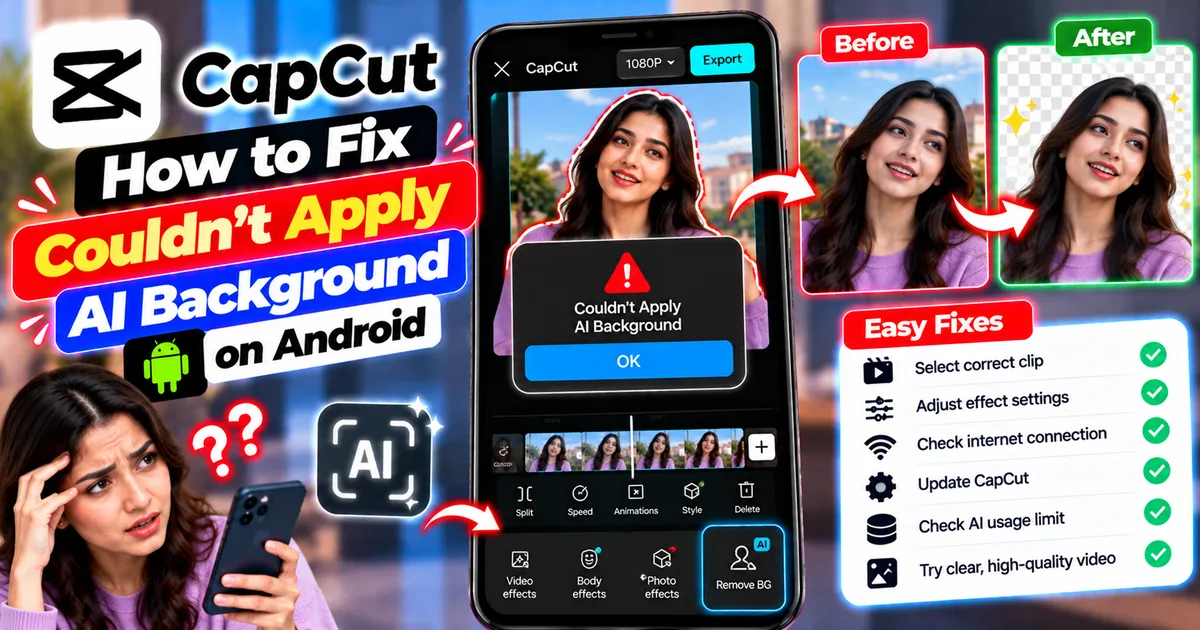
How to Fix Couldn't Apply AI Background in CapCut on Android
Getting "Couldn't Apply AI Background" in CapCut on Android? Check usage limits, clip selection, video quality, app updates, and practical troubleshooting steps.
GetApkFree Team
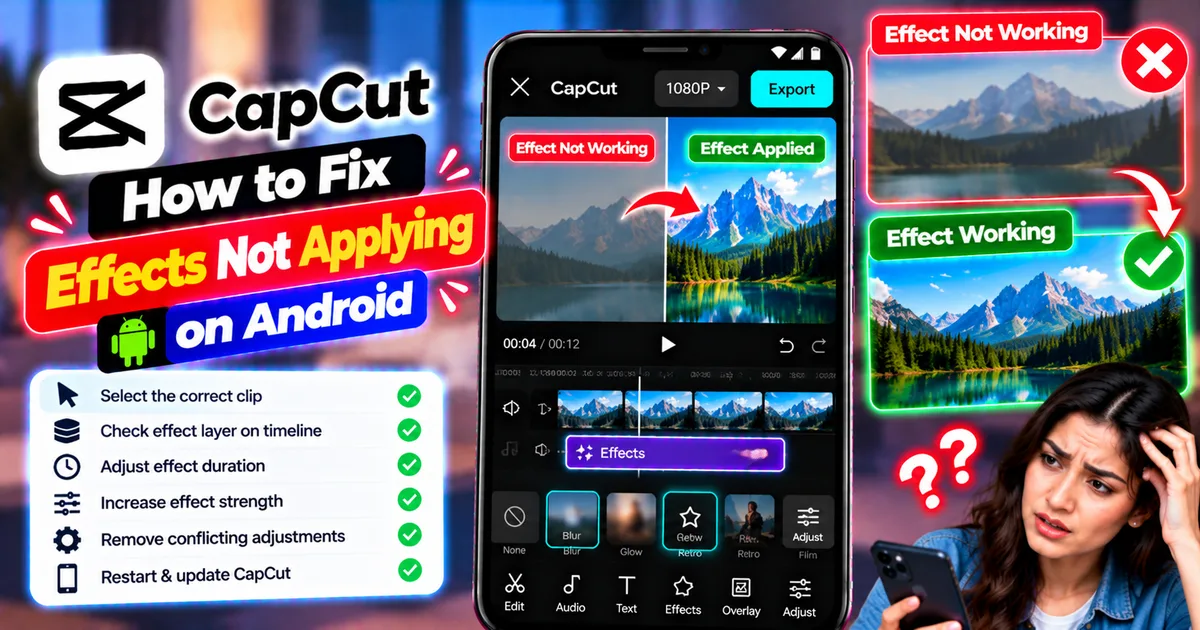
How to Fix CapCut Effects Not Applying on Android
CapCut effects not working on Android? Check clip selection, effect layers, timeline timing, conflicting adjustments, and app performance with these practical fixes.
GetApkFree Team