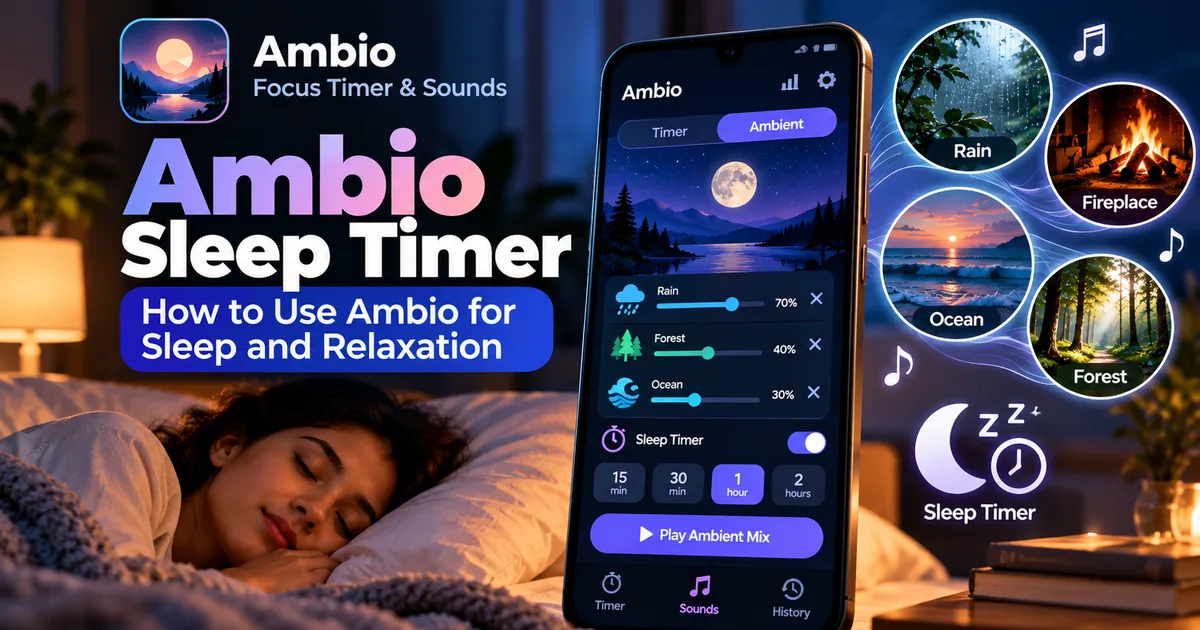

This article is about
Ambio: Focus Timer & Sounds
Jaime Barreto · Multimedia
Ambio Sleep Timer: How to Use Ambio for Sleep and Relaxation
GetApkFree Team
Learn how to use the Ambio sleep timer with ambient sound mixes for sleep, relaxation, reading, and winding down on Android
- Version
- 2.0.0
- Requires
- Android 12.0+
- License
- MIT
- Source
- F-Droid
- Package
- com.jbgsoft.ambio
Ambio Sleep Timer: How to Use Ambio for Sleep and Relaxation
If you like falling asleep with rain, ocean waves, fireplace sounds, or other gentle background audio, Ambio can turn your Android phone into a simple personal soundscape. Its Ambient Mode lets you run a sound mix without using the focus timer, and newer versions of Ambio also include a sleep timer that can stop the mix after a period of time.
This makes Ambio useful not only for studying and productivity but also for reading, meditation, winding down, and sleep.
In this guide, we'll explain what the Ambio sleep timer does, how to use it, how to create a suitable sound mix first, and what to know before leaving Ambio playing in the background.
What Is the Ambio Sleep Timer?
The Ambio sleep timer is designed for situations where you want an ambient sound mix to play for a while and then stop automatically.
Instead of leaving rain, ocean, forest, or another sound playing indefinitely, you can use the sleep-timer feature in Ambient Mode so the mix stops after the selected period.
The feature was introduced with Ambio 2.1. The same update also added session plans, separate sound mixes for breaks, improved sound loudness, and a Quick Settings control for starting the last mix.
The sleep timer is particularly useful when you want background sound while falling asleep but don't want continuous playback throughout the night.
How to Use the Ambio Sleep Timer
The exact interface can change between Ambio releases, but the general process is straightforward.
1. Open Ambio
Start by opening Ambio: Focus Timer & Sounds on your Android phone.
Ambio is built around two main uses: timed focus sessions and ambient playback. For sleep, relaxation, or simply listening without a productivity timer, you'll want to use Ambient Mode.
2. Switch to Ambient Mode
Open Ambient Mode rather than starting a normal focus session.
Ambient Mode is intended for situations where you don't need a countdown. Ambio's official description specifically mentions reading, meditation, winding down, and sleep as examples of how this mode can be used.
This is useful because you can concentrate on the soundscape instead of having a productivity timer running on screen.
3. Choose Your Ambient Sounds
Before setting the sleep timer, create a sound mix that suits the environment you want.
Ambio provides 12 ambient sounds, including:
- Rain
- Fireplace
- Café
- Forest
- Birds
- Crickets
- Ocean
- Stream
- Cave
- Wind
- White Noise
- Brown Noise
You can combine up to three sounds at the same time, with an individual level for each sound.
For example, you could create a quiet rain-and-forest combination or use ocean sounds by themselves.
The important point is that Ambio is not limited to one fixed background track. You can balance several sounds to create your own environment.
4. Start Your Sound Mix
Once your sounds and levels are configured, start playback.
Ambio supports background playback, allowing the audio to continue while you put the phone down or use another part of the device. Its media controls can be accessed through places such as the notification shade and lock screen, depending on your Android configuration.
For sleeping, it is generally better to keep the phone somewhere safe and comfortable rather than holding it while the audio plays.
5. Set the Sleep Timer
With your ambient mix running in Ambient Mode, use Ambio's sleep-timer feature.
The sleep timer is designed to stop the ambient mix after a period of time rather than allowing it to play indefinitely. The available choices can depend on the version of Ambio you have installed.
If you don't see a sleep-timer option, check whether you're running a version that includes the feature. Ambio's 2.1 release introduced the sleep timer specifically for Ambient Mode.
This is one reason it's important to distinguish the current Ambio release from older APK versions.
Why Use Ambio for Sleep?
Ambio isn't exclusively a sleep application. It combines ambient sound playback with a focus timer, which makes it useful in several situations.
Falling Asleep
Some people prefer consistent background sound when going to bed. A gentle rain or ocean mix can provide a steady audio environment while you relax.
The sleep timer means you don't necessarily have to keep the sound playing for the entire night.
Reading Before Bed
You can use Ambient Mode while reading a physical book or an e-reader.
A quiet soundscape can provide background ambience without requiring you to run a focus countdown.
Meditation and Relaxation
Ambio's official listing also identifies meditation and winding down as uses for Ambient Mode.
You can create a simple mix, start playback, and let the ambience run while you relax.
Creating a Bedtime Routine
The same sound combination can also become part of a consistent bedtime routine.
For example, you might use the same low-volume rain mix each evening and allow the sleep timer to stop playback later.
Which Ambio Sounds Are Suitable for Sleep?
There isn't one universally correct sound for sleeping. The best choice depends on what you personally find comfortable.
Here are some combinations you can experiment with:
Rain
Rain can provide consistent background noise without requiring much variation.
Ocean
Ocean sounds can create a slower, natural ambience that works well for relaxation.
Forest
Forest sounds can create a more outdoor-style environment, particularly when combined with other subtle sounds.
Brown Noise
Brown noise provides a deeper continuous sound compared with many traditional white-noise recordings.
Rain + Forest
A rain-and-forest combination can create a natural outdoor atmosphere.
Ocean + Wind
This can produce a broader coastal-style soundscape.
Remember that these are starting points rather than guarantees. A mix that helps one person relax may be distracting to another.
How to Adjust the Mix for Sleep
One advantage of Ambio's mixer is that each selected sound has its own level.
That means you don't have to make every sound equally loud.
For example, if you create a rain-and-forest mix but find the forest sound too noticeable, you can lower its individual level rather than abandoning the entire mix.
This makes the mixer particularly useful for creating subtle soundscapes.
For bedtime listening, experiment with lower overall listening volume and remove any sound that becomes distracting.
Ambio Sleep Timer vs Focus Timer
The sleep timer and focus timer serve different purposes.
The focus timer is designed around structured work sessions. Ambio provides 25-minute and 50-minute Pomodoro presets, along with custom focus and break durations.
The sleep timer, on the other hand, belongs to Ambient Mode. Its purpose is to let an ambient mix play for a while and then stop.
So if you're studying, writing, or coding, the focus timer is the more relevant feature.
If you're reading, relaxing, winding down, or preparing for sleep, Ambient Mode and the sleep timer are more appropriate.
Can Ambio Play Sounds in the Background?
Yes. Ambio supports background playback, with media controls available through Android's notification shade, lock screen, and Quick Settings functionality.
This means you don't need to keep the Ambio screen open while listening.
You can start the mix, put the phone down, and let the audio continue while the device is being used for other purposes.
Does Ambio Work Offline?
The current official Ambio listing states that the app works completely offline and does not require an account.
That can be useful for bedtime because you don't need an internet connection simply to play Ambio's built-in ambient sounds.
It also means the app can be used in situations where you deliberately want to reduce network-dependent activity.
What Android Version Does Ambio Require?
The current GetApkFree catalogue page for Ambio lists version 2.0.0 and Android 12.0 or newer.
F-Droid's newer 2.1.1 build also requires Android 12 or newer.
If you are installing an APK manually, check your Android version before downloading a particular build.
You should also check the specific version information rather than assuming every Ambio APK has the same requirements.
Is Ambio Good for Sleeping?
Ambio is not marketed exclusively as a sleep application. Its main purpose combines focus timing with customizable ambient sound.
However, its Ambient Mode explicitly supports sleep and winding down, and the newer sleep-timer feature makes it more practical for bedtime listening.
Whether it works well for you will depend on the sounds you prefer, their volume, and how you use the timer.
Frequently Asked Questions
Does Ambio have a sleep timer?
Yes. Ambio introduced a sleep timer in version 2.1 for Ambient Mode. It allows the ambient mix to stop after a period of time.
Can I use Ambio without the focus timer?
Yes. Ambient Mode lets you run an ambient sound mix without using a normal focus session.
How many sounds can Ambio mix?
Ambio can combine up to three of its 12 built-in ambient sounds at the same time, with individual levels for each selected sound.
Can Ambio play while my screen is off?
Ambio supports background playback and Android media controls, allowing playback to continue while the phone is not actively displaying the Ambio interface.
Does Ambio require an internet connection?
The current official listing states that Ambio works completely offline.
Can I use Ambio for meditation?
Yes. Ambio's Ambient Mode is described as suitable for reading, meditation, winding down, and sleep.
Final Thoughts
Ambio's sleep timer adds another useful way to use the app beyond traditional productivity sessions.
You can build a custom ambient mix from its available sounds, adjust the individual levels, switch to Ambient Mode, and use the sleep timer so playback doesn't have to continue indefinitely.
That makes Ambio flexible enough for several parts of the day: focus sessions during work, ambient playback while reading, relaxation in the evening, and timed soundscapes when you're preparing for sleep.
If you want to explore Ambio further, start with the sound mixer and experiment with different combinations until you find a soundscape that fits your routine.
Related Articles

How to Fix CapCut Video Lagging After Export on Android
Fix CapCut video lagging after export on Android. Learn how to troubleshoot choppy playback, frame-rate mismatches, heavy effects, storage issues, and export settings.
GetApkFree Team

How to Fix CapCut Preview Not Matching Export on Android
Fix CapCut preview not matching the exported video on Android. Troubleshoot missing effects, text, transitions, timing, colors, and rendering differences.
GetApkFree Team
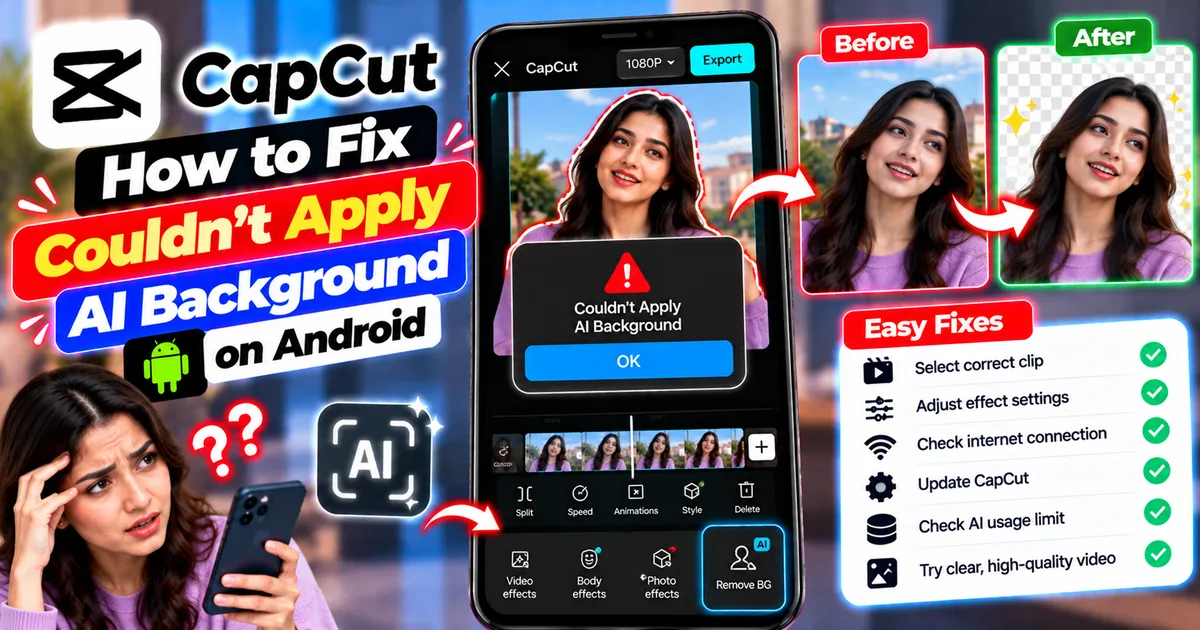
How to Fix Couldn't Apply AI Background in CapCut on Android
Getting "Couldn't Apply AI Background" in CapCut on Android? Check usage limits, clip selection, video quality, app updates, and practical troubleshooting steps.
GetApkFree Team
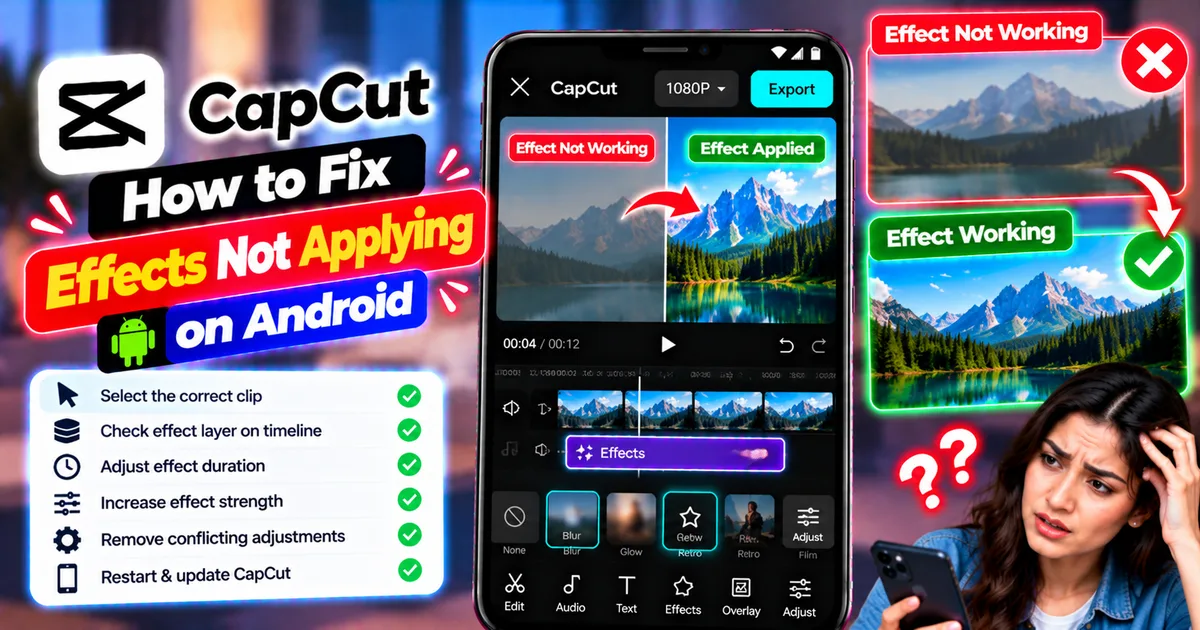
How to Fix CapCut Effects Not Applying on Android
CapCut effects not working on Android? Check clip selection, effect layers, timeline timing, conflicting adjustments, and app performance with these practical fixes.
GetApkFree Team