
This article is about
Ambio: Focus Timer & Sounds
Jaime Barreto · Multimedia
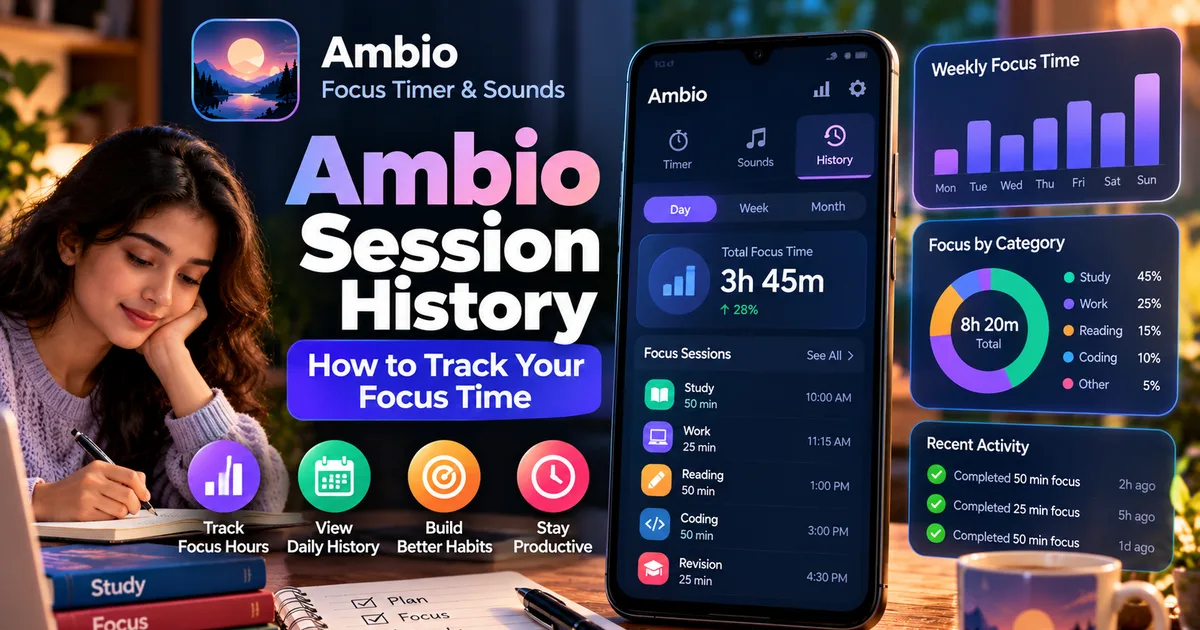
Ambio Session History: How to Track Your Focus Time
GetApkFree Team
Learn how Ambio session history tracks your focus time, completed sessions, and study or work progress on Android.
- Version
- 2.0.0
- Requires
- Android 12.0+
- License
- MIT
- Source
- F-Droid
- Package
- com.jbgsoft.ambio
Ambio Session History: How to Track Your Focus Time
Starting a focus timer is easy. The harder part is knowing how much focused work you actually completed.
That's where Ambio's session history comes in.
Ambio: Focus Timer & Sounds combines a Pomodoro-style focus timer with customizable ambient sounds. In addition to running focus sessions, the app includes a session history that keeps track of the hours you actually put in.
This makes Ambio useful not only for starting a timer but also for looking back at your completed focus work.
In this guide, we'll explain what Ambio session history is, how it fits into the focus timer, and how you can use the information to build a more consistent study or work routine.
What Is Ambio Session History?
Ambio session history is the part of the app that records your completed focus activity.
Instead of simply starting a timer and forgetting about it, you can look back at the time you've actually spent in focus sessions.
This can be useful when you're:
- Preparing for exams
- Studying regularly
- Writing
- Coding
- Working from home
- Building a daily focus habit
- Trying to understand how much time you spend on concentrated work
Ambio describes this feature as a way to "see where your focus went," with session history keeping track of the hours you actually put in.
Why Track Focus Sessions?
A timer tells you how long a session is supposed to last.
History gives you a record of what you actually completed.
For example, you might plan to study for three hours but complete only two hours of focused sessions.
Without a history feature, it can be difficult to remember the difference.
By keeping a record of your completed sessions, Ambio gives you another way to look at your productivity over time.
The purpose isn't necessarily to maximize the number of hours you work.
Instead, the history can help you understand your actual focus pattern.
How Ambio's Focus Timer Works
Before looking at session history, it's useful to understand the timer itself.
Ambio provides two Pomodoro presets:
- 25 minutes
- 50 minutes
You can also set your own focus and break durations.
This allows you to choose a shorter session when you're starting a study block or a longer session when you're already comfortable concentrating.
For example:
25-minute session
Useful for a short study block, reading session, or quick task.
50-minute session
Useful for longer study, writing, coding, or deep-work sessions.
Custom session
Useful when your work doesn't fit standard Pomodoro timings.
Once you complete focus sessions, Ambio's history provides a record of the time you've put in.
How to Use Ambio Session History
The exact appearance of the history screen can change as the app is updated, but the basic workflow is straightforward.
Step 1: Open Ambio
Launch Ambio on your Android device.
The app combines its timer and sound-mixing features in the same experience.
Step 2: Choose Your Focus Duration
Select one of the available focus presets or configure your own focus and break durations.
You can choose the 25-minute or 50-minute Pomodoro preset, or create a custom session.
Step 3: Select Your Ambient Sounds
If you want background audio, choose your preferred sound mix.
Ambio supports up to three of its 12 ambient sounds simultaneously, with an individual level for each sound.
For example, you might use:
- Rain + Forest
- Café + Rain
- Fireplace + Wind
- Ocean + Crickets
You can also use a single sound if you prefer a simpler environment.
Step 4: Start Your Focus Session
Start the timer and work until the session finishes.
Ambio can continue playing its sound mix in the background and provides Android media controls for playback.
Step 5: Check Your History
After completing focus sessions, open the session history area to see your recorded focus activity.
This lets you look back at the time you've actually spent working.
What Can You Use Ambio History For?
There are several practical ways to use the history feature.
Track Study Time
Students can use session history to see how much focused time they are actually putting into their studies.
For example, you could use Ambio for several study sessions throughout the day and then check your recorded focus activity later.
This can be more useful than simply saying:
"I studied all afternoon."
Instead, you have a record of the focused sessions you completed.
Track Coding Time
Developers often work in long periods where it becomes difficult to remember how much time was spent on a particular task.
Using Ambio's focus timer can provide a structured way to divide coding work into sessions.
The history then gives you a record of your completed focus time.
Track Writing Sessions
Writers can also use the timer and history combination.
You could start a focus session before writing and then review your accumulated focus time later.
This can help create a more consistent writing routine.
Build a Consistent Routine
The most useful aspect of history isn't necessarily a single long session.
It can be the ability to observe your routine over multiple sessions.
For example, you may discover that you consistently complete several shorter sessions rather than one very long session.
That information can help you decide which timer duration fits your working style.
Ambio Session History vs a Simple Timer
A basic timer tells you what is happening right now.
Ambio adds a historical perspective.
Consider the difference:
Simple timer:
"50 minutes remaining."
Timer with history:
"I've completed several focus sessions and accumulated focused work."
The second approach can be useful if you're trying to understand your productivity rather than simply count down time.
Can You Combine Session History With Ambient Sounds?
Yes.
One of Ambio's main features is its ability to combine focus timing with ambient sound.
You can create a soundscape, start your focus session, and then allow the app to record the completed session.
This means the sound mixer and history serve different purposes.
The sound mixer controls your environment.
The focus timer controls the work period.
The session history records your completed focus activity.
That separation makes the app useful for building a complete focus routine.
Example: Using Ambio for Exam Preparation
Suppose you're preparing for an exam.
You could structure a study day like this:
Session 1: 50 minutes — Biology
Break: Custom break period
Session 2: 50 minutes — Chemistry
Break: Short break
Session 3: 50 minutes — Physics
Session 4: 25 minutes — Revision
At the end of the day, session history can help you see how much focused time you actually completed.
You can then compare that with your planned study schedule.
This is particularly useful because planned study time and actual focused study time aren't always the same.
Example: Using Ambio for Work
Ambio can also be used outside studying.
For a workday, you could create several focused sessions around tasks such as:
- Writing reports
- Coding
- Research
- Email processing
- Planning
- Reading documentation
You can choose different focus lengths depending on the task.
The history then provides a record of your completed focus sessions.
Does Ambio Track Your Focus Automatically?
Ambio's current listing describes session history as tracking the hours you actually put in.
It's important to distinguish this from a full productivity analytics platform.
Ambio is primarily a focus timer and ambient sound application.
Its history feature is intended to show your focus activity rather than provide a complete project-management or workforce-monitoring system.
Does Ambio Need an Internet Connection for Session History?
Ambio's current listing states that the app works completely offline.
The app is designed as an offline-first experience, with its core functionality operating locally on the device.
This is useful if you want to use the focus timer and record sessions without relying on a cloud account.
For more information about the offline functionality, see our separate guide:
Ambio Offline: Does It Work Without Internet?
Does Ambio Require an Account to Track Sessions?
No account is required according to the current Ambio listing.
That means you can use the app's focus features without creating a separate online profile.
The developer also describes Ambio as having no tracking or analytics and says that no data leaves the device. These are developer-provided claims rather than an independent privacy certification.
Is Ambio Session History Useful for Students?
It can be.
Students often create study plans based on a certain number of hours, but planned time isn't always the same as focused time.
Using a timer and history together provides a more concrete way to measure completed focus sessions.
For example, instead of saying:
"I planned to study for four hours."
You can look at the focus sessions you actually completed.
That distinction can make your future study planning more realistic.
How to Get More Value From Session History
You don't need to turn productivity tracking into a competition with yourself.
A better approach is to use the history as feedback.
Look for Patterns
Check whether you consistently complete 25-minute, 50-minute, or custom sessions.
Compare Planned vs Actual Time
If you repeatedly plan six hours but complete three, the problem may be the schedule rather than motivation.
Adjust Your Sessions
If 50-minute sessions feel too long, try shorter sessions.
If 25 minutes feels too short, experiment with a longer custom duration.
Focus on Consistency
A consistent routine can be more useful than occasionally completing an extremely long session.
Ambio Session History and Privacy
Privacy can be an important consideration when using productivity-tracking applications.
Ambio's current Google Play listing says:
- No data is shared with third parties.
- No data is collected.
- No tracking or analytics are used.
- No data leaves the device.
- No account is required.
- The app works offline.
These statements come from the developer's current Google Play disclosure.
Ambio is also open source under the MIT License, which provides an additional way for technically knowledgeable users to inspect the project.
As always, users should evaluate the particular APK or release they install rather than assuming that every unofficial modified build has identical properties.
Ambio Session History on Android
Ambio is designed for modern Android devices.
The current GetAPKFree catalogue lists Ambio under the Multimedia category, while the current F-Droid listing indicates Android 12 or newer for the current build.
If you plan to install an APK manually, check the Android requirement of the specific version you download.
Frequently Asked Questions
What is Ambio session history?
It is Ambio's built-in history feature for keeping track of the focus time you actually complete.
Does Ambio track focus time?
Yes. The current app description says its session history keeps track of the hours you put in.
Can I use Ambio history for studying?
Yes. You can use the focus timer for study sessions and use the history to review your completed focus activity.
Does Ambio store session history online?
Ambio is described as completely offline, with no account required. The developer also states that no data leaves the device.
Can I use Ambio for coding?
Yes. The developer specifically lists coding among the activities Ambio's focus timer is designed for.
Does Ambio have Pomodoro sessions?
Yes. Ambio provides 25-minute and 50-minute Pomodoro presets, as well as custom focus and break durations.
Can I use sounds while running a focus session?
Yes. Ambio is designed around combining the focus timer with customizable ambient soundscapes.
How many sounds can Ambio mix?
Up to three of Ambio's 12 ambient sounds can be mixed simultaneously, with an individual level for each sound.
Does Ambio require an account?
No. The current listing says an account is not required.
Final Thoughts
Ambio's session history adds a useful layer to its focus-timer experience.
The timer helps you start a focused work period. The ambient mixer lets you create an environment around that session. The history then gives you a way to look back at the focus time you've actually completed.
For students, writers, developers, and remote workers, this can turn a simple timer into a more structured daily routine.
The important thing is to treat the history as feedback rather than a target that forces you to work longer.
Start with a realistic session length, complete your work, and use the history to understand what your actual routine looks like.
Related Articles
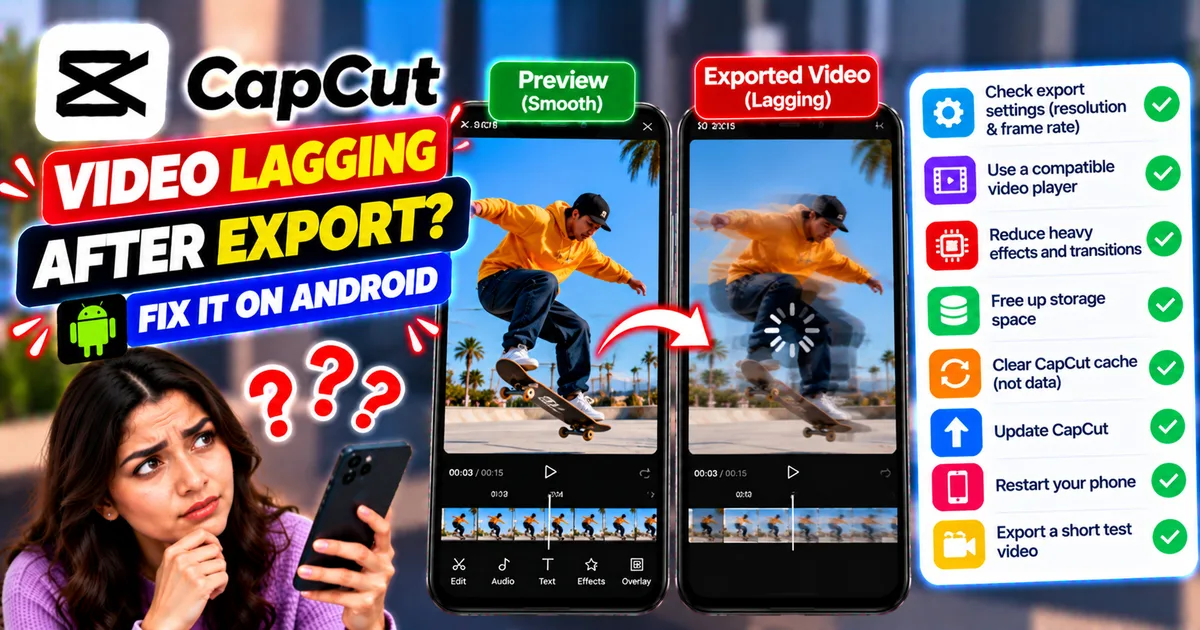
How to Fix CapCut Video Lagging After Export on Android
Fix CapCut video lagging after export on Android. Learn how to troubleshoot choppy playback, frame-rate mismatches, heavy effects, storage issues, and export settings.
GetApkFree Team
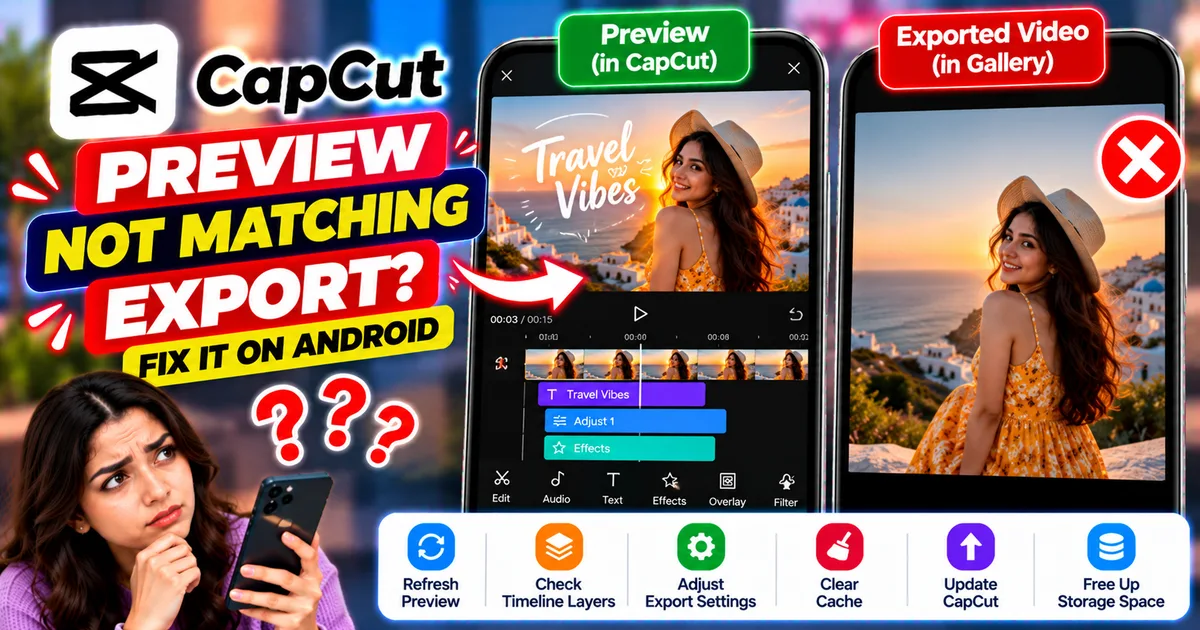
How to Fix CapCut Preview Not Matching Export on Android
Fix CapCut preview not matching the exported video on Android. Troubleshoot missing effects, text, transitions, timing, colors, and rendering differences.
GetApkFree Team
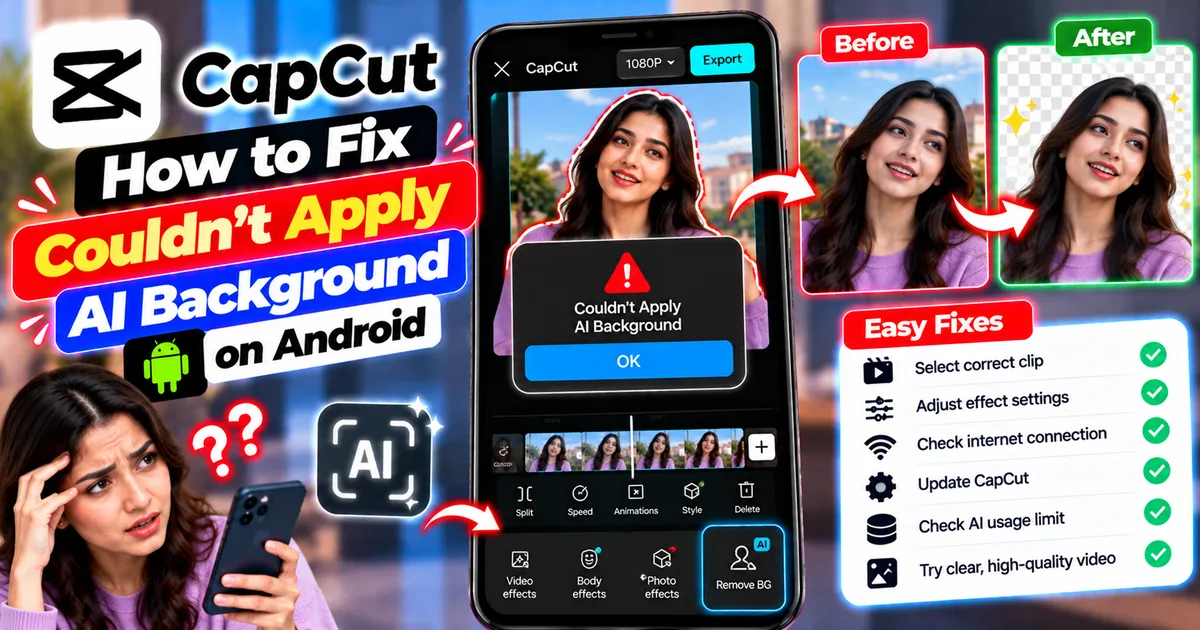
How to Fix Couldn't Apply AI Background in CapCut on Android
Getting "Couldn't Apply AI Background" in CapCut on Android? Check usage limits, clip selection, video quality, app updates, and practical troubleshooting steps.
GetApkFree Team
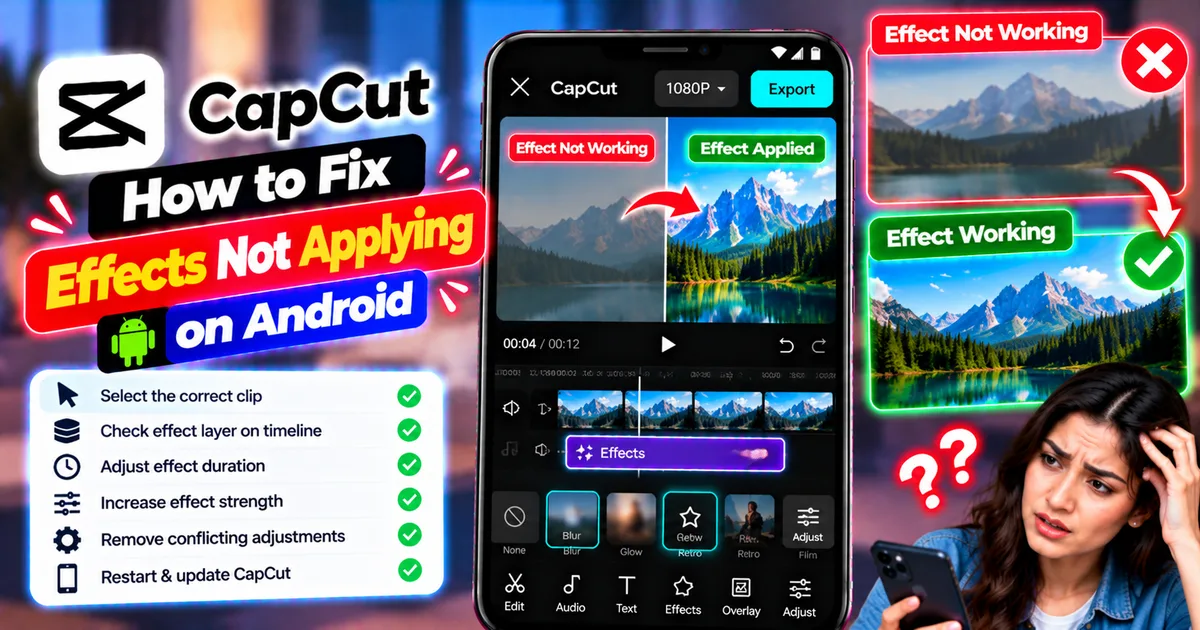
How to Fix CapCut Effects Not Applying on Android
CapCut effects not working on Android? Check clip selection, effect layers, timeline timing, conflicting adjustments, and app performance with these practical fixes.
GetApkFree Team