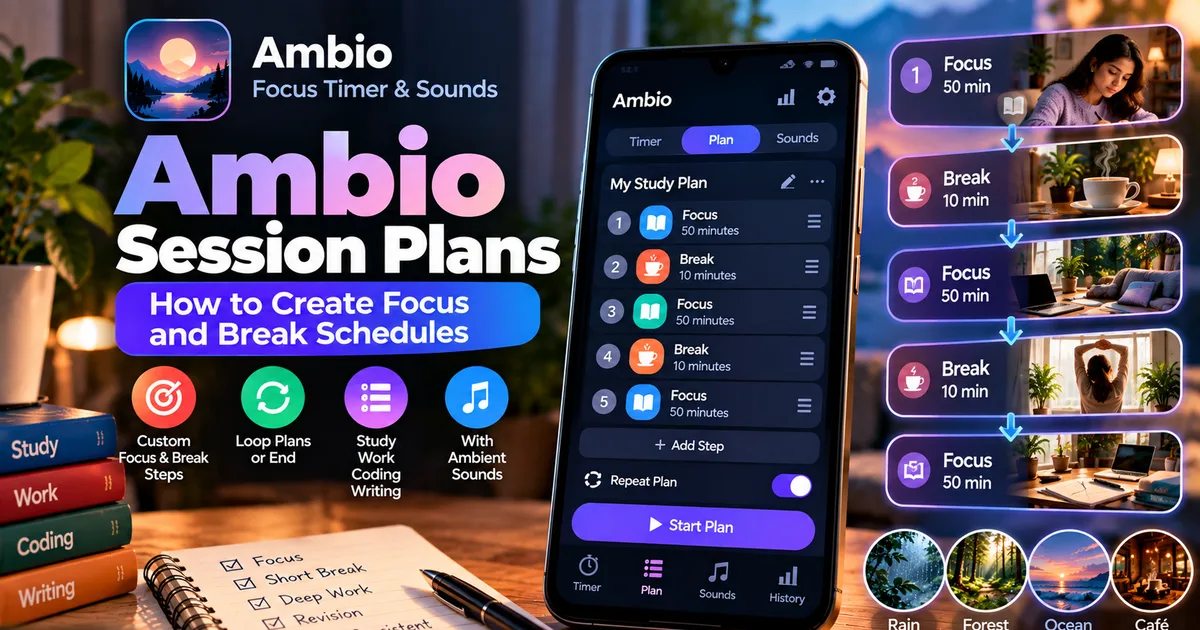

This article is about
Ambio: Focus Timer & Sounds
Jaime Barreto · Multimedia
Ambio Session Plans: How to Create Focus and Break Schedules
GetApkFree Team
Learn how Ambio Session Plans work, how to combine focus and break periods, loop a plan, and create structured study or work sessions.
- Version
- 2.0.0
- Requires
- Android 12.0+
- License
- MIT
- Source
- F-Droid
- Package
- com.jbgsoft.ambio
Ambio Session Plans: How to Create Focus and Break Schedules
A single countdown can be enough for a quick task, but longer study and work sessions often need more structure.
You may want to study for 50 minutes, take a break, study again, take another break, and then finish with a final revision session. Setting each timer manually can become repetitive.
Ambio's Session Plans feature is designed for this type of routine.
Introduced in Ambio 2.1, the Plan preset lets you arrange focus and break steps in the order you want. You can choose whether the plan should loop or finish when the sequence is complete, with a success chime marking the end of the plan.
This makes Session Plans different from Ambio's standard 25-minute and 50-minute Pomodoro presets. Instead of starting one focus session at a time, you can create a sequence that handles multiple focus and break periods.
What Are Ambio Session Plans?
Ambio Session Plans let you build a sequence of focus and break steps.
For example, a simple study plan could look like this:
50 minutes — Focus
10 minutes — Break
50 minutes — Focus
10 minutes — Break
50 minutes — Focus
Instead of manually starting each timer, you can arrange these steps into a plan.
Ambio can then move through the sequence until the plan ends.
The feature is useful when your work naturally consists of repeated cycles rather than one isolated countdown.
How Are Session Plans Different From the Normal Timer?
Ambio's regular focus timer is useful when you want to start a single session.
The app provides 25-minute and 50-minute Pomodoro presets, as well as custom focus and break durations.
Session Plans go one step further.
Instead of thinking:
"What timer should I start now?"
you can think:
"What sequence do I want to complete?"
This distinction is particularly useful for longer study sessions.
Standard Focus Timer
A typical workflow might be:
- Start a 50-minute session.
- Work until it ends.
- Start a break.
- Start another session manually.
Session Plan
A plan can contain:
- Focus
- Break
- Focus
- Break
- Focus
The sequence is prepared in advance.
That can reduce the amount of interaction needed between sessions.
How to Create an Ambio Session Plan
The exact interface can change between app versions, but the basic idea is to use the Plan preset and arrange your focus and break steps.
1. Open Ambio
Launch Ambio on your Android device.
The app combines focus timing with customizable ambient soundscapes, so you can use the timer with or without background audio.
2. Select the Plan Preset
Instead of choosing the standard 25-minute or 50-minute preset, select the Plan option.
The Plan preset was introduced in Ambio 2.1 specifically for arranging multiple focus and break steps.
3. Add Your Focus Steps
Choose how long you want each focus period to last.
For example:
- 25 minutes
- 50 minutes
- Custom duration
The right duration depends on the activity.
Shorter sessions may be useful for revision or smaller tasks, while longer sessions may suit reading, writing, coding, or concentrated study.
4. Add Break Steps
After adding a focus period, add a break period.
For example:
Focus — 50 minutes
Break — 10 minutes
You can then continue building the sequence.
5. Arrange the Steps
One of the main advantages of a plan is that you can arrange the steps in the order you want.
A longer plan could look like:
Focus → Break → Focus → Break → Focus
Or you could create a different sequence depending on your routine.
The feature is designed around arranging focus and break steps rather than forcing every session into one fixed Pomodoro pattern.
Can an Ambio Session Plan Repeat?
Yes.
Ambio's Plan feature allows the sequence to loop or end after the plan is completed.
This gives you two different ways to use the feature.
End After One Plan
Choose this approach when you have a defined amount of work to complete.
For example:
- 50-minute study
- 10-minute break
- 50-minute study
- 10-minute break
- 50-minute revision
Once the sequence is finished, the plan ends.
Loop the Plan
Looping is useful when you want a repeating work-and-break cycle.
For example:
50 minutes focus → 10 minutes break → repeat
You don't have to manually restart the sequence after every cycle.
This can be convenient for longer study days or extended work sessions.
Example: Ambio Plan for Exam Study
Suppose you're preparing for an exam and want a structured three-session routine.
You could create:
Step 1: 50-minute Biology study
Step 2: 10-minute break
Step 3: 50-minute Chemistry study
Step 4: 10-minute break
Step 5: 50-minute Physics study
At the end, the plan can finish rather than continuing indefinitely.
The advantage is that you decide the structure before beginning.
You can then concentrate on studying instead of repeatedly checking the timer and deciding what comes next.
Example: Ambio Plan for Revision
Revision may require shorter periods.
You could create:
25 minutes — Revision
5 minutes — Break
25 minutes — Revision
5 minutes — Break
25 minutes — Revision
This can work well when you're reviewing flashcards, notes, formulas, vocabulary, or previously studied material.
The important point is that Session Plans aren't limited to one fixed Pomodoro pattern.
You can build the sequence around the type of work you're doing.
Example: Ambio Plan for Coding
Coding sessions can also benefit from predefined focus and break cycles.
For example:
60 minutes — Coding
10 minutes — Break
60 minutes — Coding
15 minutes — Break
45 minutes — Testing and debugging
A structured plan can make it easier to maintain a rhythm without repeatedly configuring the timer.
Ambio's official description specifically mentions coding among the activities its focus timer is designed for.
Can You Use Ambient Sounds With Session Plans?
Ambio is designed around combining its timer with customizable ambient soundscapes.
The app provides 12 ambient sounds and lets you combine up to three at once, with separate volume levels for each.
For example, while working through a study plan you could use:
Rain + Forest
or:
Café + Rain
or:
Ocean + Crickets
You can adjust the individual levels to create a quieter or more noticeable background.
This means the Session Plan controls your time structure, while the sound mixer controls your audio environment.
What Happens When a Plan Ends?
Ambio's current F-Droid description says a success chime marks the end of the plan.
This provides an audible indication that the complete sequence has finished.
You don't necessarily need to keep watching the phone screen to know when the plan has reached its end.
The exact notification and audio behavior can depend on Android settings and the Ambio version installed.
Why Use a Session Plan Instead of Multiple Timers?
The biggest advantage is reducing repetitive setup.
Imagine completing four focus sessions manually.
You might have to:
- Start the first timer.
- Stop or wait for it to finish.
- Start a break.
- Start the next focus timer.
- Start another break.
- Start another focus timer.
A Session Plan turns the process into a predefined sequence.
That makes the feature particularly useful when you already know the structure of your workday or study block.
Session Plans for Students
Students can use Session Plans for several different routines.
Long Study Block
50 min focus → 10 min break → 50 min focus → 10 min break → 50 min focus
Quick Revision
25 min focus → 5 min break → 25 min focus → 5 min break → 25 min focus
Mixed Study
50 min Biology → break → 50 min Chemistry → break → 50 min Physics
The specific subject doesn't matter to Ambio. The plan simply provides the time structure.
Session Plans for Remote Work
Remote workers can also use predefined focus and break cycles.
For example:
50 minutes work
10 minutes break
50 minutes work
15 minutes break
50 minutes work
This can help divide a large workday into manageable blocks.
You can also use ambient sounds while working if background audio helps you concentrate.
Session Plans for Writing
Writing often requires uninterrupted concentration.
Instead of setting a new timer every time you begin another writing block, you can create a sequence in advance.
For example:
45 minutes writing → 10 minutes break → 45 minutes editing → 10 minutes break → 30 minutes proofreading
This is especially useful for longer assignments, articles, reports, or creative projects.
Can Session Plans Be Looped?
Yes.
Ambio's Plan feature allows the sequence to loop or finish when it reaches the end.
Looping is useful when you want a repeating pattern.
For example:
50 min focus → 10 min break → repeat
Ending the plan is more appropriate when you have a fixed amount of work.
For example:
Focus → Break → Focus → Break → Final Focus → End
Choosing between the two depends on whether your routine has a defined endpoint.
Session Plans and Ambio Session History
Ambio also includes session history.
The app describes session history as a way to keep track of the hours you actually put in.
That creates a useful relationship between the two features.
Session Plan: What you intend to do.
Focus Timer: The current session.
Session History: What you actually completed.
For example, you could plan three 50-minute sessions but complete only two.
Your history can then help you understand your actual focus time rather than relying solely on your original schedule.
For a deeper look at that feature, see our guide:
Ambio Session History: How to Track Your Focus Time
Can Ambio Session Plans Work Offline?
Ambio's current Google Play listing states that the app works completely offline and does not require an account.
This makes the app suitable for situations where you don't want to depend on an internet connection.
You can read our separate guide:
Ambio Offline: Does It Work Without Internet?
As always, the exact behavior can depend on the specific version installed.
Does Ambio Need an Account for Session Plans?
No account is required according to the current Ambio listing.
The app is designed as an offline-focused experience rather than a cloud productivity platform.
That means you can use its timer and sound features without creating a separate online profile.
What Android Version Is Required?
The current F-Droid release, version 2.1.1, requires Android 12 or newer. F-Droid lists version 2.1.1 as added on September 20, 2026.
If you're installing an APK manually, always check the Android requirement of the particular version you're downloading.
Don't assume that every historical Ambio APK has identical requirements.
Ambio Session Plans: Simple Example
If you're new to the feature, start with something simple.
Try:
Focus — 25 minutes
↓
Break — 5 minutes
↓
Focus — 25 minutes
↓
Break — 5 minutes
↓
Focus — 25 minutes
Then choose whether you want the plan to finish or repeat.
Once you've used that setup for a while, you can experiment with longer focus periods or custom schedules.
Frequently Asked Questions
What are Ambio Session Plans?
Session Plans let you arrange multiple focus and break steps into one sequence.
When were Session Plans added to Ambio?
The Plan preset was introduced with Ambio 2.1.
Can I create multiple focus sessions in one plan?
Yes. The Plan feature is designed to arrange multiple focus and break steps.
Can an Ambio plan repeat?
Yes. A plan can be configured to loop or end after the sequence.
Does a plan have to use 25-minute Pomodoro sessions?
No. Ambio supports custom focus and break lengths, so your plan can be built around your preferred schedule.
Can I use ambient sounds during a focus plan?
Yes. Ambio's focus timer and ambient sound mixer are designed to work together.
Can I use Session Plans without internet?
Ambio's current listing states that the app works completely offline.
Does Ambio require an account?
No. The current listing says no account is required.
Does Ambio record completed focus sessions?
Ambio includes session history that tracks the hours you actually put in.
Final Thoughts
Ambio's Session Plans feature is useful when a single countdown isn't enough.
Instead of repeatedly starting individual timers, you can create a sequence of focus and break periods and let Ambio move through the routine.
You can build a short revision plan, a longer study schedule, a coding routine, a writing session, or a repeating work-and-break cycle.
The feature also fits naturally with Ambio's other tools: ambient sound mixing creates the background environment, the focus timer handles each work period, Session Plans organize the sequence, and session history records the focus time you actually complete.
If your work or study routine consists of repeated focus and break cycles, Session Plans provide a more structured way to use Ambio than starting every timer manually.
Related Articles

How to Fix CapCut Video Lagging After Export on Android
Fix CapCut video lagging after export on Android. Learn how to troubleshoot choppy playback, frame-rate mismatches, heavy effects, storage issues, and export settings.
GetApkFree Team
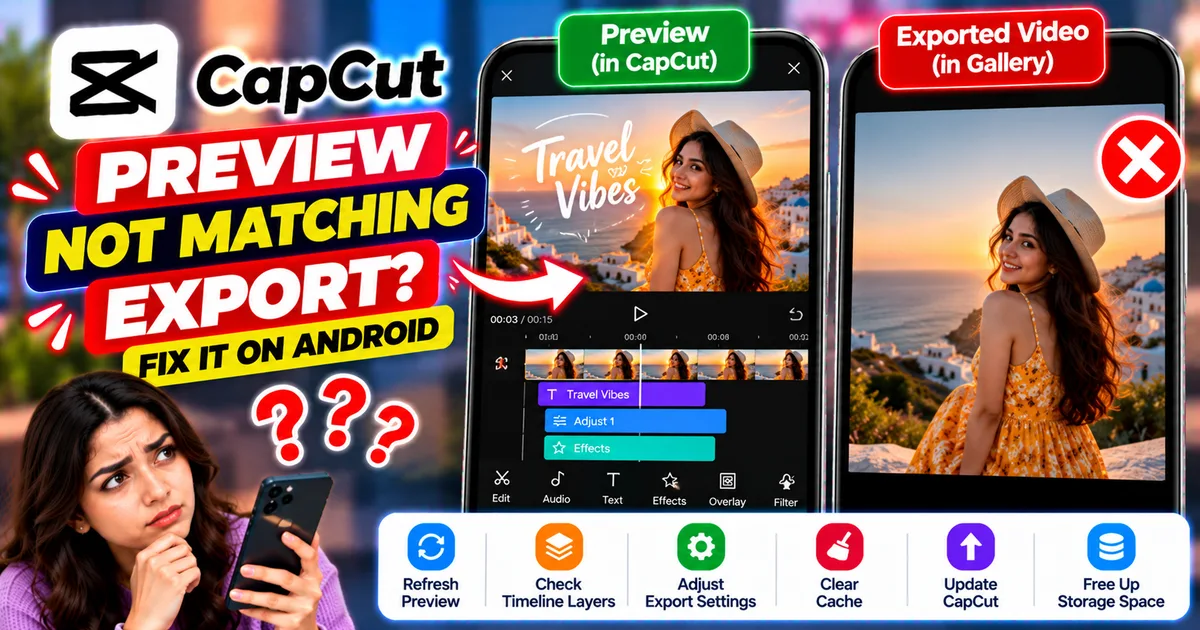
How to Fix CapCut Preview Not Matching Export on Android
Fix CapCut preview not matching the exported video on Android. Troubleshoot missing effects, text, transitions, timing, colors, and rendering differences.
GetApkFree Team
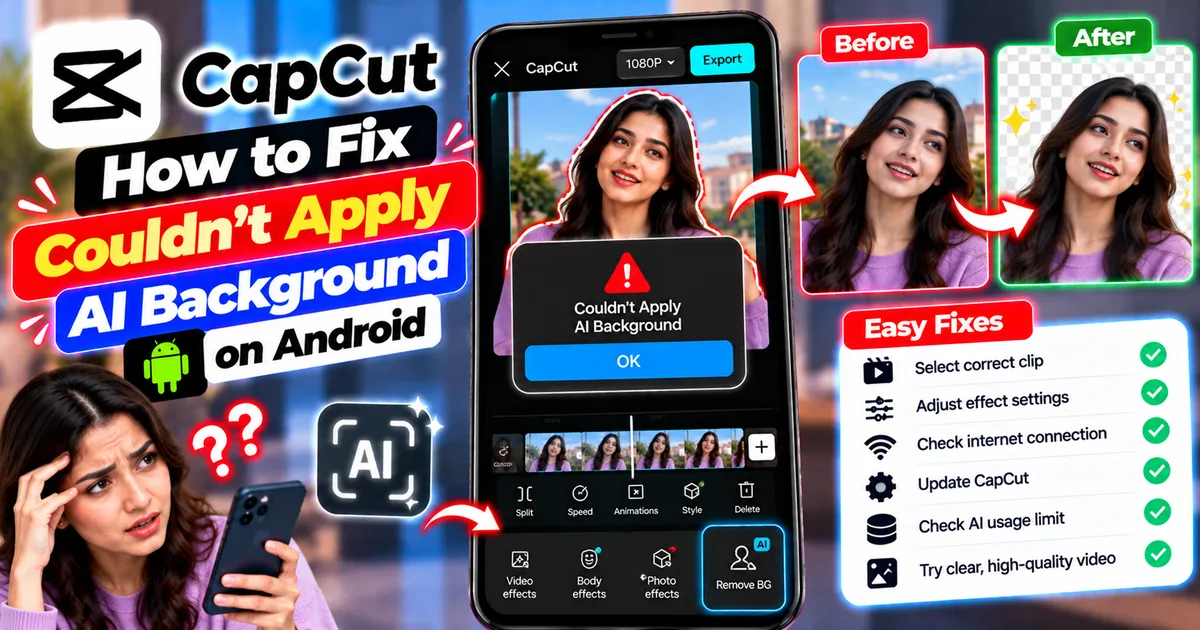
How to Fix Couldn't Apply AI Background in CapCut on Android
Getting "Couldn't Apply AI Background" in CapCut on Android? Check usage limits, clip selection, video quality, app updates, and practical troubleshooting steps.
GetApkFree Team
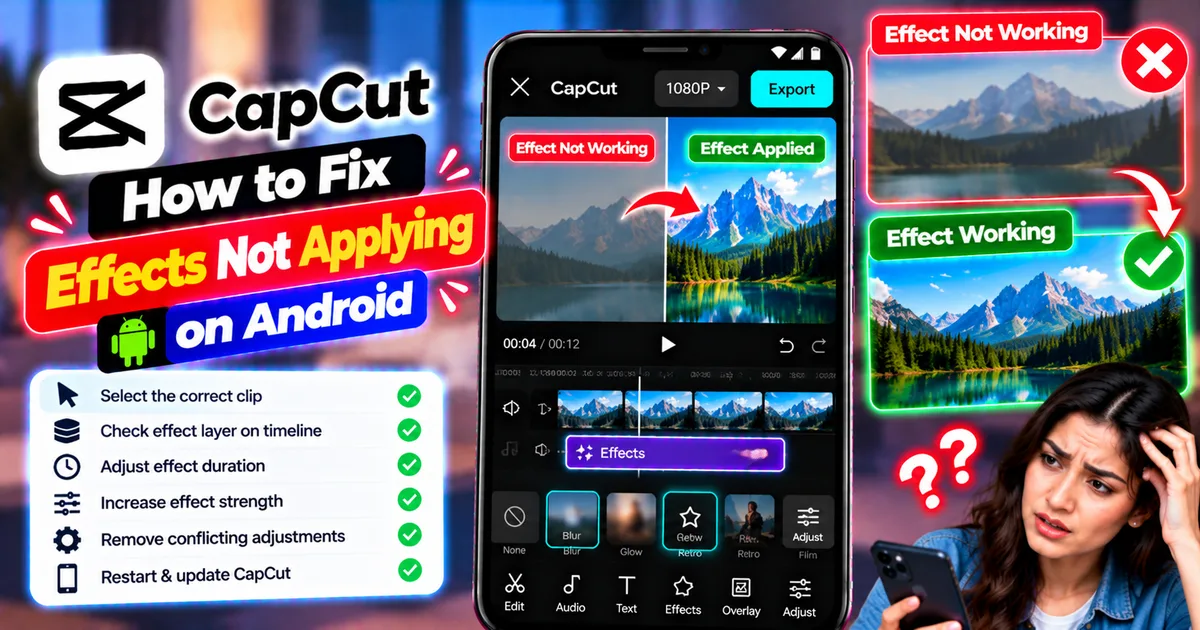
How to Fix CapCut Effects Not Applying on Android
CapCut effects not working on Android? Check clip selection, effect layers, timeline timing, conflicting adjustments, and app performance with these practical fixes.
GetApkFree Team