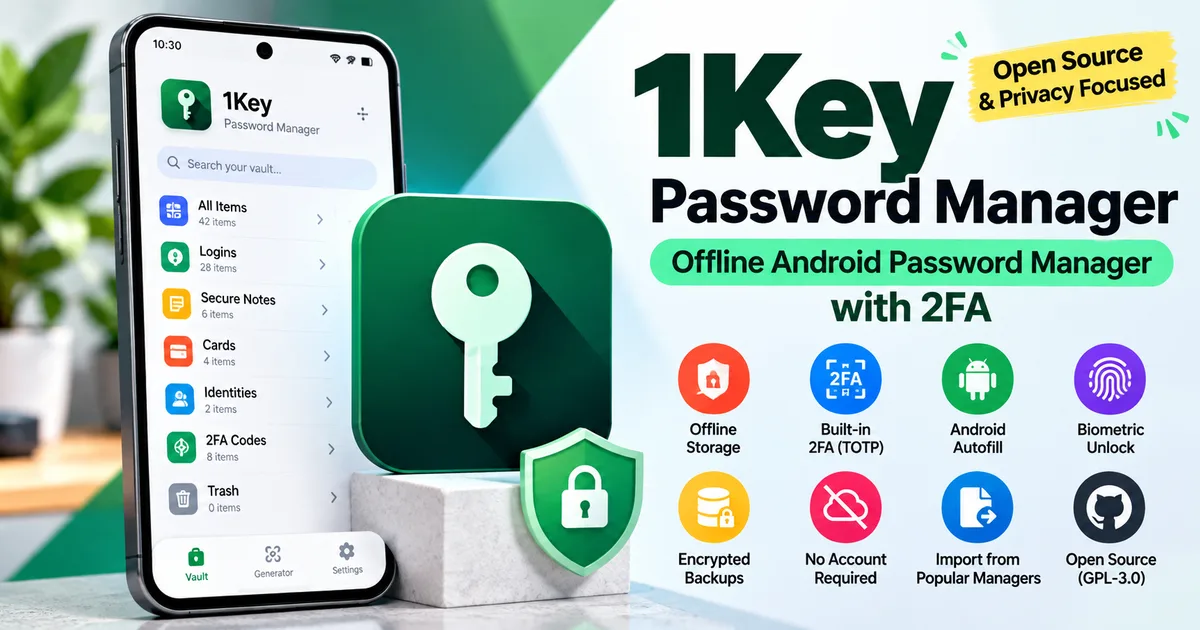

This article is about
1Key Password Manager
Rouf Syed · System
1Key Password Manager: Offline Android Password Manager with 2FA
GetApkFree Team
Learn how 1Key Password Manager works on Android, including offline password storage, 2FA, autofill, encrypted backups, biometrics, and privacy features.
- Version
- 1.1.1
- Requires
- Android 8.0+
- License
- GPL-3.0-only
- Source
- F-Droid
- Package
- com.roufsyed.onekey
1Key Password Manager: Offline Android Password Manager with 2FA
If you are looking for an Android password manager that keeps your password vault local instead of relying on a cloud account, 1Key Password Manager is an interesting open-source option.
1Key is designed as a local-first password manager for Android. According to its F-Droid listing and project documentation, it works without an account, does not require a network connection for its core vault, and includes features such as password storage, two-factor authentication (2FA), system autofill, biometric unlocking, and encrypted backups.
You can find the current app details and APK information on the 1Key Password Manager app page.
What is 1Key Password Manager?
1Key is an open-source password manager built for Android by Rouf Syed. Its main focus is keeping the password vault on the device rather than requiring a hosted account or cloud-based vault.
The project describes itself as a local-first password manager. Its F-Droid listing states that there is no account, no telemetry, and no network connection, with the INTERNET permission removed from the F-Droid build.
The source code is publicly available on GitHub, and the project is licensed under GPL-3.0-or-later.
How does 1Key store passwords?
1Key uses several security mechanisms for protecting the vault.
According to the project's published information, the vault key is derived from the master password using Argon2id. Individual credential fields are encrypted using AES-256-GCM, while Android Keystore is used as part of the key-protection design.
This means the app is designed so that your stored credentials are not simply kept as readable text inside the local database.
As with any security software, these published technical details describe the design and implementation claims of the project. They should not be treated as a guarantee that an application is completely immune to security vulnerabilities.
Does 1Key require an account?
No account is required for the local password-management workflow described by the project.
You do not need to create a separate 1Key account or provide an email address simply to create the local vault.
This is one of the main differences between a local password manager and password managers that depend heavily on an online account and cloud synchronization.
Does 1Key work offline?
Yes. The F-Droid version is specifically designed around local storage and does not request the Android INTERNET permission.
Your password vault remains on the device unless you deliberately export or back it up.
This can be useful if your priority is keeping your password database local rather than depending on a password-management server.
However, offline storage also means you should take responsibility for creating and protecting backups. Losing the device without a usable backup can mean losing access to the stored vault.
1Key Password Manager features
Password storage
1Key provides a local vault for storing account credentials and other sensitive information.
The project is designed around encrypted local storage rather than a remotely hosted password database.
System autofill
1Key supports Android's system-level Autofill Service.
This allows saved login information to be used when signing into supported apps and websites without manually copying passwords from the vault every time.
Two-factor authentication
The application includes built-in TOTP support for two-factor authentication codes.
This means compatible two-factor authentication secrets can be managed alongside your credentials rather than requiring a separate authenticator application for every account.
Biometric unlocking
1Key supports biometric authentication such as fingerprint or face authentication where supported by the Android device.
A master password remains an important part of the vault's security model.
PIN unlocking
The project also supports a six-digit PIN as an unlock option.
Users can configure additional automatic-lock behaviour to reduce the time an unlocked vault remains accessible.
Encrypted backups
1Key supports encrypted backups using its .1key backup format.
The project also provides export options for interoperability, including CSV and JSON.
Because password backups contain highly sensitive information, exported files should be stored carefully and protected from unauthorized access.
Importing passwords
The project documents import support for several existing password-management formats, including Google Passwords, LastPass, KeePass, 1Password, Dashlane, NordPass, and Safari/iCloud Keychain.
Import availability and behaviour can change between releases, so check the current application documentation before moving a large password vault.
Is 1Key completely cloud-free?
The project is designed without cloud synchronization for the password vault.
Backups are files that you choose where to store. The project's documentation describes possible storage locations such as local storage, USB drives, cloud storage providers, or NAS devices, but the backup file itself is handled as a file rather than being synchronized through a 1Key account.
This distinction is important: storing an exported backup in a cloud-storage folder is different from having the password manager itself maintain a cloud-synchronized vault.
What Android version does 1Key require?
The current F-Droid release listed for 1Key requires Android 8.0 or newer.
The requirement can change with future releases, so check the version information on the app listing before installing an older or newer build.
You can also read our guide on how to check the minimum Android version required by an APK.
Is 1Key open source?
Yes.
The 1Key source code is publicly available on GitHub, and the project is released under the GPL-3.0-or-later license.
Open-source availability makes it possible for developers and technically experienced users to inspect the project's source code and follow its development.
However, open source by itself should not be interpreted as proof that an application is completely secure. Security also depends on implementation quality, maintenance, dependency management, release practices, and independent review.
What permissions does 1Key use?
The current F-Droid release lists permissions related to features such as:
- Camera access
- Notifications
- Reading shared storage
- Writing shared storage
- Biometric authentication
- Fingerprint authentication
The F-Droid listing also notes that the INTERNET permission is removed from the build.
Permissions can change between versions, so always check the permissions associated with the specific APK you intend to install.
If you are installing an APK outside an app store, our guide on how to install APK files on Android safely explains the basic checks you should make first.
Who might find 1Key useful?
1Key may be worth considering if you want:
- A local-first Android password manager
- Password storage without creating an online account
- Built-in 2FA/TOTP support
- Android system autofill
- Biometric unlocking
- Encrypted local backups
- An open-source password manager
- A password vault that does not require an internet connection
It may be less suitable if your main requirement is seamless cloud synchronization across many devices with minimal manual backup management.
How to install 1Key on Android
Before installing any APK, verify that you have the correct application, version, package information, and download source.
If you are using the GetAPKFree listing, open the 1Key Password Manager app page to review the available version, source information, Android requirement, permissions, changelog, and APK details.
For general APK installation instructions, see our guide:
How to Install APK Files on Android Safely
After downloading an APK, Android may require you to allow installation from the browser or file manager you used to download the file. Only enable this permission when necessary and review which application has been granted permission.
1Key Password Manager: important things to remember
1Key takes a local-first approach to password management. That can provide more direct control over where your vault and backups are stored, but it also makes backup responsibility particularly important.
If your password vault exists only on one device and that device is lost or damaged, you may not be able to recover your credentials.
For that reason, create a secure backup and make sure you know how to restore it before relying on the application for important accounts.
Also remember that a password manager is only one part of account security. Use strong unique passwords and enable two-factor authentication on important online accounts whenever the service supports it.
Frequently Asked Questions
Is 1Key Password Manager free?
The 1Key project is distributed as open-source software, including through F-Droid. Check the current project and GetAPKFree listing for the available release and licensing information.
Does 1Key need an internet connection?
The current F-Droid build is designed to work without an internet connection and removes the INTERNET permission from its manifest.
Does 1Key support 2FA?
Yes. The project documents built-in TOTP support for two-factor authentication.
Does 1Key support autofill?
Yes. 1Key supports Android's system Autofill Service for filling credentials into supported apps and browsers.
Can I back up my 1Key vault?
Yes. The project supports encrypted .1key backups as well as export options such as CSV and JSON.
Is 1Key open source?
Yes. The source code is publicly available, and the project is licensed under GPL-3.0-or-later.
What Android version is required for 1Key?
The current F-Droid release listed for 1Key requires Android 8.0 or newer. Check the specific release listing because requirements can change.
Final thoughts
1Key Password Manager takes a different approach from password managers built around mandatory online accounts and cloud vaults. Its local-first design, built-in 2FA, Android autofill, biometric unlocking, encrypted backups, and open-source code make it an interesting option for Android users who want more direct control over their password data.
Before installing any APK, however, verify the application, version, source, permissions, and file information. For the current GetAPKFree listing, you can review these details on the 1Key Password Manager app page.
Related Articles
Roblox Not Loading Games on Android? How to Fix It
Roblox games not loading on Android? Fix endless loading screens, failed connections, and games that close unexpectedly with practical checks for your network.
GetApkFree Team
Reddit Notifications Not Working on Android? How to Fix It
Reddit notifications not working on Android? Fix missing replies, comment alerts, chat notifications, and delayed updates by checking Reddit settings,
GetApkFree Team
Snapchat Camera Not Working on Android? How to Fix It
Is Snapchat’s camera showing a black screen or refusing to take photos on Android? Check camera permissions, update the app, clear its cache, and follow these practical troubleshooting steps.
GetApkFree Team
Pinterest Images Not Loading on Android? How to Fix It
Pinterest images not loading on Android? Fix blank Pins, missing pictures, endless loading, and feed problems with these practical troubleshooting steps.
GetApkFree Team