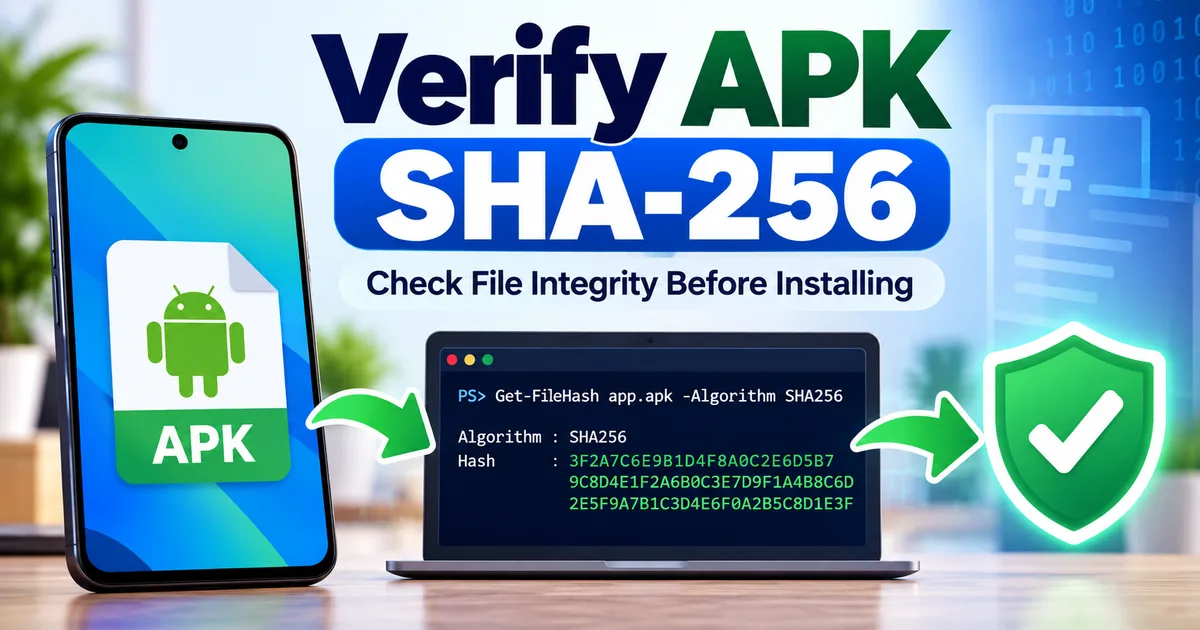
How to Verify an APK SHA-256 Checksum Before Installing
GetApkFree Team
Learn how to calculate an APK's SHA-256 checksum, compare it with a trusted published value, and understand what a matching or different hash means.
Quick Answer
Learn how to calculate an APK's SHA-256 checksum, compare it with a trusted published value, and understand what a matching or different hash means.
How to Verify an APK SHA-256 Checksum Before Installing
When you download an APK file, the filename and app icon are not enough to tell you whether the file is exactly the one you intended to download. A SHA-256 checksum gives you a way to compare the actual contents of a file against a trusted reference value.
If the APK's calculated SHA-256 value matches a checksum published by a source you trust, the two files have the same contents. If the values are different, the files are not identical.
That makes SHA-256 useful for checking file integrity. However, a checksum does not automatically prove that an APK is safe, official, or free from unwanted behavior. The reference checksum itself must come from a source you trust.
This guide explains what an APK SHA-256 checksum is, how to calculate one, how to compare it correctly, and what the result actually means.
What Is an APK SHA-256 Checksum?
SHA-256 is a cryptographic hash function that produces a fixed-length value from the contents of a file.
For example, an APK might produce a hash that looks like this:
A1B2C3D4E5F6...
The actual SHA-256 value is much longer than this example.
The important point is that the hash is calculated from the file's contents, not from its filename.
If the contents of the APK change, its SHA-256 hash will also change.
This makes a checksum useful when you want to determine whether the APK you downloaded is exactly the same file as the one represented by a trusted published checksum.
Why Should You Check an APK's SHA-256 Hash?
There are several situations where a checksum can be useful.
Confirming a Downloaded File
If a developer or trusted distributor publishes a SHA-256 checksum for a particular APK, you can calculate the hash of your downloaded copy and compare the two values.
A match means the files have identical contents.
Detecting an Incomplete or Changed File
If your calculated checksum does not match the expected value, the file is different from the reference file.
That could happen because:
- You downloaded a different version.
- You downloaded a different APK variant.
- The file was damaged or changed.
- The published checksum belongs to another file.
- You copied or renamed the wrong APK.
- The source provided a different file than the one associated with the published checksum.
A mismatch does not automatically tell you why the files differ. It tells you that they are not identical.
What Does a Matching SHA-256 Hash Prove?
A matching SHA-256 value gives you a strong file-integrity check.
If your APK produces exactly the same SHA-256 value as a trusted reference for that specific APK, the contents of the two files are the same.
It can therefore help confirm that:
- You have the intended file.
- Your downloaded copy matches the published reference.
- The file was not changed between the trusted reference and your copy, assuming the reference value itself is trustworthy.
But there is an important limitation.
A Hash Does Not Prove That an APK Is Safe
A SHA-256 checksum does not tell you whether an application is trustworthy.
For example, imagine someone publishes a malicious APK and publishes its SHA-256 hash alongside it.
If you download that exact malicious APK, your calculated hash can match perfectly.
The checksum proves that you have the same file associated with that checksum. It does not prove that the file is good or safe.
For a broader safety check, see our guide on how to tell if an APK is safe.
How to Check an APK SHA-256 Hash on Windows
Windows makes this relatively simple with PowerShell.
You do not need to install a separate APK tool just to calculate the file's SHA-256 hash.
Step 1: Find the APK File
Locate the APK on your Windows computer.
For example:
C:\Users\YourName\Downloads\example-app.apk
Step 2: Open PowerShell
Right-click the Start button and open Terminal or PowerShell, depending on your Windows version.
Step 3: Run Get-FileHash
Use:
Get-FileHash "C:\Users\YourName\Downloads\example-app.apk" -Algorithm SHA256
Replace the example path with the actual location of your APK.
Windows PowerShell's Get-FileHash command calculates a file hash and supports SHA-256. SHA-256 is also the command's default algorithm when no other algorithm is specified.
Step 4: Read the Hash
The output will look similar to:
Algorithm : SHA256
Hash      : 8A7B6C5D4E3F...
Path      : C:\Users\YourName\Downloads\example-app.apk
The long value next to Hash is the SHA-256 checksum of your APK.
An Easier Windows Method
If the APK is already in your Downloads folder, you can first open PowerShell and move to that folder:
cd "$HOME\Downloads"
Then run:
Get-FileHash ".\example-app.apk"
Because SHA-256 is the default for Get-FileHash, you can omit -Algorithm SHA256.
If you want to make the command explicit, use:
Get-FileHash ".\example-app.apk" -Algorithm SHA256
Both approaches calculate the SHA-256 hash.
How to Compare the APK Hash With a Published Checksum
Calculating the hash is only half of the process.
You also need a trusted reference checksum.
Suppose your APK produces:
ABC123...
and the developer's official release page publishes:
ABC123...
If the complete values are exactly identical, the files have the same contents.
Do not compare only the first few characters.
A SHA-256 value is normally represented as a long hexadecimal string. Compare the complete value.
Example
Your calculated value:
9D5F...EXAMPLE...
Published value:
9D5F...EXAMPLE...
If every character matches, the hashes match.
If even one character differs, they do not match.
Where Should the Reference SHA-256 Come From?
The quality of the reference is extremely important.
The most useful reference is one published by a source you already have a reason to trust, such as:
- The app developer's official website.
- An official release page.
- An official project repository maintained by the developer.
- A trusted distribution channel that clearly publishes checksums for its files.
Be cautious when the only checksum you can find comes from the same unknown website that provided the APK.
A malicious or unreliable distributor could simply publish a checksum for its own file. Your calculated hash would then match that value without proving anything about the APK's origin or safety.
What If the SHA-256 Hash Does Not Match?
Do not ignore a mismatch.
First, check whether you are comparing the correct files.
Check the APK Version
You may have downloaded a different version from the one associated with the published checksum.
Compare the version information.
Our guide on checking APK version, package name, and app details explains what to look for.
Check the APK Variant
An app may have different APK variants for different devices or architectures.
Two legitimate versions of the same application can therefore have different files and different SHA-256 hashes.
The fact that the hashes differ does not automatically mean one file is malicious.
Make sure the reference checksum belongs to the exact APK you downloaded.
Check the Filename and File Size
The filename can help you identify the file you intended to download, but it is not proof of identity.
A file can be renamed without changing its contents, so the filename itself is not what the checksum verifies.
File size can also help you spot an obvious mismatch, but it should not replace a full SHA-256 comparison.
Download the File Again
If you believe you have the correct version and the checksum still does not match, download the file again from the intended source and calculate the hash of the new copy.
If the result continues to differ from a trusted published checksum, stop and investigate rather than assuming the mismatch does not matter.
SHA-256 vs APK Digital Signature
SHA-256 checksums and APK signatures are related to integrity, but they are not the same thing.
A SHA-256 checksum is a hash of the entire file.
An APK digital signature is part of Android's application-signing system and is used by Android to verify signing information and update continuity.
Android's official apksigner tool can verify APK signatures and display information about the package's signing certificates.
In simple terms:
| Check | Main purpose |
|---|---|
| SHA-256 checksum | Compare the exact contents of two files |
| APK signature | Verify APK signing and establish signing identity |
| Package name | Identify which Android application the package represents |
| Version code | Identify the release/build ordering used for updates |
These checks answer different questions.
For more information about signing, see our guide on what an APK signature is.
Does Renaming an APK Change Its SHA-256 Hash?
No.
Changing only the filename does not change the file's contents.
For example:
example.apk
and:
my-backup.apk
can have exactly the same SHA-256 hash if the file contents are unchanged.
The hash is calculated from the contents, not the filename.
This is one reason a checksum is more useful for file comparison than simply checking the name.
Does Moving an APK Change Its SHA-256 Hash?
No.
Moving the same file from one folder to another does not change its contents.
For example:
Downloads/example.apk
and:
Documents/example.apk
will produce the same SHA-256 value as long as the file itself has not changed.
Likewise, copying an APK to another storage location should preserve its hash if the copy is identical.
Does Extracting and Rebuilding an APK Keep the Same Hash?
Not necessarily.
If the contents of an APK are changed or the package is rebuilt, the resulting file can have a different SHA-256 hash.
Even changes that do not obviously affect the application's visible behavior can produce a different file.
This is why a checksum comparison must always refer to the exact file being checked.
Do not assume that two APKs are identical simply because they have the same app name and version label.
Can an APK Have a Different Hash but Still Be Legitimate?
Yes.
A different hash does not automatically mean an APK is malicious.
For example, two legitimate APK files could be:
- Different versions.
- Different architecture variants.
- Different builds.
- Signed or packaged differently.
- Distributed for different device configurations.
What matters is whether the hash matches the correct trusted reference for that exact file.
This is why checksum verification should be used together with other checks rather than treated as a standalone safety test.
A Simple APK SHA-256 Verification Checklist
Before installing an APK, you can use this basic process:
- Identify the exact APK you intend to install.
- Check the app's package name.
- Check the version and version code where available.
- Identify the APK variant or architecture if relevant.
- Find a SHA-256 checksum from a trusted source.
- Calculate the SHA-256 hash of your downloaded file.
- Compare the complete hash values.
- Stop if the values do not match the expected reference.
- Check the APK's signing information when authenticity matters.
- Consider the APK's source, permissions, and other security signals before installation.
A checksum is one part of the verification process, not a replacement for it.
Frequently Asked Questions
What is an APK SHA-256 checksum?
It is a SHA-256 hash calculated from the contents of an APK file. It can be used to compare the exact contents of your APK with a trusted reference value.
How do I calculate an APK SHA-256 hash?
On Windows, PowerShell's Get-FileHash command can calculate it:
Get-FileHash "C:\path\to\app.apk" -Algorithm SHA256
Does a matching SHA-256 mean an APK is safe?
No. A matching hash means your file has the same contents as the file represented by the trusted reference checksum. It does not prove that the application is safe or trustworthy.
What should I do if my APK hash does not match?
First confirm that you have the exact version and variant associated with the published checksum. If it still does not match a trusted reference, do not ignore the difference. Verify the source and download again if appropriate.
Does changing an APK filename change its SHA-256 hash?
No. Renaming a file does not change its contents, so the SHA-256 hash remains the same.
Does moving an APK to another folder change its SHA-256 hash?
No. Moving or copying an unchanged APK does not alter its contents, so the hash should remain the same.
Is SHA-256 the same as an APK signature?
No. SHA-256 is a file hash used to compare file contents. APK signing uses cryptographic signatures and certificates as part of Android's application-signing system.
Can two legitimate APKs have different SHA-256 hashes?
Yes. Different versions, variants, builds, or other file differences can produce different hashes even when both files legitimately belong to the same application.
Final Takeaway
Checking an APK's SHA-256 checksum is a useful way to verify that your downloaded file matches a specific trusted reference.
The process is simple:
Find the trusted checksum → calculate your APK's SHA-256 → compare the complete values.
If they match, the files have the same contents.
If they do not match, investigate before installing.
Most importantly, remember that a checksum verifies file identity relative to a reference; it does not certify an APK as safe. Combine checksum verification with source verification, package-name checks, signing information, permissions, compatibility, and other relevant security checks for a more complete picture.
Related Articles

Roblox Not Loading Games on Android? How to Fix It
Roblox games not loading on Android? Fix endless loading screens, failed connections, and games that close unexpectedly with practical checks for your network.
GetApkFree Team
Reddit Notifications Not Working on Android? How to Fix It
Reddit notifications not working on Android? Fix missing replies, comment alerts, chat notifications, and delayed updates by checking Reddit settings,
GetApkFree Team

Snapchat Camera Not Working on Android? How to Fix It
Is Snapchat’s camera showing a black screen or refusing to take photos on Android? Check camera permissions, update the app, clear its cache, and follow these practical troubleshooting steps.
GetApkFree Team

Pinterest Images Not Loading on Android? How to Fix It
Pinterest images not loading on Android? Fix blank Pins, missing pictures, endless loading, and feed problems with these practical troubleshooting steps.
GetApkFree Team