
This article is about
Ambio: Focus Timer & Sounds
Jaime Barreto · Multimedia
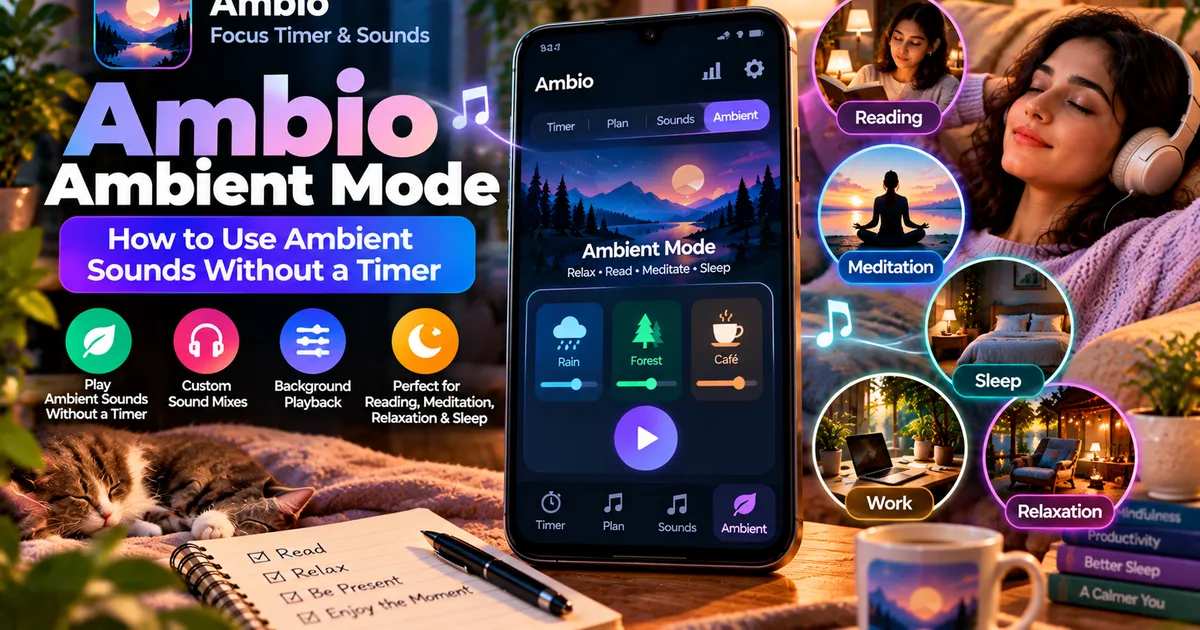
Ambio Ambient Mode: How to Use Ambient Sounds Without a Timer
GetApkFree Team
Learn how to use Ambio Ambient Mode without a timer, create custom sound mixes, play sounds in the background, and use a sleep timer.
- Version
- 2.0.0
- Requires
- Android 12.0+
- License
- MIT
- Source
- F-Droid
- Package
- com.jbgsoft.ambio
Ambio Ambient Mode: How to Use Ambient Sounds Without a Timer
Ambio is not only a focus timer. If you want ambient sounds playing in the background without starting a timed study or work session, Ambio has a dedicated Ambient Mode for exactly that purpose.
Ambient Mode lets you run your selected sound mix without a focus countdown. This makes Ambio useful when you want background sounds while reading, meditating, winding down, or simply relaxing.
The current version of Ambio supports up to three ambient sounds in a mix, with individual volume levels for each sound. Ambient Mode lets you use that soundscape without having to start a conventional focus timer.
What Is Ambio Ambient Mode?
Ambio Ambient Mode is the part of the app designed for situations where you want the ambient sound itself but do not need a timer.
A normal Ambio focus session combines your sound mix with a timer. You can choose a 25-minute or 50-minute Pomodoro preset, or create custom focus and break durations.
Ambient Mode works differently.
Instead of counting down a focus session, you can simply let your selected ambient mix play.
For example, you could create a mix using:
- Rain
- Forest
- Café
Then switch to Ambient Mode and let the combination play while you read or work without setting a specific session length.
The current Ambio listing describes Ambient Mode as suitable for reading, meditation, winding down, or sleep.
Why Use Ambio Without a Timer?
A timer is useful when you want structured work periods, but not every activity needs one.
Sometimes you simply want background sound.
For example, you might want to:
- Read a book
- Sit quietly and listen to ambient sounds
- Work without a countdown
- Relax in the evening
- Create a background atmosphere
- Play ambient sounds before sleeping
- Meditate
- Leave a sound mix running while doing another activity
Ambient Mode removes the focus-session structure while keeping Ambio's sound-mixing system available.
This makes it different from using the regular focus timer.
How to Use Ambio Ambient Mode
The exact interface can change between Ambio versions, but the basic process is straightforward.
Open Ambio and create the sound mix you want to use.
Ambio currently provides 12 ambient sounds:
- Rain
- Fireplace
- Café
- Forest
- Birds
- Crickets
- Ocean
- Stream
- Cave
- Wind
- White Noise
- Brown Noise
You can combine up to three sounds at once and adjust the level of each sound individually.
Once your mix is ready, switch from the normal timer experience to Ambient Mode.
The app can then play your mix without requiring you to start a focus countdown.
This makes Ambient Mode useful when the duration of the activity is not important.
Ambient Mode vs Focus Timer
The biggest difference is whether you want a timed session.
Focus Timer
The focus timer is designed around a defined work or study period.
You can use:
- 25-minute focus sessions
- 50-minute focus sessions
- Custom focus durations
- Custom break durations
- Session Plans
The timer gives you a structured beginning and end to your focus period.
Ambient Mode
Ambient Mode is designed around the soundscape itself.
You can start your mix without setting up a conventional focus countdown.
This can be useful when you don't want to keep checking how much time remains.
In simple terms:
Focus Timer = sound + structured session
Ambient Mode = sound without the focus countdown
How to Create a Good Ambient Mix
One of Ambio's main features is its mixer.
Rather than selecting only one background sound, you can combine up to three sounds and control their individual levels.
For example, you could create a rainy café atmosphere by combining:
Rain + Café
Or you could create a nature-focused mix:
Forest + Birds + Stream
Another option is:
Ocean + Wind + Crickets
The best combination depends on what kind of background environment you want.
You don't need to use three sounds, either. A single sound can be enough.
For example:
Rain
or
Ocean
can provide a simple background without adding multiple layers.
If you want a more detailed guide to creating and balancing mixes, see:
https://getapkfree.com/blog/ambio-sound-mixer-ambient-sounds
Can Ambio Ambient Mode Run in the Background?
Ambio supports background playback.
The current app listing states that playback can continue while you put the phone down, with media controls available through the notification shade, lock screen, and Quick Settings.
That means Ambient Mode does not have to remain the only thing visible on your screen.
You can start your sound environment and then use the phone for another activity.
For example, you could start an ambient mix and then:
- Lock the screen
- Read a physical book
- Put the phone beside your workspace
- Work on another task
- Use the phone for another activity
The exact behavior can depend on Android's background-service and battery-management rules on your device.
Can You Use Ambient Mode With the Screen Off?
Ambio supports background playback, which is useful when you do not want the display continuously active.
After starting playback, the phone can be put down while Ambio continues playing through its media playback service.
Android may still apply device-specific battery-management behavior, so if playback stops unexpectedly, check your phone's battery or background-app settings.
This is especially relevant on devices that aggressively restrict background activity.
Can You Use Ambio Ambient Mode for Reading?
Yes.
Reading is one of the uses specifically mentioned in Ambio's current app description.
You can create a relatively simple soundscape and let it play while reading without running a focus countdown.
For example:
Reading mix
Rain + Fireplace
Or:
Quiet nature mix
Forest + Birds
The advantage of Ambient Mode here is that you don't need to decide whether your reading session should last 25, 50, or another fixed number of minutes.
You can simply start the mix and stop it when you are finished.
Can You Use Ambio Ambient Mode for Meditation?
Ambio also describes Ambient Mode as suitable for meditation.
The app provides ambient sound combinations rather than requiring you to select a conventional music track.
You can choose a small number of sounds and keep the mix running while you meditate.
A simple combination such as Ocean or Rain may be preferable if you want a less layered sound environment.
Ambio itself does not need to determine how long your meditation session should be unless you choose to use one of its timer features.
Can You Use Ambio Ambient Mode for Sleep?
Yes, the current Ambio description includes sleep among the uses for Ambient Mode.
However, you may not want ambient sounds running indefinitely.
This is where the sleep timer becomes useful.
Ambio's 2.1 release introduced a sleep timer specifically for Ambient Mode. The timer can stop the mix after a selected period.
So you can combine the two features:
Ambient Mode + Sleep Timer
This lets you start an ambient sound mix and have it stop after the configured period.
If your main interest is sleeping with Ambio, see our dedicated guide:
https://getapkfree.com/blog/ambio-sleep-timer
What Is the Difference Between Ambient Mode and Sleep Timer?
These features are related but they are not the same thing.
Ambient Mode determines how you use Ambio without a focus timer.
Sleep Timer determines when the ambient playback should stop.
For example:
You want Ocean + Wind playing while you relax.
You start Ambient Mode.
If you want it to stop after a certain period, you enable the sleep timer.
So the workflow becomes:
Create mix → Ambient Mode → Start playback → Sleep timer → Playback stops
This makes the sleep timer an optional control within an Ambient Mode use case rather than a replacement for Ambient Mode.
Can You Use Ambio Offline in Ambient Mode?
Ambio's current F-Droid listing states that the app works completely offline and does not require an account.
That fits well with Ambient Mode because the app can be used as a local ambient sound tool rather than requiring an online streaming service.
The current F-Droid release is Ambio 2.1.1, added on September 20, 2026, and it requires Android 12 or newer.
If you want to learn more specifically about using Ambio without an internet connection, see:
https://getapkfree.com/blog/ambio-offline
Does Ambient Mode Require an Account?
No account is required according to Ambio's current app listing.
This means you can use the app without creating a conventional user account simply to access its ambient sound functionality.
That is particularly useful for a simple use case such as:
Open → choose sounds → start Ambient Mode
There is no account setup step in between.
What Sounds Are Available?
Ambio currently provides 12 ambient sounds:
- Rain
- Fireplace
- Café
- Forest
- Birds
- Crickets
- Ocean
- Stream
- Cave
- Wind
- White Noise
- Brown Noise
You can combine up to three of these sounds at a time.
Each selected sound has its own level control, allowing you to make one sound more prominent than another.
For example, you might set:
Rain — high
Café — low
This gives you a rain-focused mix with a quieter café atmosphere underneath it.
Does Ambient Mode Have a Timer?
Ambient Mode itself is designed to let the sound mix run without a focus timer.
However, Ambio also provides a separate sleep timer.
This distinction matters.
If you want your ambient mix to continue until you manually stop it, Ambient Mode can be used without a focus countdown.
If you want playback to stop automatically after a period, the sleep timer is the relevant feature.
This gives you two different approaches:
No automatic stop: Ambient Mode
Automatic stop: Ambient Mode + Sleep Timer
Can You Control Ambio While It Is Playing?
Ambio provides background media controls.
The current listing says playback can be controlled through:
- Notification shade
- Lock screen
- Quick Settings
The Quick Settings feature is particularly useful when you want quick access without reopening the full app.
Ambio 2.1 added a Quick Settings tile that can start the last mix even when the app is closed.
Our dedicated guide explains this feature:
https://getapkfree.com/blog/ambio-quick-settings
What Android Version Does Ambio Ambient Mode Require?
The current F-Droid version, Ambio 2.1.1, requires Android 12 or newer.
It is available for several Android CPU architectures, including:
- arm64-v8a
- armeabi-v7a
- x86
- x86_64
If you are installing an APK manually, check the app version and device compatibility before installation.
GetApkFree's APK compatibility guide can help if you are unsure about Android compatibility.
Is Ambio Open Source?
Yes.
The current F-Droid listing identifies Ambio as open source under the MIT License.
F-Droid also lists the current 2.1.1 release as built and signed by the original developer and corresponding to its source tarball.
Open-source availability lets users inspect the project's source code, but it should not be treated as an automatic guarantee that every installation or APK source is safe.
When manually installing an APK, it is still sensible to verify the source and file before installing.
Is Ambient Mode Different From the Sound Mixer?
Yes.
The sound mixer controls what sounds make up your environment.
Ambient Mode controls how you use that environment when you are not running a focus timer.
Think of them as two layers.
The mixer answers:
“What should I hear?”
Ambient Mode answers:
“Should I let this mix run without a focus timer?”
This is why Ambient Mode deserves its own guide rather than being treated as another sound-mixer option.
Ambio Ambient Mode: Quick Summary
Ambio Ambient Mode is useful when you want to use the app primarily as an ambient sound player rather than as a conventional focus timer.
You can create a custom mix from Ambio's 12 sounds, combine up to three sounds, adjust their individual levels, and let the mix play without starting a timed focus session.
The feature is suitable for activities such as reading, meditation, winding down, and sleep according to Ambio's current listing.
For sleep, the separate sleep timer can stop the mix automatically.
Ambio also supports background playback with media controls and currently works offline without requiring an account.
The current Ambio 2.1.1 release requires Android 12 or newer.
If you are looking for a simple way to use your custom ambient sound mix without committing to a 25-minute or 50-minute focus session, Ambient Mode is the feature to look for.
Related Articles
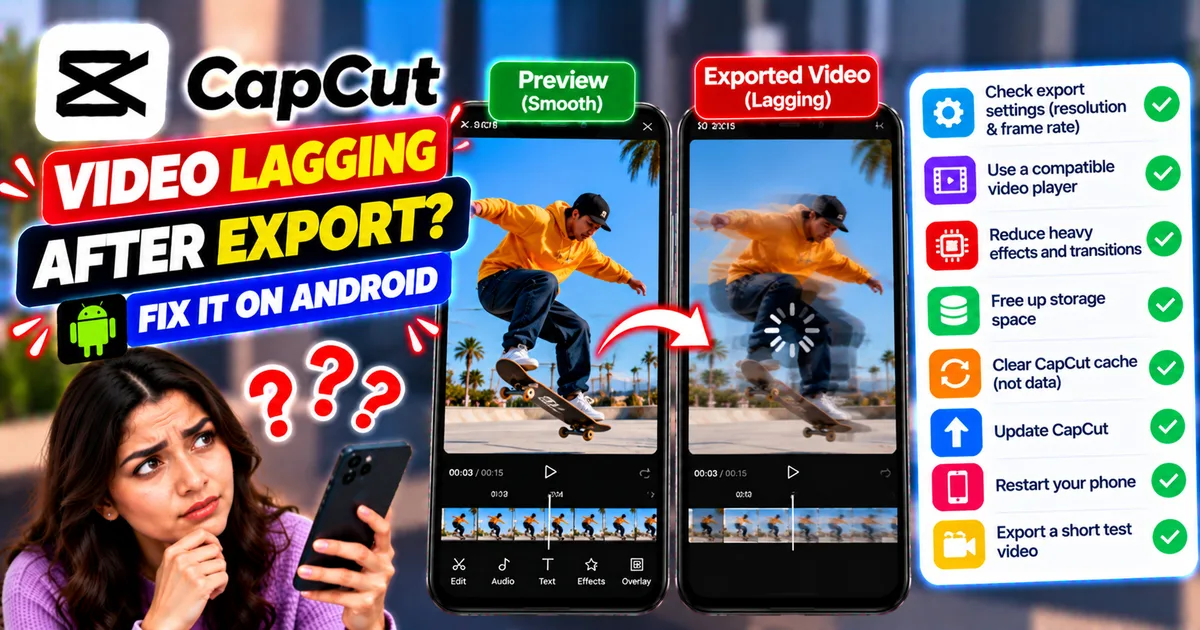
How to Fix CapCut Video Lagging After Export on Android
Fix CapCut video lagging after export on Android. Learn how to troubleshoot choppy playback, frame-rate mismatches, heavy effects, storage issues, and export settings.
GetApkFree Team
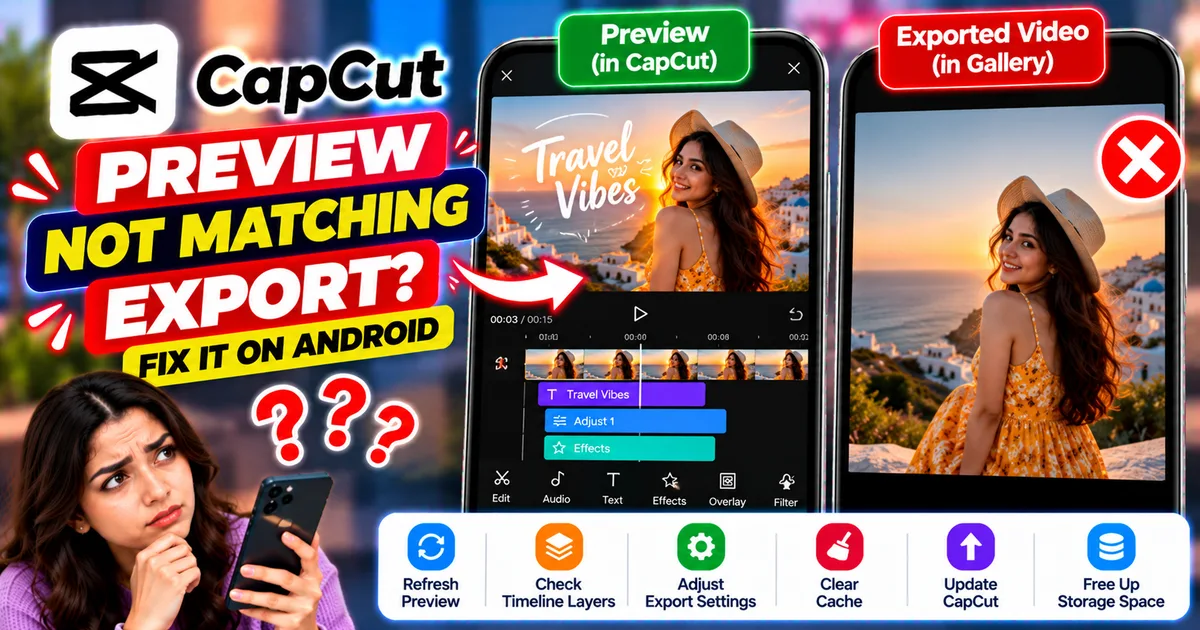
How to Fix CapCut Preview Not Matching Export on Android
Fix CapCut preview not matching the exported video on Android. Troubleshoot missing effects, text, transitions, timing, colors, and rendering differences.
GetApkFree Team
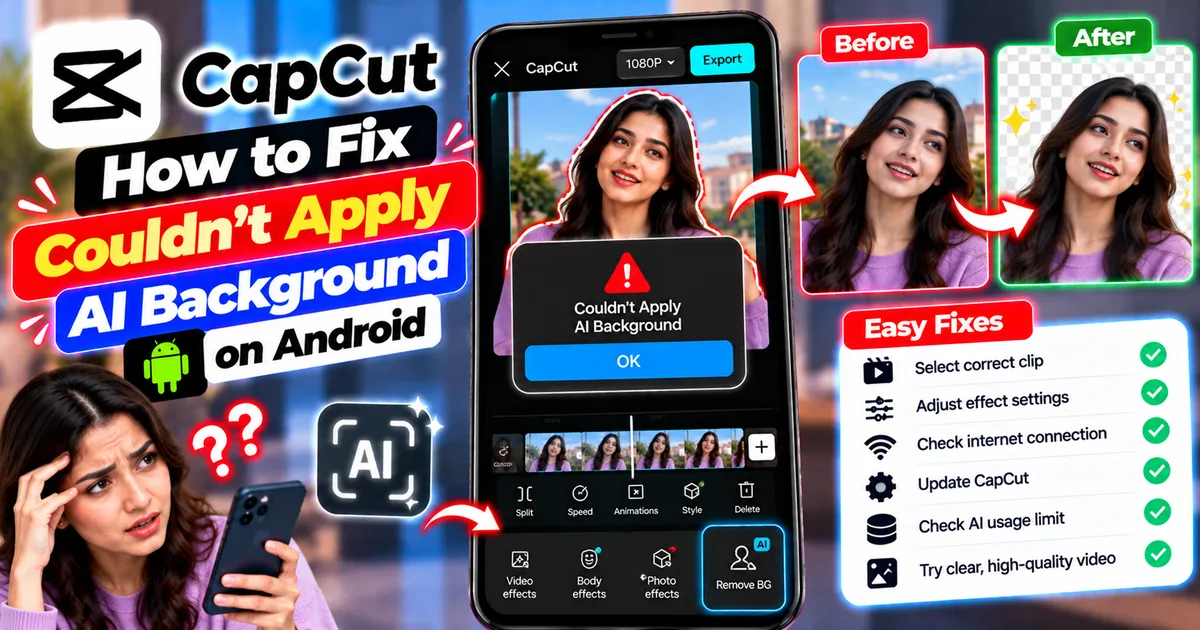
How to Fix Couldn't Apply AI Background in CapCut on Android
Getting "Couldn't Apply AI Background" in CapCut on Android? Check usage limits, clip selection, video quality, app updates, and practical troubleshooting steps.
GetApkFree Team
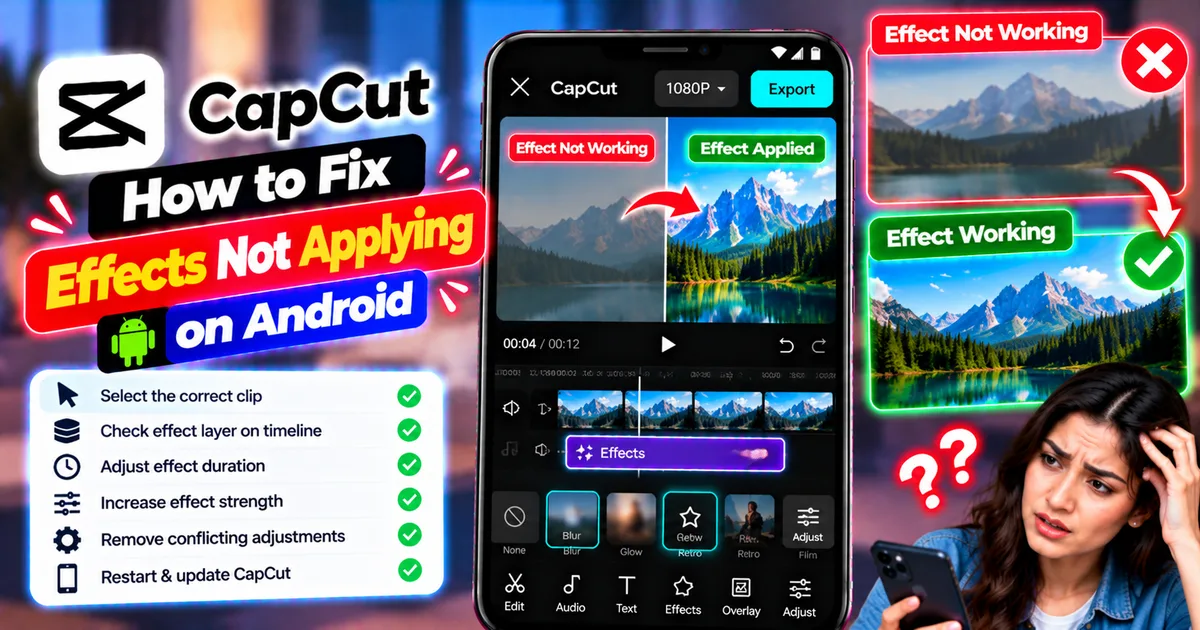
How to Fix CapCut Effects Not Applying on Android
CapCut effects not working on Android? Check clip selection, effect layers, timeline timing, conflicting adjustments, and app performance with these practical fixes.
GetApkFree Team