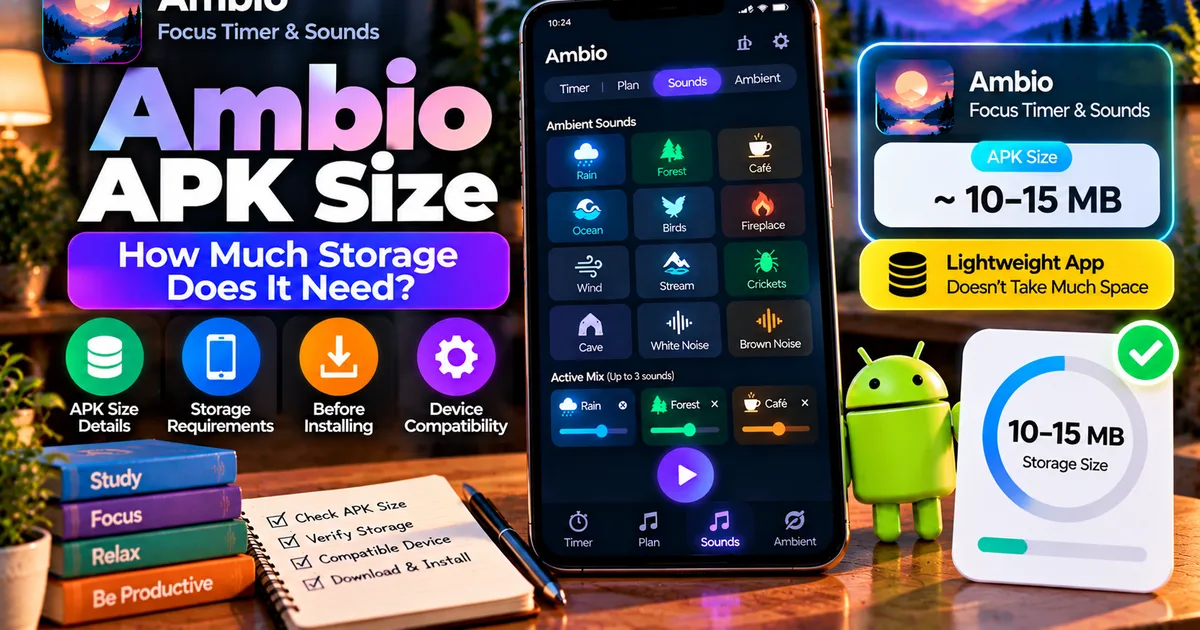

This article is about
Ambio: Focus Timer & Sounds
Jaime Barreto · Multimedia
Ambio Android Requirements: What Android Version Does It Need?
GetApkFree Team
Find out what Android version Ambio requires, whether your phone is compatible, and what to check before installing Ambio on Android.
- Version
- 2.0.0
- Requires
- Android 12.0+
- License
- MIT
- Source
- F-Droid
- Package
- com.jbgsoft.ambio
Ambio Android Requirements: What Android Version Does It Need?
Before installing an Android app, one of the first things worth checking is whether your phone meets its minimum Android requirement.
If you are interested in Ambio: Focus Timer & Sounds, the important requirement is straightforward: the current Ambio 2.1.1 release requires Android 12 or newer. F-Droid lists Android 12 as the minimum requirement for version 2.1.1, and the same requirement is listed for recent Ambio releases.
That means a phone running Android 12, Android 13, Android 14, Android 15, or a newer supported Android release meets the operating-system version requirement.
However, Android version is only one part of compatibility. This guide explains what the requirement means, how to check your phone, and what else you should consider before installing Ambio.
What Android Version Does Ambio Require?
The current Ambio 2.1.1 release requires:
Android 12 or newer
F-Droid's current package information lists version 2.1.1 as requiring Android 12 or newer. The release was added on September 20, 2026.
The requirement is also listed for Ambio 2.1.0 and 2.0.0, so Android 12 is not a requirement unique to only the newest build.
If your phone runs Android 11 or an earlier version, it does not meet the current stated minimum Android requirement for Ambio.
Ambio Minimum Android Version at a Glance
| Requirement | Current information |
|---|---|
| App | Ambio: Focus Timer & Sounds |
| Current F-Droid version | 2.1.1 |
| Minimum Android | Android 12 |
| Newer Android versions | Supported subject to the app/device |
| ARM64 build | Available |
| ARMv7 build | Available |
| x86 build | Available |
| x86_64 build | Available |
| License | MIT |
The current F-Droid listing shows builds for arm64-v8a, armeabi-v7a, x86, and x86_64.
How to Check Your Android Version
Before installing Ambio, check which Android version your phone is running.
On many Android phones, you can find it by opening:
Settings → About phone → Android version
The exact menu name can vary by manufacturer.
You may see information such as:
Android version: 14
or:
Android version: 13
If your device reports Android 12 or newer, it meets Ambio's stated minimum Android-version requirement.
If it reports Android 11, Android 10, or an older version, the current Ambio release does not meet that requirement.
What If Your Phone Runs Android 12?
If your phone runs Android 12, it meets the minimum operating-system requirement for the current Ambio release.
However, minimum Android compatibility should not be confused with a guarantee that every feature will behave identically on every device.
Android phones differ in:
- Manufacturer software
- Battery-management behavior
- Screen size
- Audio implementation
- System permissions
- Background-process restrictions
- Device hardware
So Android 12 satisfies the stated platform requirement, but other device-specific factors can still affect the experience.
What If Your Phone Runs Android 13?
Android 13 is above Ambio's current minimum Android requirement.
This is particularly relevant because some Ambio features are specifically connected with newer Android functionality.
For example, Ambio's current listing documents per-app language support on Android 13 and newer.
That means an Android 13 device can meet the minimum Android requirement while also being eligible for features associated with Android 13.
For more information, see our guide:
Ambio Language Settings: How to Change App Language on Android
What If Your Phone Runs Android 14, 15, or Newer?
If your phone runs a newer Android version than Android 12, it exceeds the minimum operating-system requirement listed for the current Ambio release.
For example:
- Android 12 → meets the minimum
- Android 13 → above the minimum
- Android 14 → above the minimum
- Android 15 → above the minimum
- Newer supported releases → above the minimum
A newer Android version does not automatically guarantee that every device-specific feature will work identically, but the operating-system version itself is above Ambio's stated minimum.
Can Ambio Run on Android 11?
The current Ambio release requires Android 12 or newer.
Therefore, Android 11 is below the current stated minimum.
If you have an older phone running Android 11, you should not assume that the newest Ambio APK will install simply because the phone has enough storage or because other similar applications work on it.
The Android platform requirement is part of the package's compatibility conditions.
Can Ambio Run on Android 10 or Older?
The current release requirement is Android 12 or newer, so Android 10 and earlier releases are below the stated minimum.
If you are using an older Android phone, an older Ambio release could potentially have different requirements, but you should check the requirement for that specific release rather than assuming that every version has the same minimum.
This distinction matters because app developers can raise minimum Android requirements in newer releases.
Why Does an App Have a Minimum Android Version?
Android applications are built against specific platform capabilities and operating-system environments.
Developers may eventually increase the minimum supported Android version because newer releases can allow them to rely on newer platform APIs, libraries, security expectations, or platform behavior.
The minimum Android version is therefore a property of a particular app release.
It is not a universal requirement for every version of that application.
For general information about how minimum Android requirements work, see our guide:
What Is an APK Minimum Android Version? How to Check App Requirements
Android Version Is Not the Same as Target SDK
One common mistake is confusing the minimum Android version with the target SDK.
They are different pieces of information.
The minimum Android version describes the oldest Android platform an app declares it can run on.
The target SDK describes the Android API level the application was designed and tested around for platform behavior.
An app can therefore have:
Minimum Android: Android 12
and separately have a much newer target SDK.
These values should not be treated as interchangeable.
Our guide on APK Target SDK explains the difference in more detail.
Is Android 12 the Only Compatibility Requirement?
No.
Android version is only one compatibility check.
An APK can require Android 12 and still have other compatibility considerations.
For example, APK compatibility can also involve:
- CPU architecture
- APK variant
- Package configuration
- Device hardware
- Required Android features
- App-specific restrictions
The current Ambio F-Droid listing provides builds for several CPU architectures, including ARM64, ARMv7, x86, and x86_64.
This is useful because Android-version compatibility and CPU architecture compatibility are separate checks.
A phone can meet the Android 12 requirement while a particular APK variant may still not match its architecture.
Ambio Android Architecture Support
The current F-Droid package lists the following architectures for Ambio 2.1.1:
arm64-v8aarmeabi-v7ax86x86_64
Most modern Android smartphones use ARM-based processors, but the exact architecture depends on the device.
If you are installing a specific APK file rather than using a package manager that selects the appropriate build automatically, checking the architecture can be useful.
For broader compatibility information, see:
How to Check if an APK Is Compatible With Your Android Phone
Does Ambio Need a Powerful Phone?
The Android 12 requirement does not mean that Ambio requires a high-end flagship phone.
The minimum Android version and the phone's performance level are separate questions.
Ambio's core functionality involves ambient sound playback, a focus timer, sound mixing, and visual effects.
A phone can meet the Android requirement without being a premium device.
However, actual performance can still depend on the device's hardware, Android implementation, background-process rules, and other applications running at the same time.
Therefore, it is better not to equate the Android 12 requirement with a specific processor, RAM amount, or phone price.
Does Ambio Need Internet?
Ambio's current app information describes the app as working offline.
This means an internet connection is not presented as a basic requirement for using the core application.
That is useful when you want to use Ambio while traveling, studying without Wi-Fi, or working in an area with limited connectivity.
For a dedicated explanation, see:
Ambio Offline: Does It Work Without Internet?
Does Android Version Affect Ambio Background Playback?
The Android version requirement and background playback are related to different aspects of compatibility.
Ambio supports background playback, allowing its sound environment to continue while you use another application or interact with Android's system media controls.
The current F-Droid package also uses a foreground service with the mediaPlayback type.
This is relevant because Android's rules for background activity and media playback have evolved over time.
If you are specifically interested in using Ambio while the screen is off or while another application is open, see:
Ambio Background Playback: How to Keep Sounds Playing
Does Android Version Affect Ambio's Focus Timer?
The focus timer is one of Ambio's central features.
The application provides preset and custom focus durations, while its ambient sound mixer lets you combine multiple sounds.
Meeting the minimum Android requirement allows the app to satisfy the operating-system compatibility condition, but the exact behavior of the application can still depend on the device.
If you want to learn how the timer works, see:
Ambio Focus Timer: How to Use It for Study and Productivity
How to Check Ambio Compatibility Before Installing an APK
If you are downloading an Ambio APK rather than installing through a store or package manager, check the specific APK's information before installing it.
A practical checklist is:
1. Check your Android version
Open your phone's settings and find the Android version.
2. Check the APK's minimum Android requirement
Use reliable package information or APK metadata rather than guessing from the filename.
3. Check the architecture
If multiple APK variants are available, make sure the selected build matches your device architecture.
4. Check the app version
Make sure you know which Ambio release you are installing.
5. Check the source
Use a trustworthy source and verify the package information before installing.
6. Check other compatibility details
Android version alone does not establish complete compatibility.
Our existing compatibility guide covers these additional checks:
How to Check if an APK Is Compatible With Your Android Phone
Does a Newer Ambio Version Always Need a Newer Android Version?
No.
A newer application release does not automatically have to increase its minimum Android requirement.
Developers can keep the same minimum version across multiple releases.
In Ambio's case, the current F-Droid information shows Android 12 as the requirement for versions 2.0.0, 2.1.0, and 2.1.1.
But requirements can change in future releases, so it is better to check the requirement for the specific version you intend to install.
What Is the Current Ambio Version?
The current F-Droid listing shows Ambio 2.1.1, added on September 20, 2026. It requires Android 12 or newer.
The release also includes fixes related to the themed icon and playback behavior when leaving the application.
Because app versions can change, always check the current listing when installing a newer release rather than relying permanently on an older article.
Ambio Android Requirements: Quick Answer
If you just need the short answer:
Minimum Android version: Android 12
Current F-Droid release: 2.1.1
Android 11: Below the current requirement
Android 12: Meets the stated minimum
Android 13+: Above the minimum and supports Ambio's documented per-app language functionality
Architectures listed: ARM64, ARMv7, x86, x86_64
The Android requirement is only one part of overall APK compatibility.
Frequently Asked Questions
What Android version does Ambio require?
The current Ambio 2.1.1 release requires Android 12 or newer.
Can Ambio run on Android 11?
Android 11 is below the current stated minimum requirement of Android 12.
Does Ambio work on Android 13?
Android 13 is above the minimum Android 12 requirement. Ambio also documents per-app language support on Android 13 and newer.
Does Ambio require a high-end phone?
The Android 12 requirement does not by itself indicate that a high-end phone is required. Actual performance depends on the individual device and its software environment.
What architectures does Ambio support?
The current F-Droid release lists arm64-v8a, armeabi-v7a, x86, and x86_64.
Is Android version the only compatibility check?
No. CPU architecture, APK variant, device hardware, and other application requirements can also matter.
Can an older Ambio version have a different Android requirement?
Yes. Minimum requirements belong to individual app releases and can change between versions.
Final Thoughts
The current Ambio requirement is simple: Android 12 or newer.
If your phone runs Android 12 or later, it satisfies the app's stated minimum operating-system requirement. The current F-Droid release, Ambio 2.1.1, also provides builds for ARM64, ARMv7, x86, and x86_64 devices.
However, Android version should not be treated as the complete compatibility test. When installing an APK manually, also consider architecture, variant, package information, and the exact release you are downloading.
For most users, the quickest first check is simply:
Settings → About phone → Android version
If the result is Android 12 or newer, you have passed Ambio's current minimum Android-version check.
Related Articles
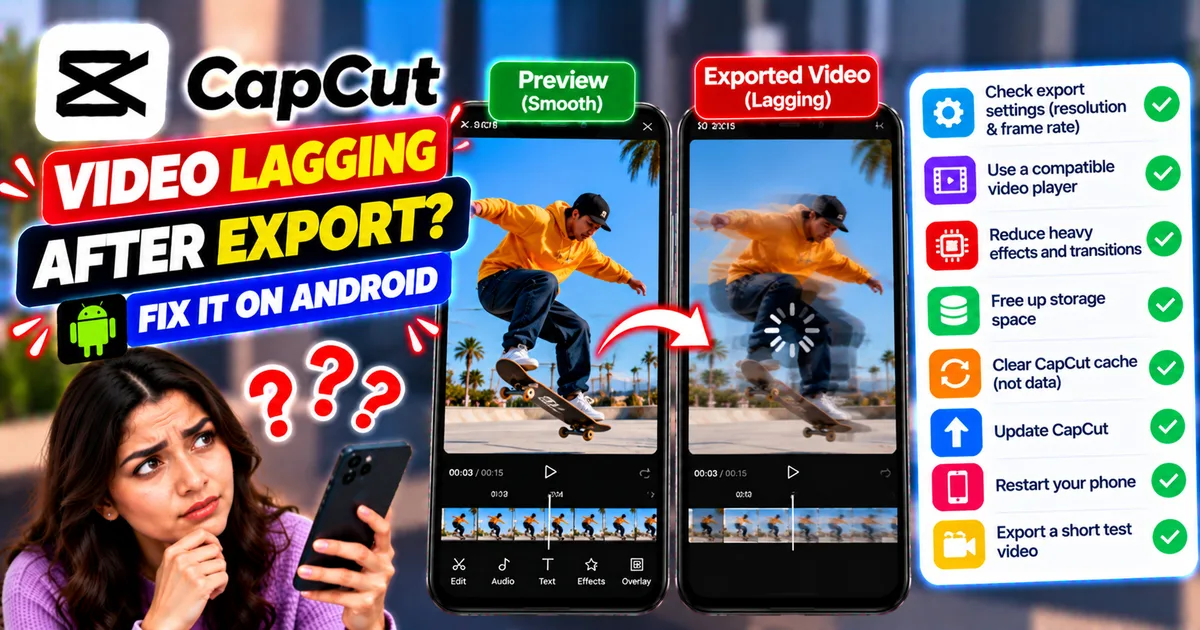
How to Fix CapCut Video Lagging After Export on Android
Fix CapCut video lagging after export on Android. Learn how to troubleshoot choppy playback, frame-rate mismatches, heavy effects, storage issues, and export settings.
GetApkFree Team
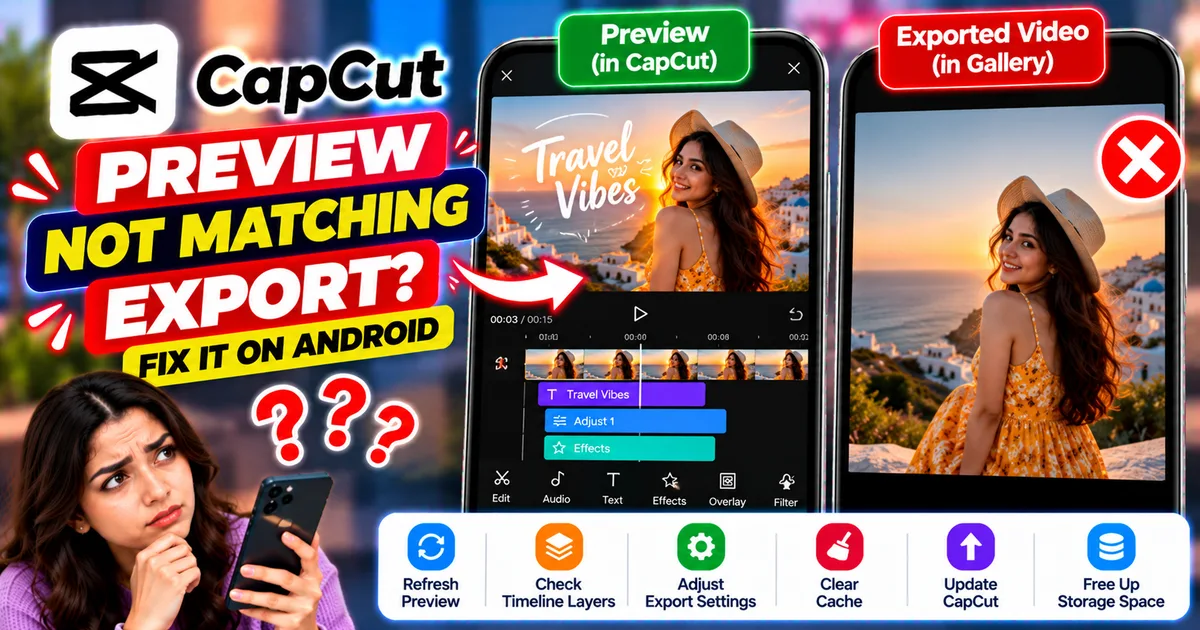
How to Fix CapCut Preview Not Matching Export on Android
Fix CapCut preview not matching the exported video on Android. Troubleshoot missing effects, text, transitions, timing, colors, and rendering differences.
GetApkFree Team
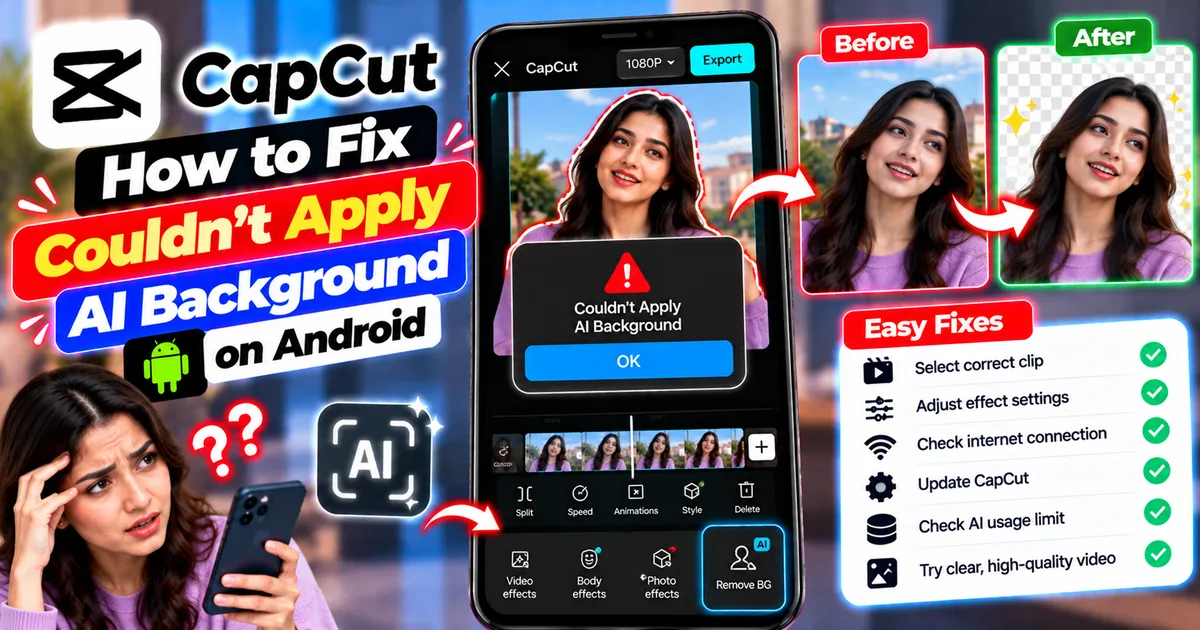
How to Fix Couldn't Apply AI Background in CapCut on Android
Getting "Couldn't Apply AI Background" in CapCut on Android? Check usage limits, clip selection, video quality, app updates, and practical troubleshooting steps.
GetApkFree Team
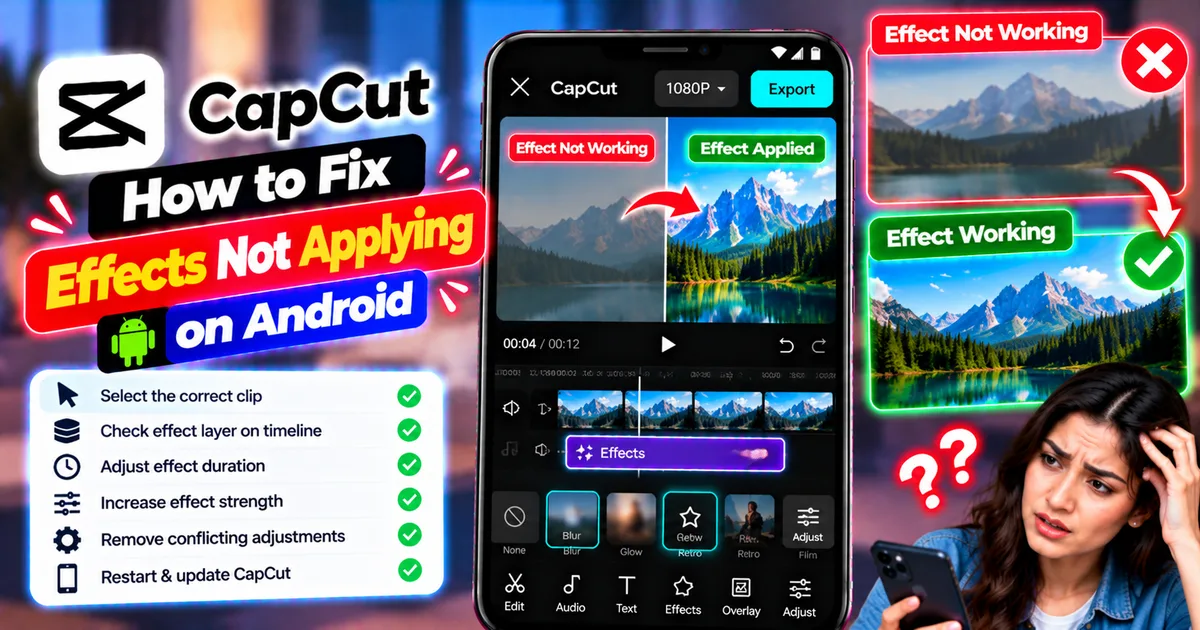
How to Fix CapCut Effects Not Applying on Android
CapCut effects not working on Android? Check clip selection, effect layers, timeline timing, conflicting adjustments, and app performance with these practical fixes.
GetApkFree Team