Productivity15 min read
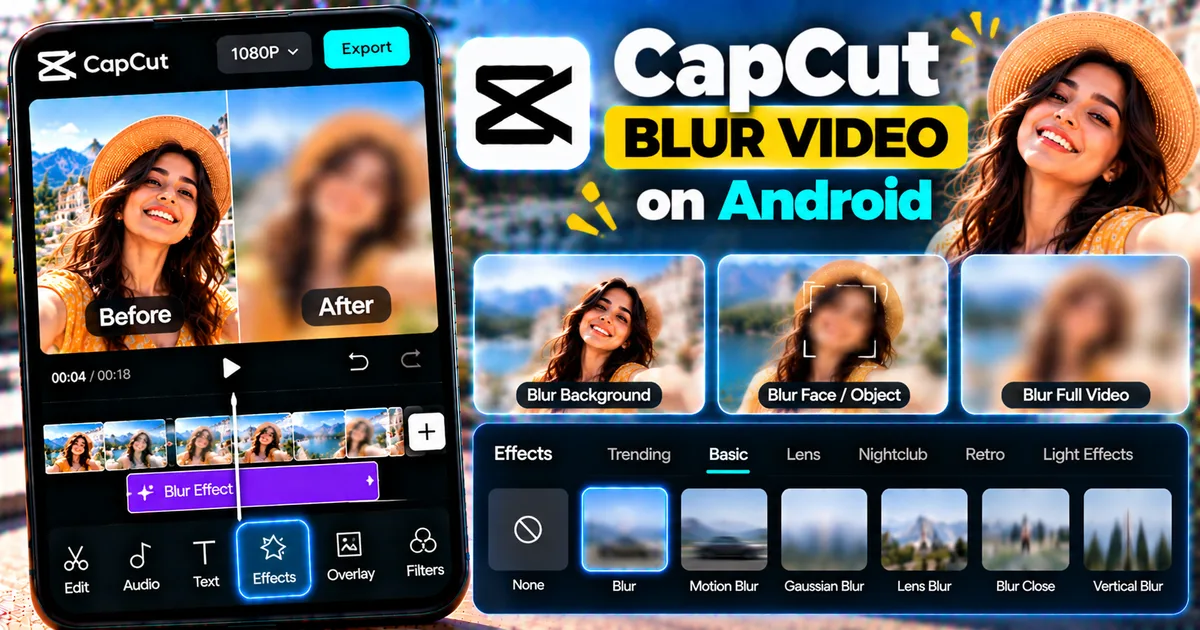
How to Blur a Video in CapCut on Android
Learn how to blur a video in CapCut on Android, blur the entire video or selected areas, adjust blur intensity, and create smooth background blur effects.
GetApkFree Team
GetApkFree Blog
What to install, what to avoid, and how to get the most out of open-source Android apps.
Showing 41–50 of 142 posts
Learn how to blur a video in CapCut on Android, blur the entire video or selected areas, adjust blur intensity, and create smooth background blur effects.
GetApkFree Team
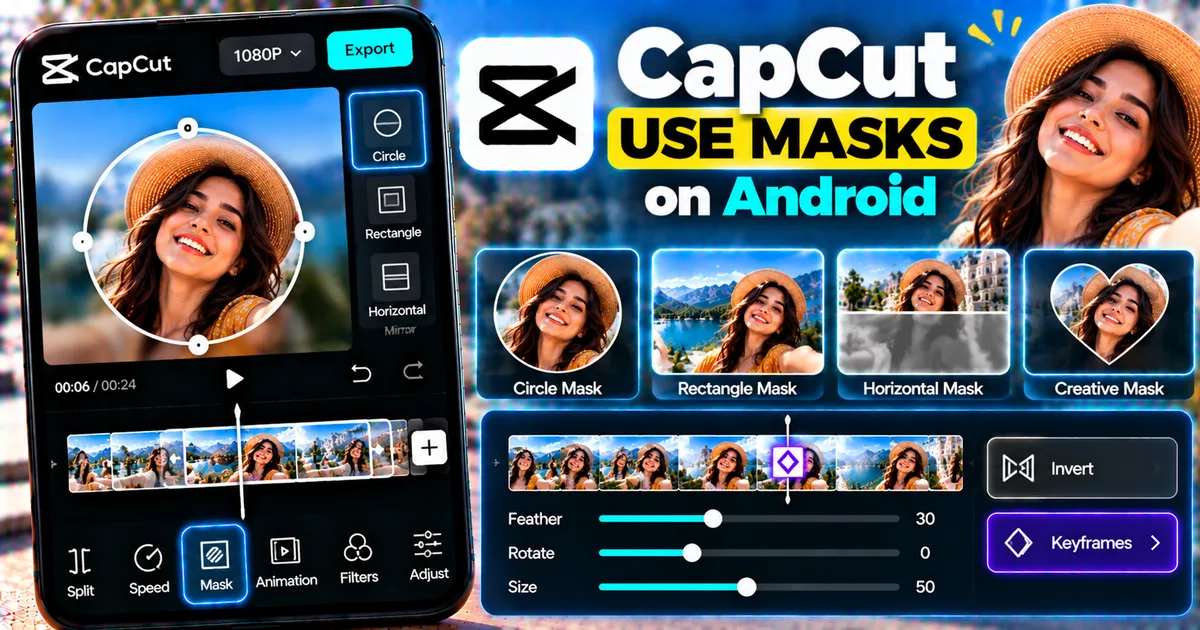
Learn how to use masks in CapCut on Android to reveal, hide, blur, and combine parts of videos with shape, feather, position, and animation controls.
GetApkFree Team
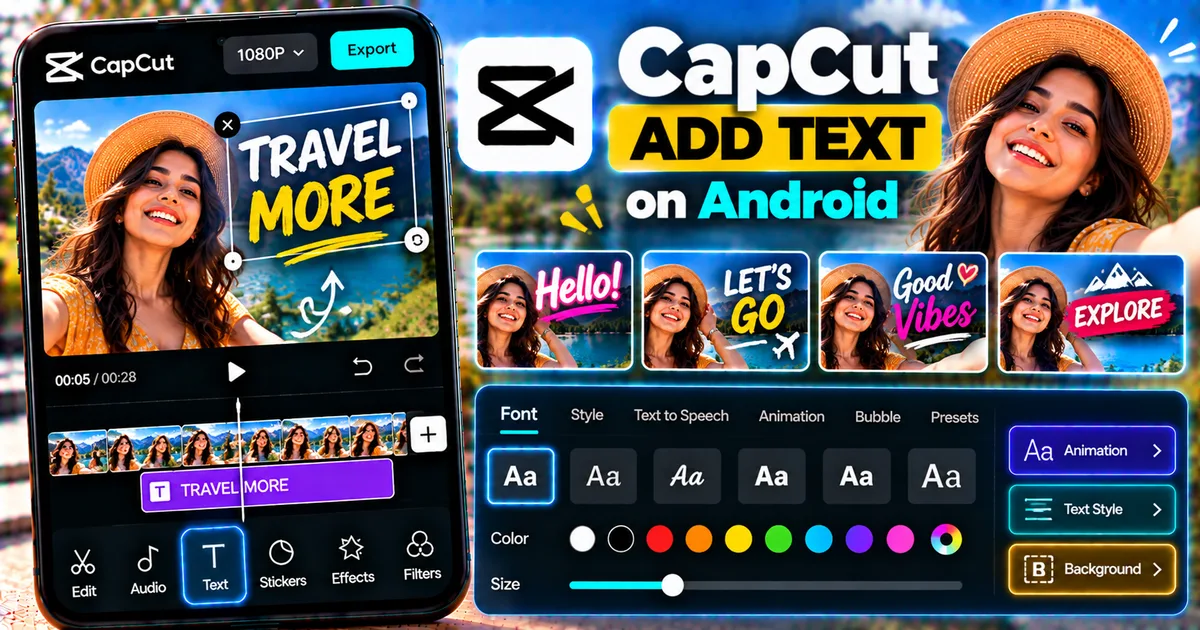
Learn how to add text in CapCut on Android, customize fonts, colors, styles and animations, adjust timing, and fix common text problems.
GetApkFree Team
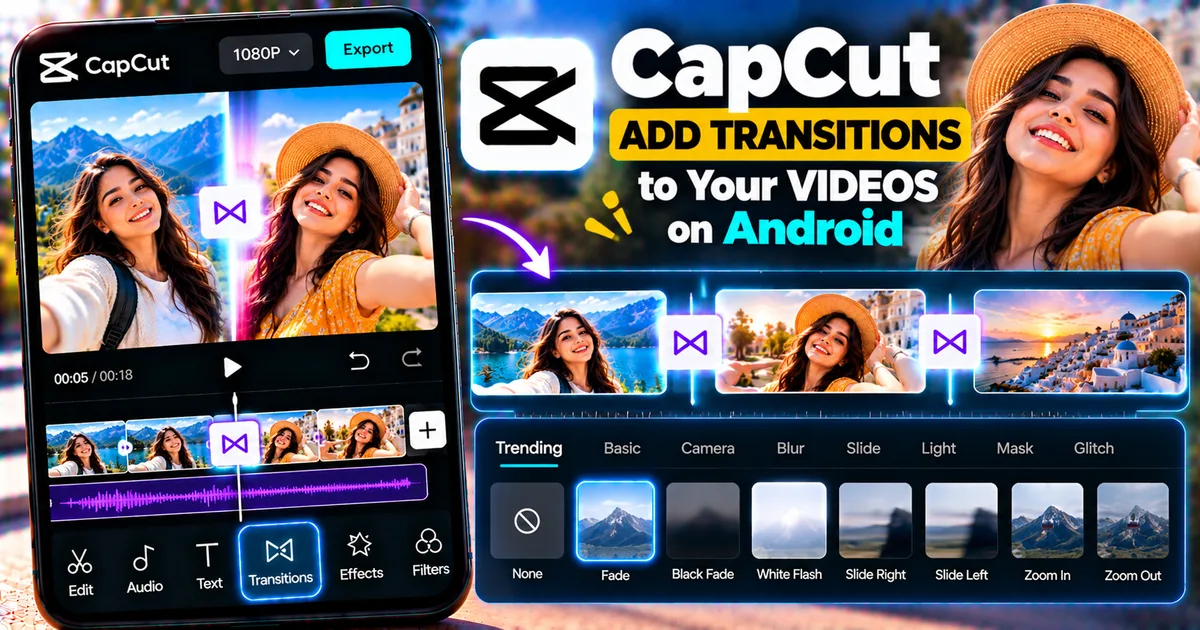
Learn how to add transitions in CapCut on Android, choose transition effects, adjust duration, and fix common transition problems.
GetApkFree Team
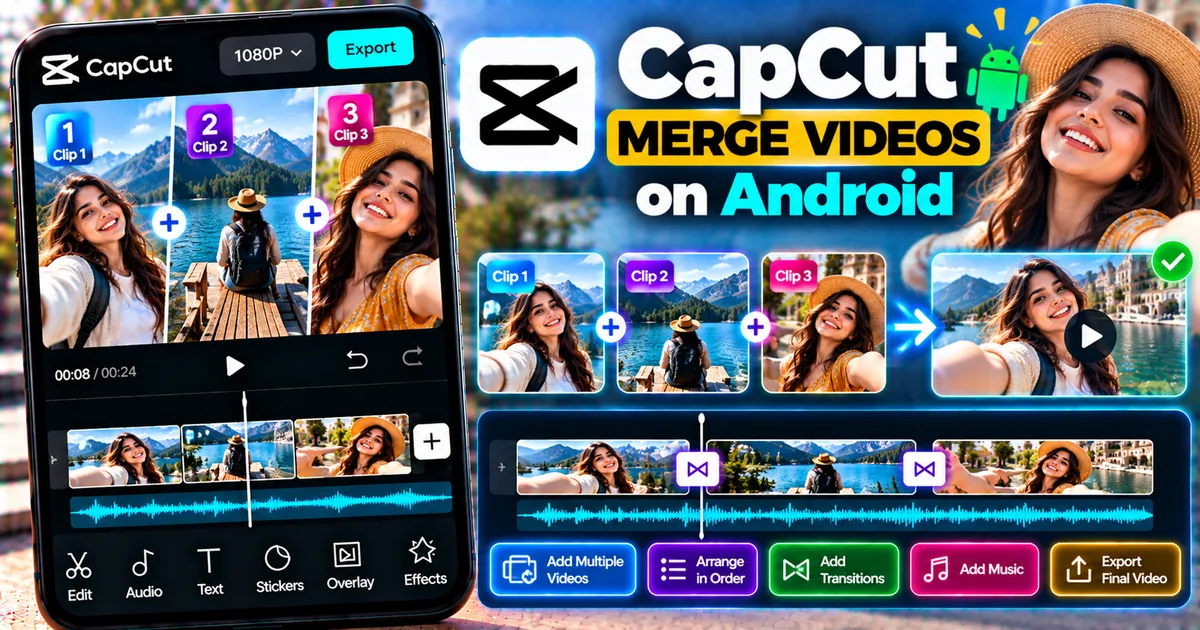
Learn how to merge videos in CapCut on Android, combine multiple clips, arrange them in order, add transitions, adjust audio, and export one video.
GetApkFree Team
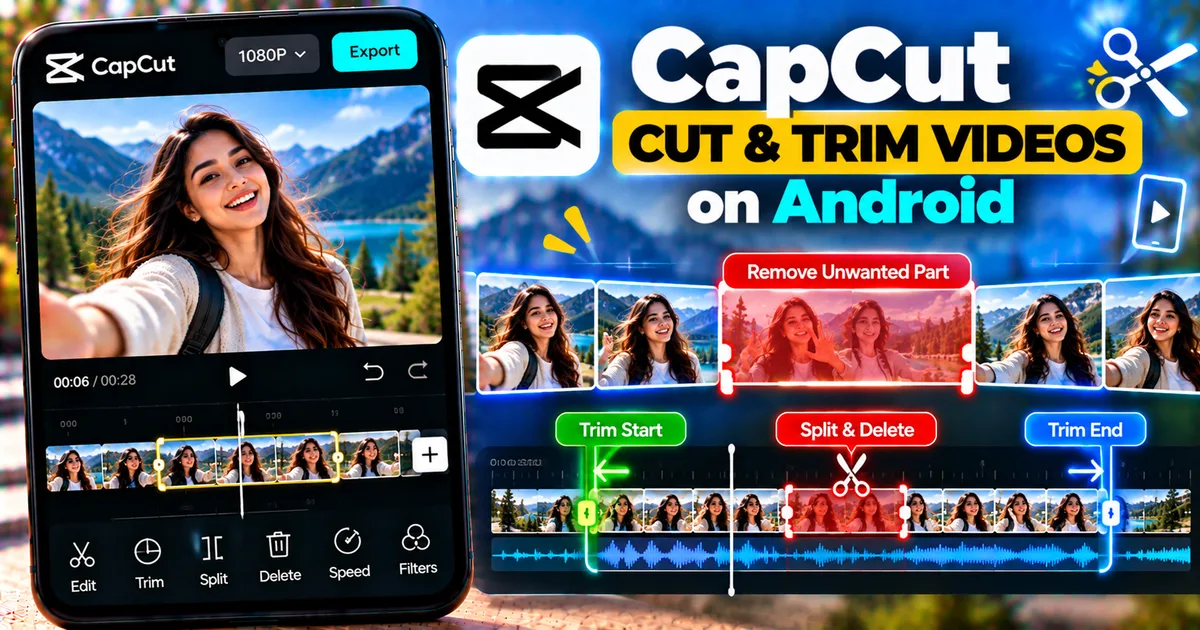
Learn how to cut and trim videos in CapCut on Android, remove unwanted parts, split clips, shorten videos, and keep only the sections you need.
GetApkFree Team
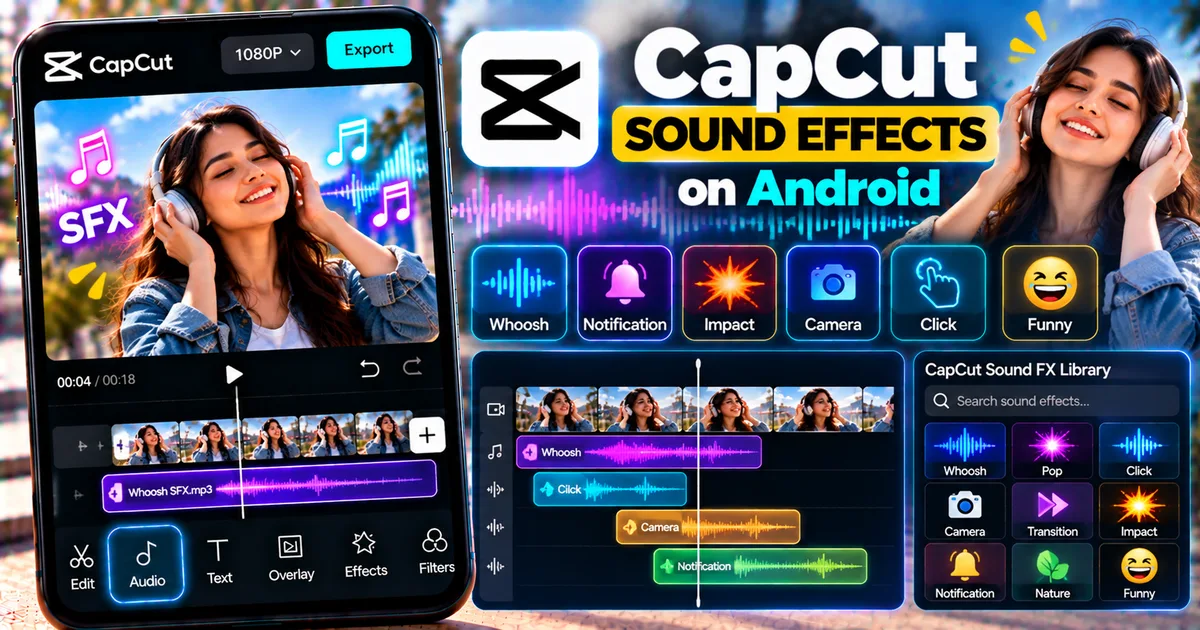
Learn how to add sound effects in CapCut on Android, find effects, place them on the timeline, trim audio, adjust volume, and sync effects with video.
GetApkFree Team
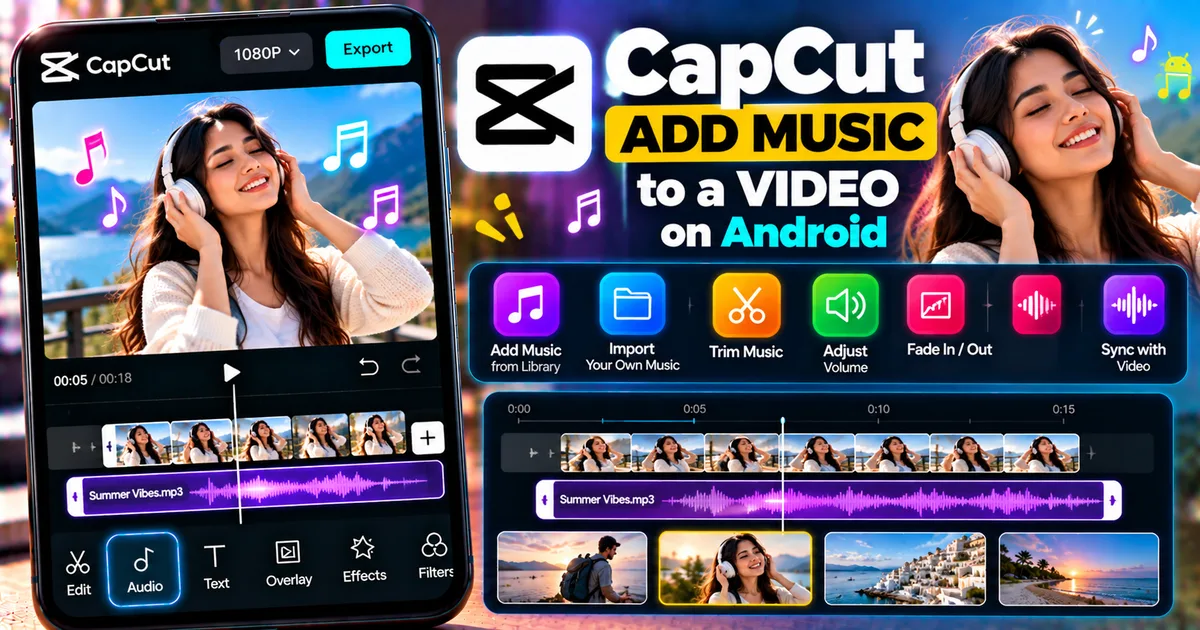
Learn how to add music to a video in CapCut on Android, import your own audio, trim music, adjust volume, add fades, and sync audio.
GetApkFree Team
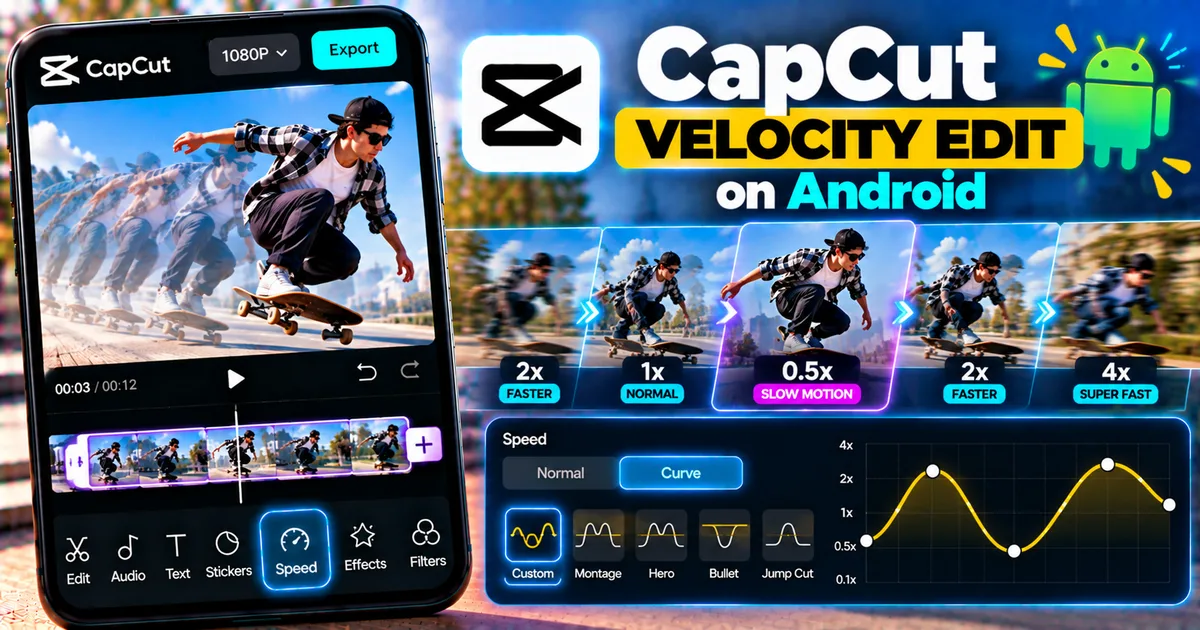
Learn how to make a velocity edit in CapCut on Android using speed curves, velocity presets, beat-based timing, and smooth speed changes.
GetApkFree Team
Learn how to make a velocity edit in CapCut on Android using speed curves, velocity presets, beat-based timing, and smooth speed changes.
GetApkFree Team