Productivity9 min read
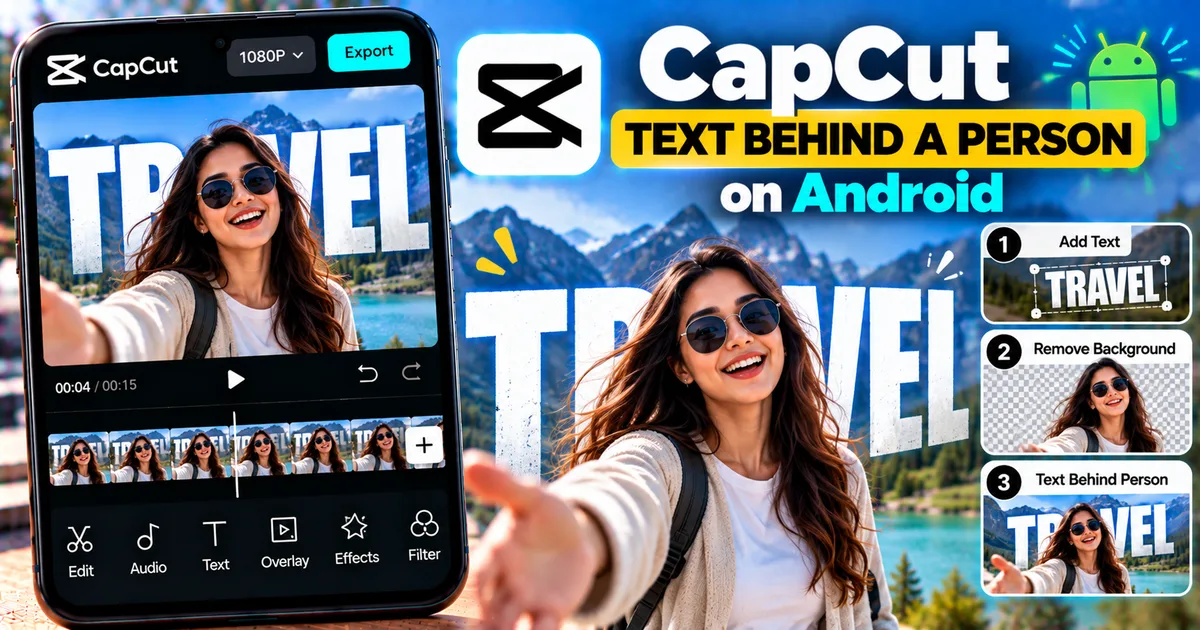
How to Put Text Behind a Person in CapCut on Android
Learn how to put text behind a person in CapCut on Android using layers and background removal to create a realistic depth effect.
GetApkFree Team
GetApkFree Blog
What to install, what to avoid, and how to get the most out of open-source Android apps.
Showing 51–60 of 142 posts
Learn how to put text behind a person in CapCut on Android using layers and background removal to create a realistic depth effect.
GetApkFree Team
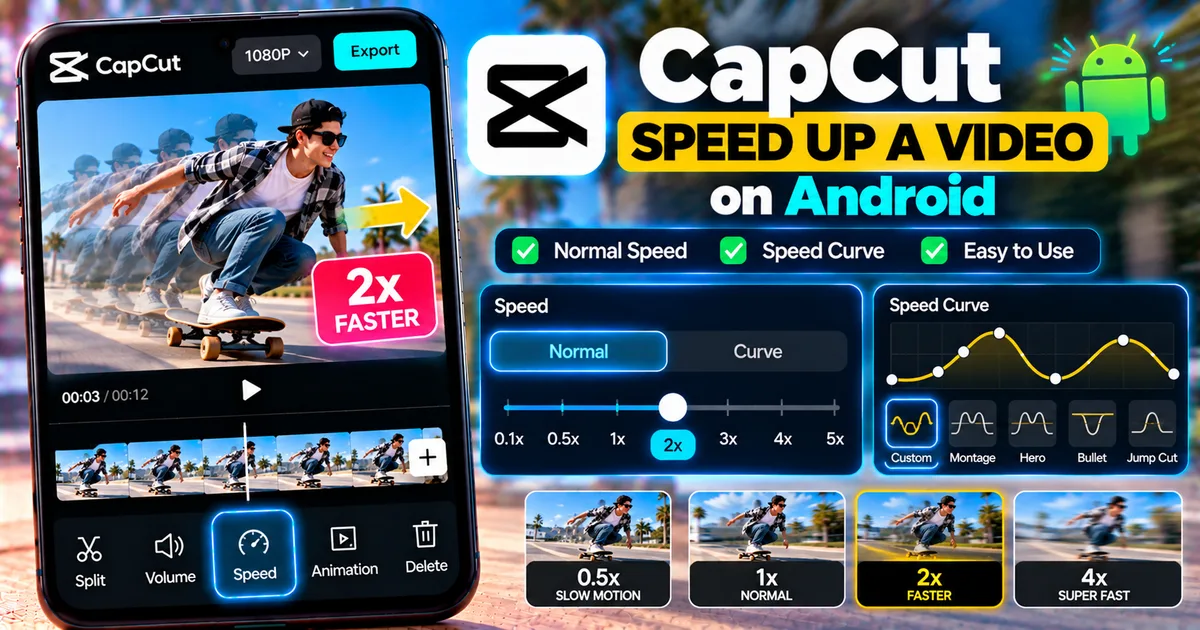
Learn how to speed up a video in CapCut on Android using Normal and Curve speed controls, adjust playback speed, and fix common problems.
GetApkFree Team
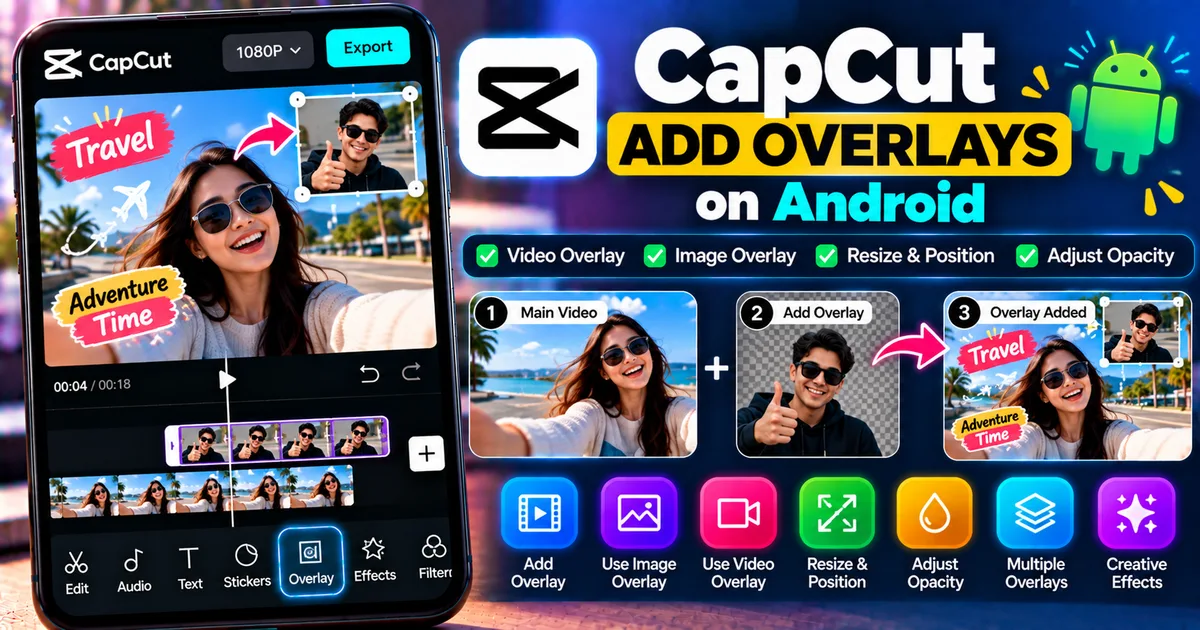
Learn how to add video and image overlays in CapCut on Android, resize and position overlays, adjust opacity, and create layered video effects.
GetApkFree Team
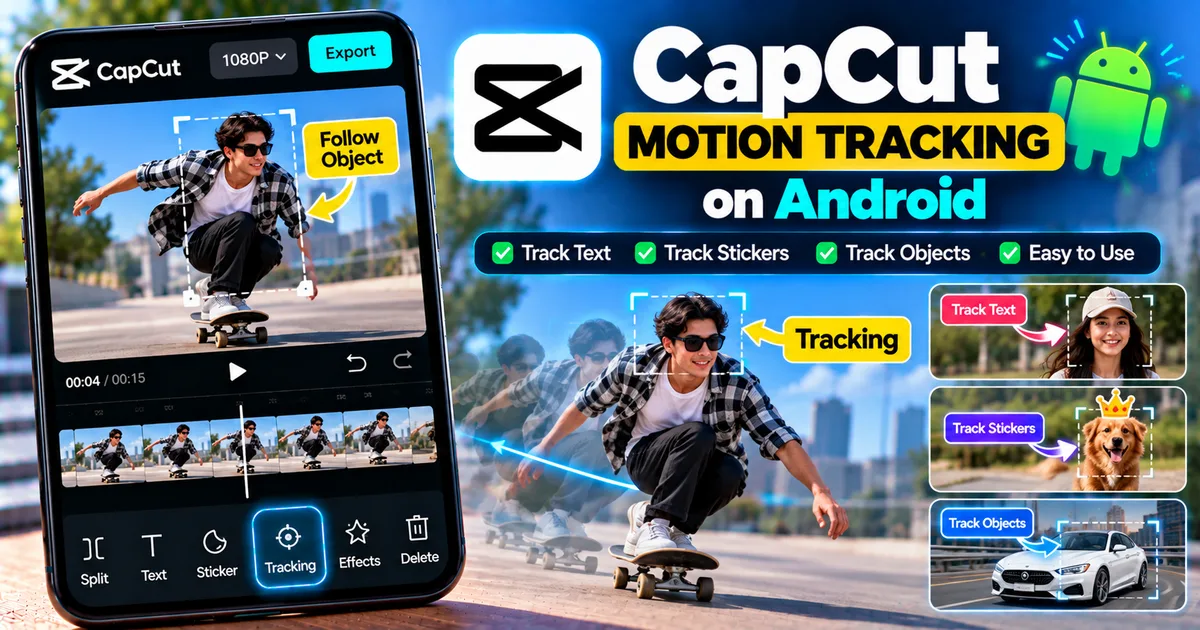
Learn how to use motion tracking in CapCut on Android to make text, stickers, and effects follow moving objects, plus fix common tracking problems.
GetApkFree Team
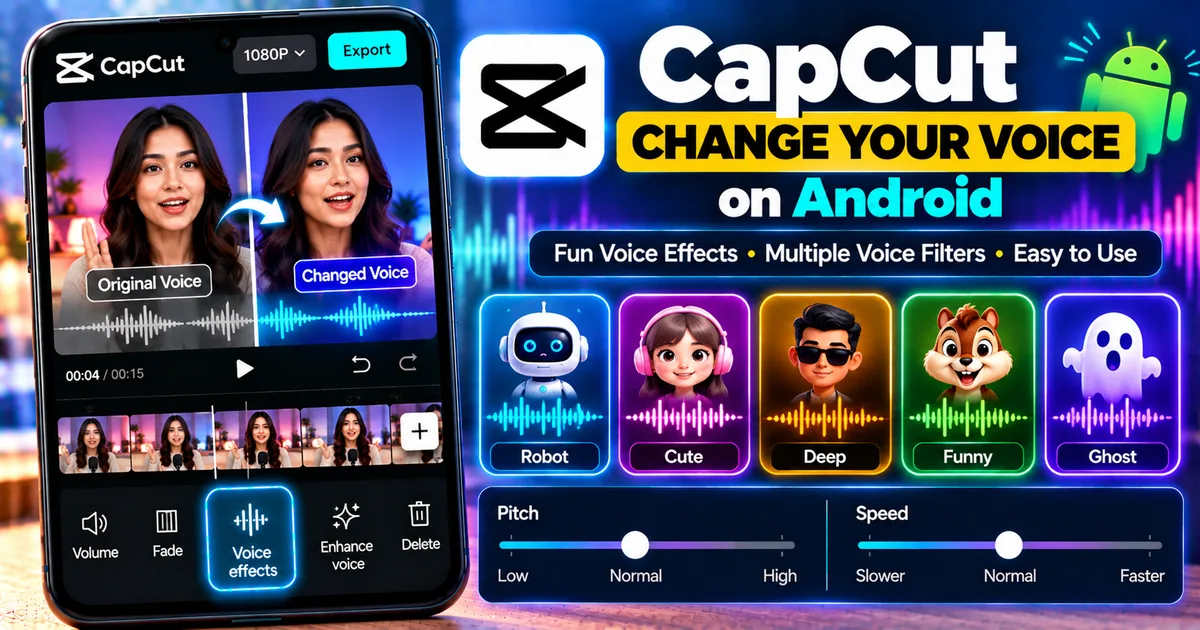
Learn how to change your voice in CapCut on Android using voice effects, filters, and characters, plus tips for fixing common voice-effect problems.
GetApkFree Team
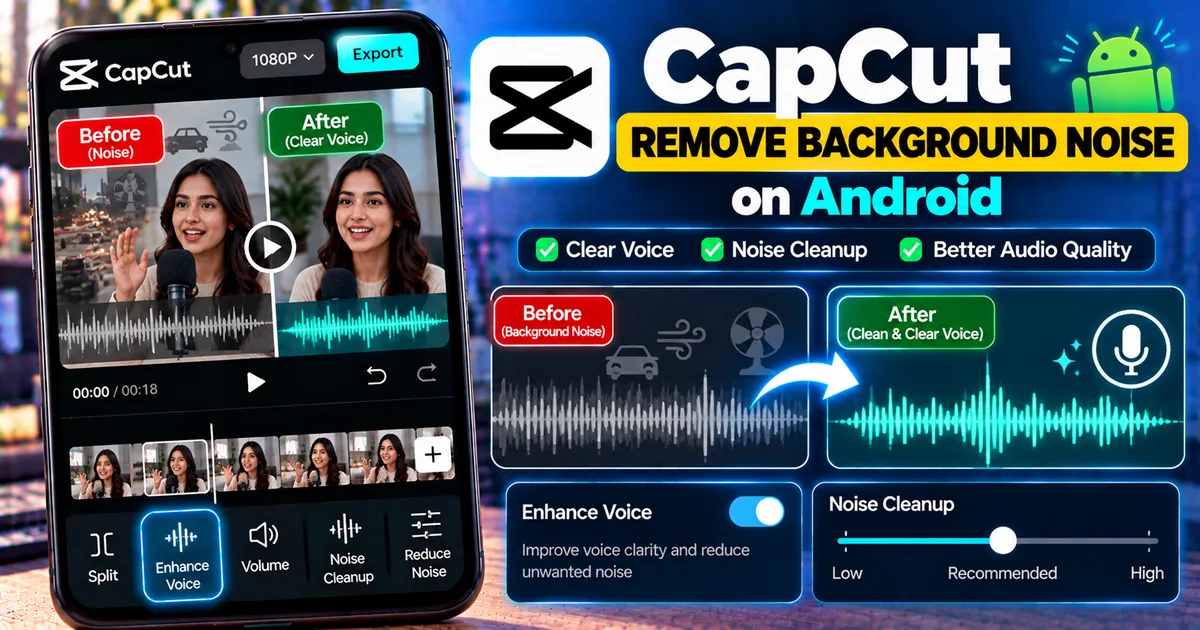
Learn how to remove background noise in CapCut on Android using Enhance Voice and Noise Cleanup, plus fix common audio problems.
GetApkFree Team
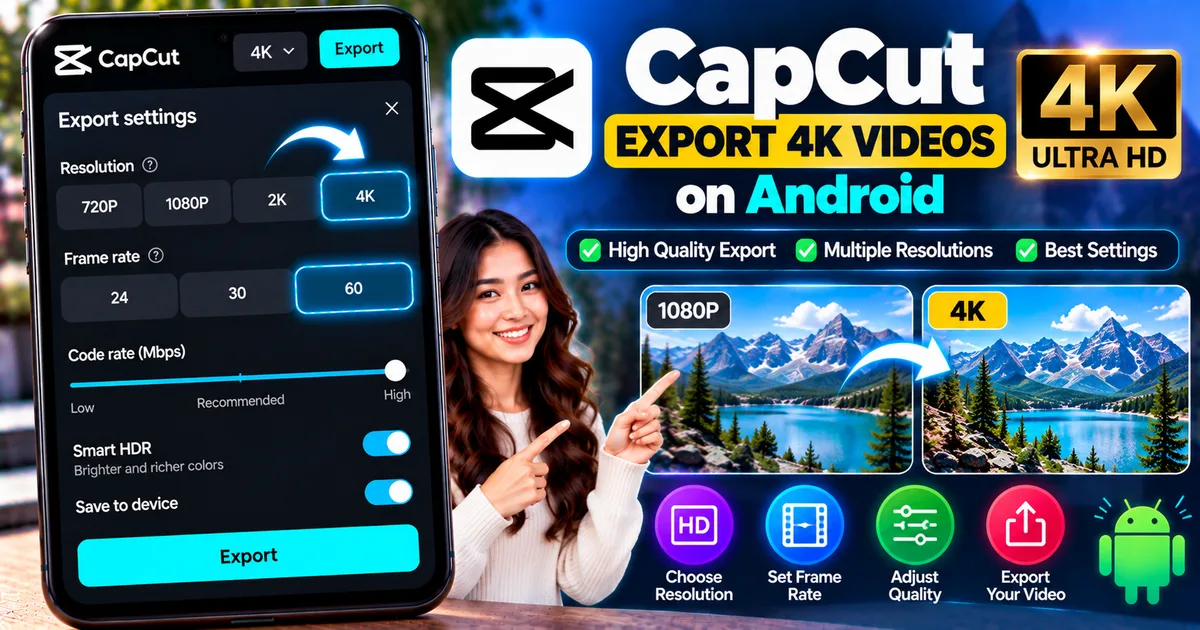
Learn how to export 4K videos in CapCut on Android, choose resolution and frame rate, improve export quality, and fix missing 4K options.
GetApkFree Team
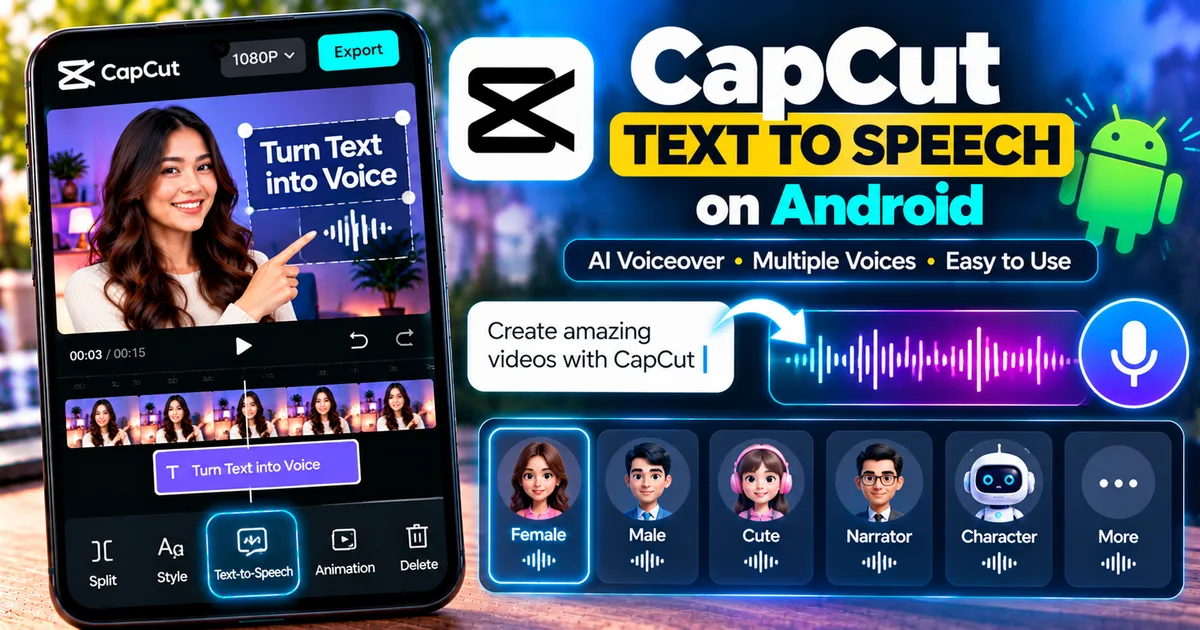
Learn how to use CapCut text-to-speech on Android to turn text into voiceovers, choose voices, adjust timing, and fix common TTS problems.
GetApkFree Team
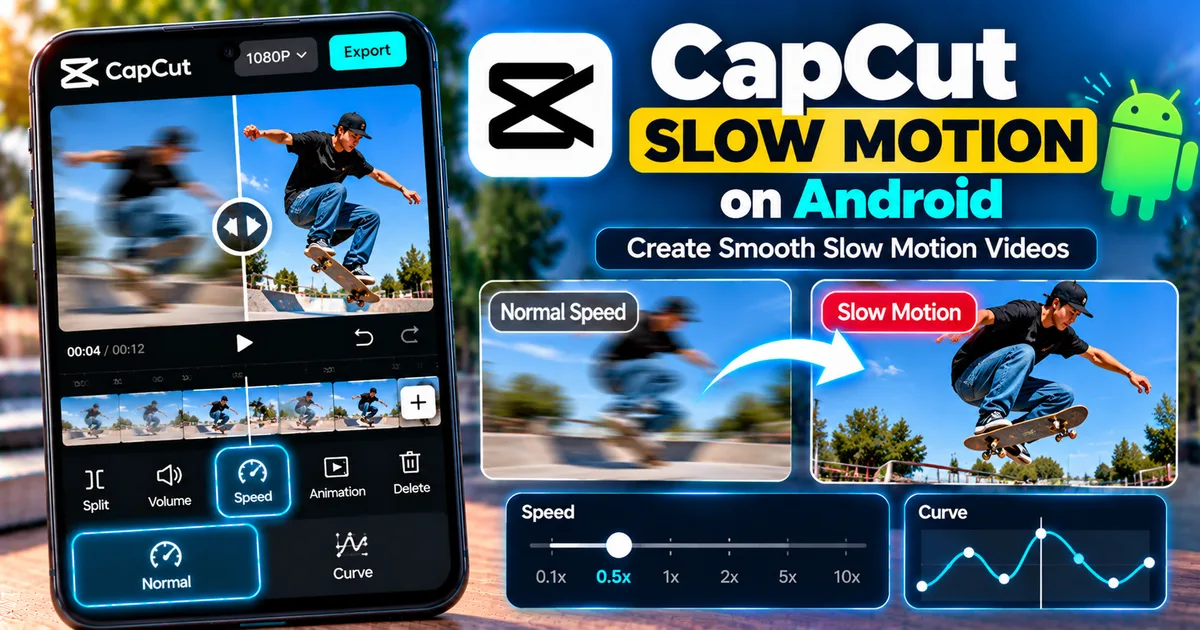
Learn how to make slow motion videos in CapCut on Android using Speed, Curve, and Smooth Slow-Mo, plus tips for smoother results.
GetApkFree Team
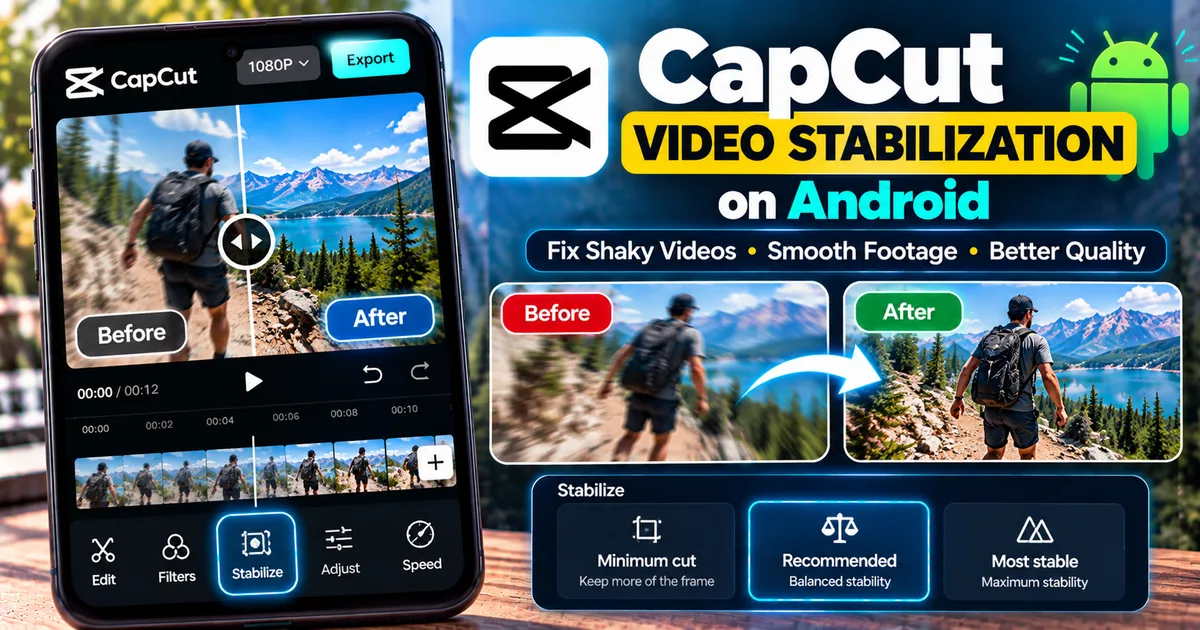
Learn how to stabilize shaky videos in CapCut on Android, choose the right stabilization level, reduce camera shake, and fix common problems.
GetApkFree Team