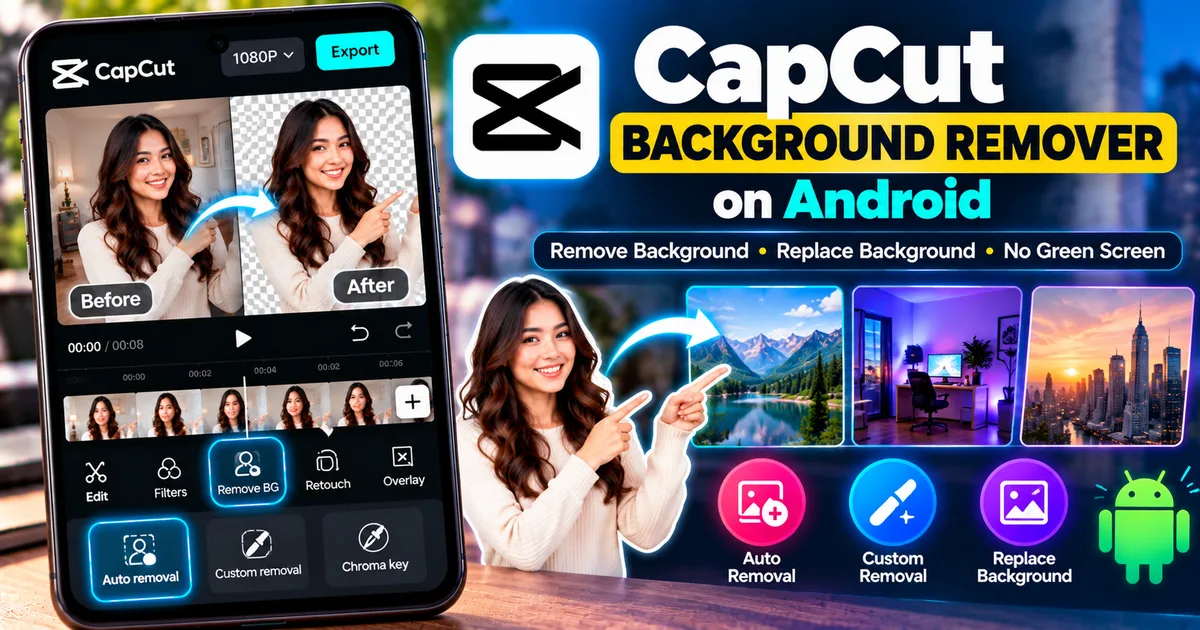
Productivity14 min read
How to Remove Video Background in CapCut on Android
Learn how to remove a video background in CapCut on Android without a green screen using Auto Removal, Custom Removal, and background replacement.
GetApkFree Team
GetApkFree Blog
What to install, what to avoid, and how to get the most out of open-source Android apps.
Showing 61–70 of 142 posts
Learn how to remove a video background in CapCut on Android without a green screen using Auto Removal, Custom Removal, and background replacement.
GetApkFree Team
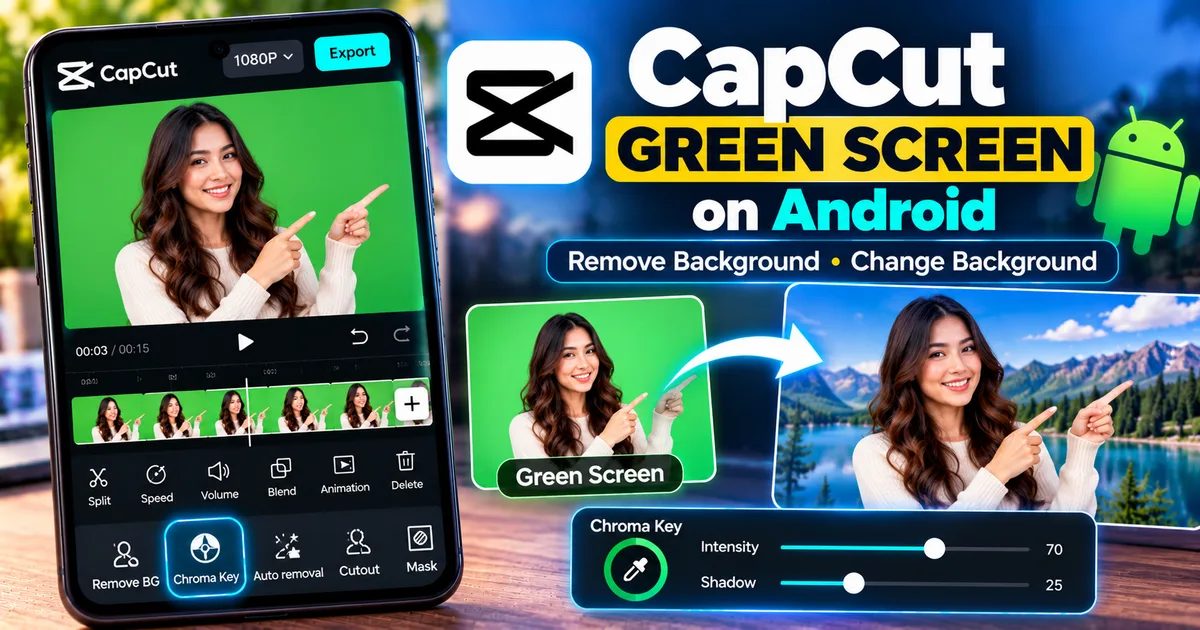
Learn how to use green screen in CapCut on Android with Chroma Key, replace backgrounds, adjust intensity and shadow, and fix common problems.
GetApkFree Team
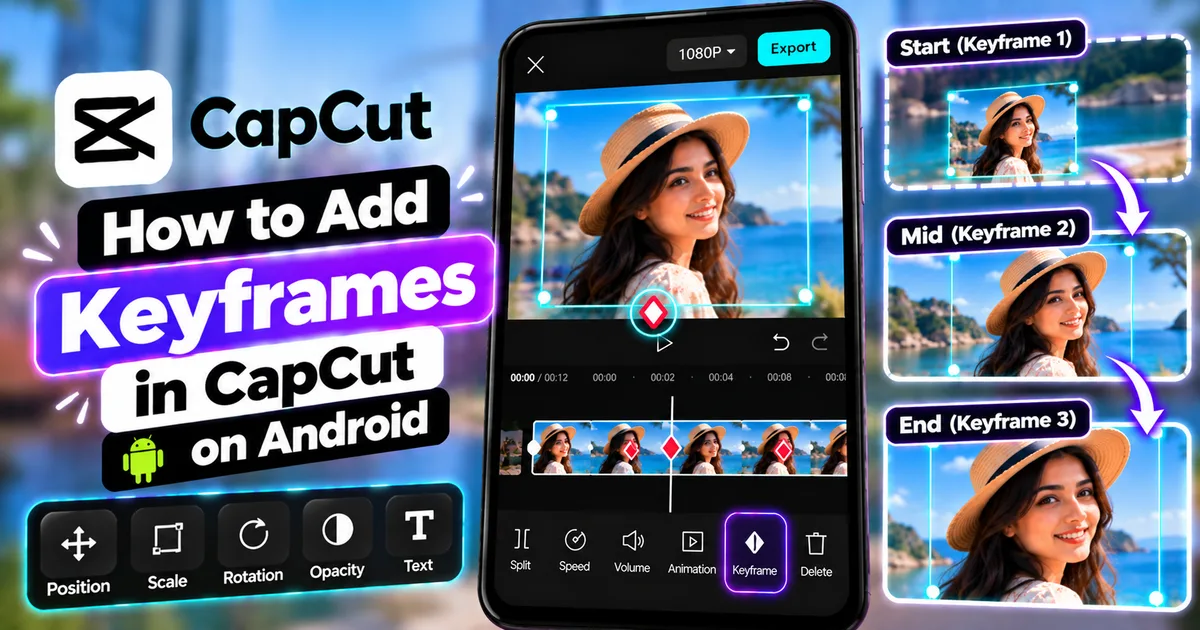
Learn how to add keyframes in CapCut on Android to animate photos, move text, create smooth zoom effects, and fix common keyframe problems.
GetApkFree Team
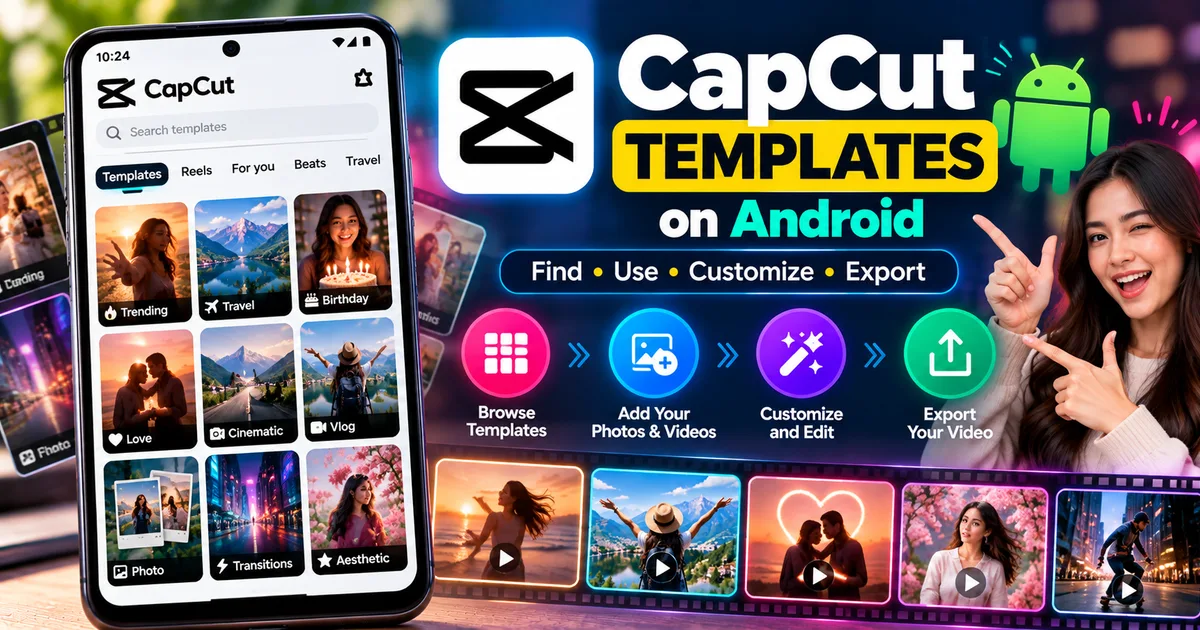
Learn how to use CapCut templates on Android, find trending templates, replace photos and videos, customize them, and export your finished edit.
GetApkFree Team
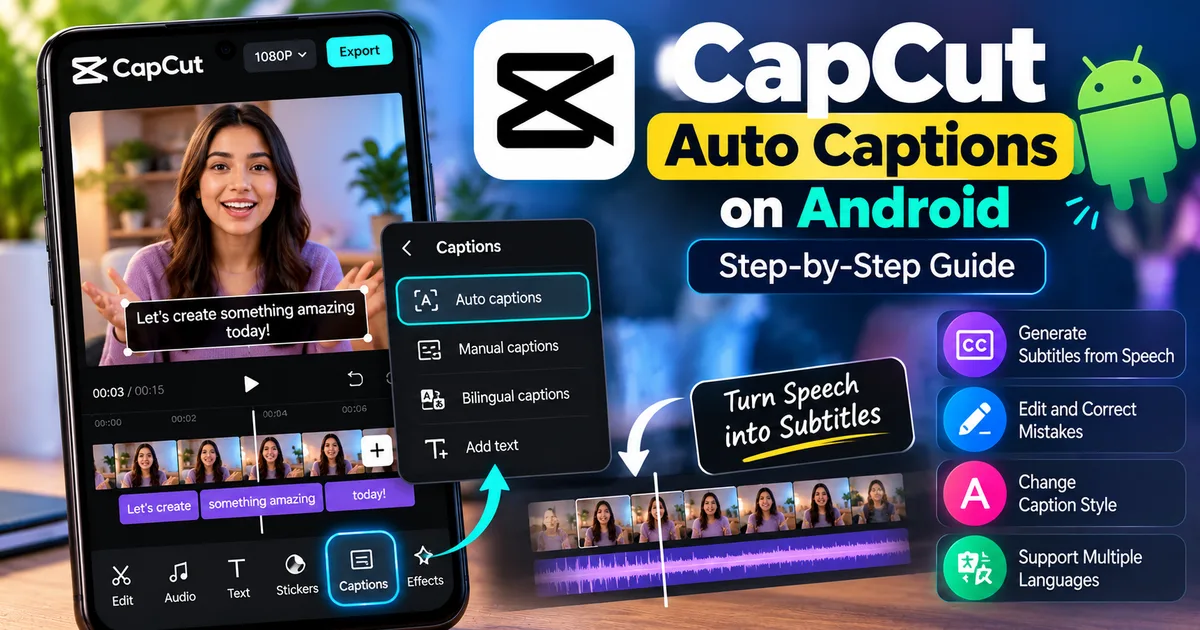
Learn how to add auto captions in CapCut on Android, generate subtitles from speech, edit mistakes, change caption styles, and improve accuracy.
GetApkFree Team
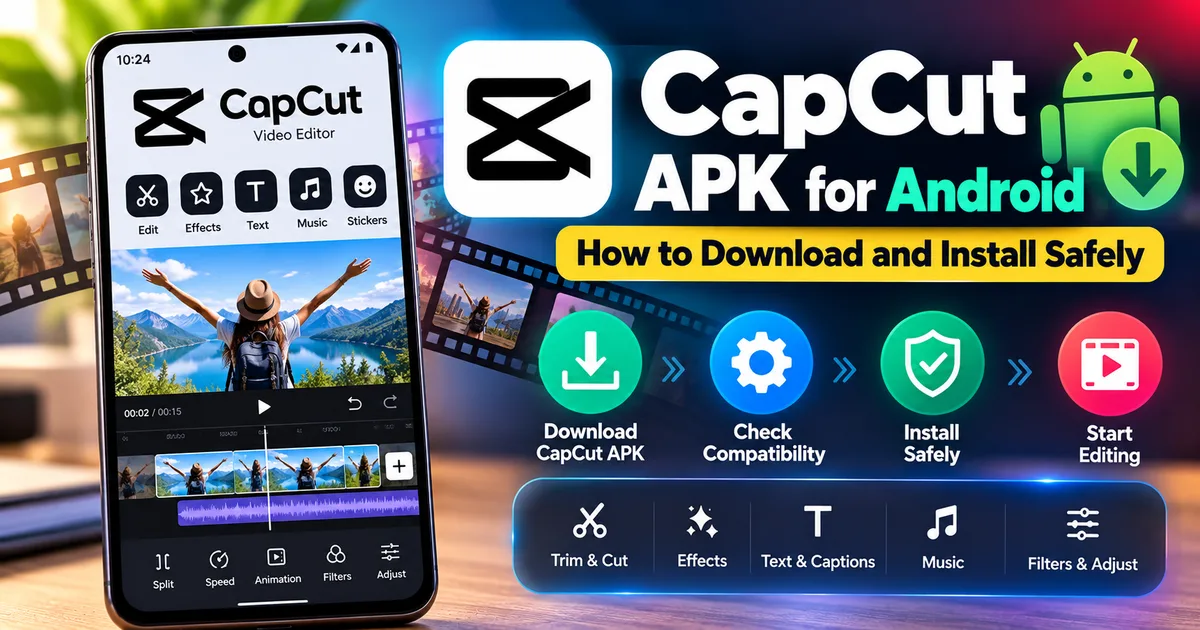
Learn how to download and install CapCut APK on Android safely, check compatibility, verify the source, and troubleshoot common installation problems.
GetApkFree Team
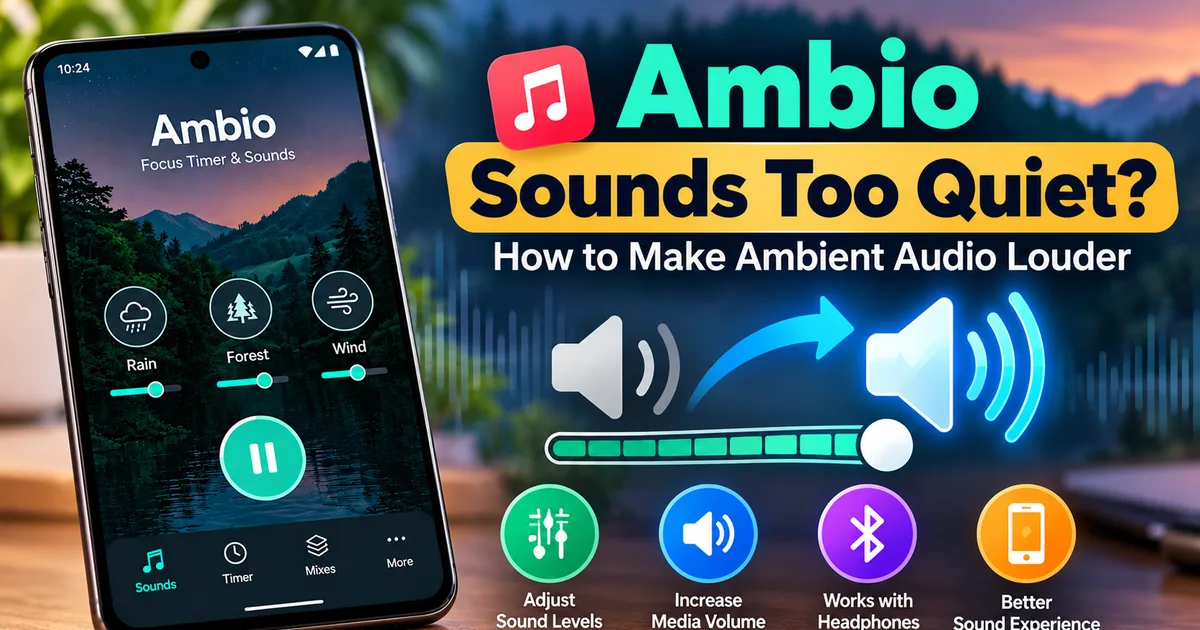
Are Ambio sounds too quiet? Learn how to increase ambient audio volume, adjust individual sound levels, check Android media volume, and troubleshoot playback.
GetApkFree Team
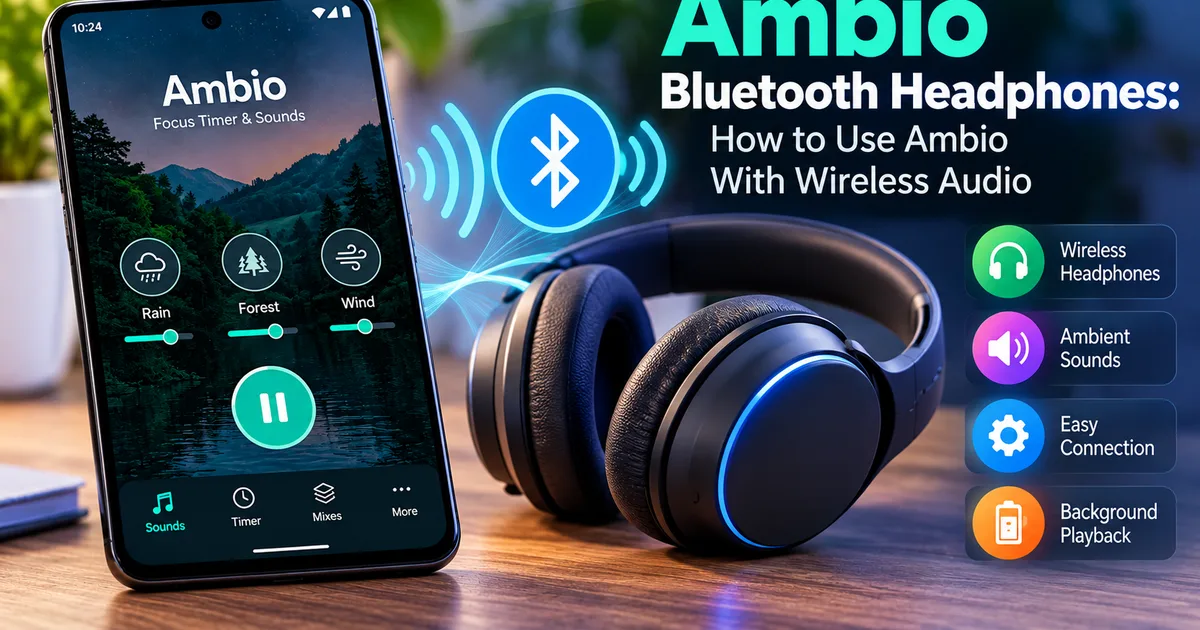
Learn how to use Ambio with Bluetooth headphones on Android, select the correct audio output, troubleshoot sound issues, and keep playback running.
GetApkFree Team
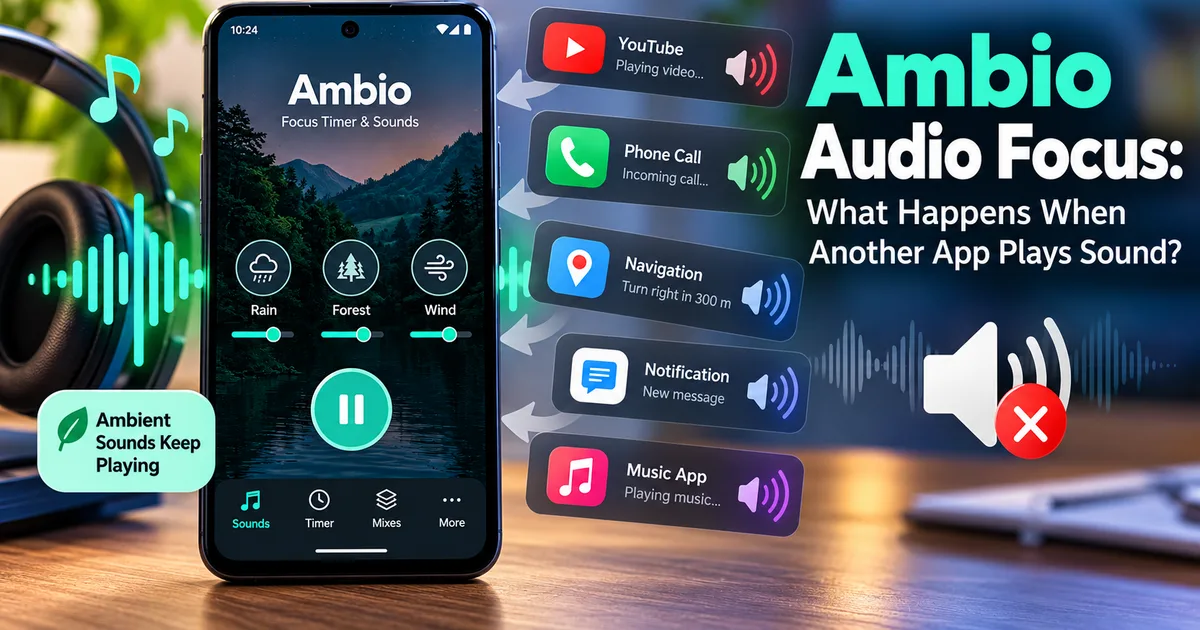
Learn how Ambio handles audio when another app, notification, call, or media session needs sound focus on Android.
GetApkFree Team
Does Ambio collect your data? Learn what Ambio says about data collection, tracking, accounts, permissions, offline use, and privacy on Android.
GetApkFree Team